8 - 36
IPN 074-397-P1G
HAPSITE Smart Operating Manual
HINT: Smart IQ remembers the last access level when closed. When the program
is re-opened, the system will default to the last access level used. If a
password has been set, the user will be required to enter the correct
password to open with Advanced access. If the password is not known, the
user can select Normal access and continue.
8.11 Smart IQ Controls
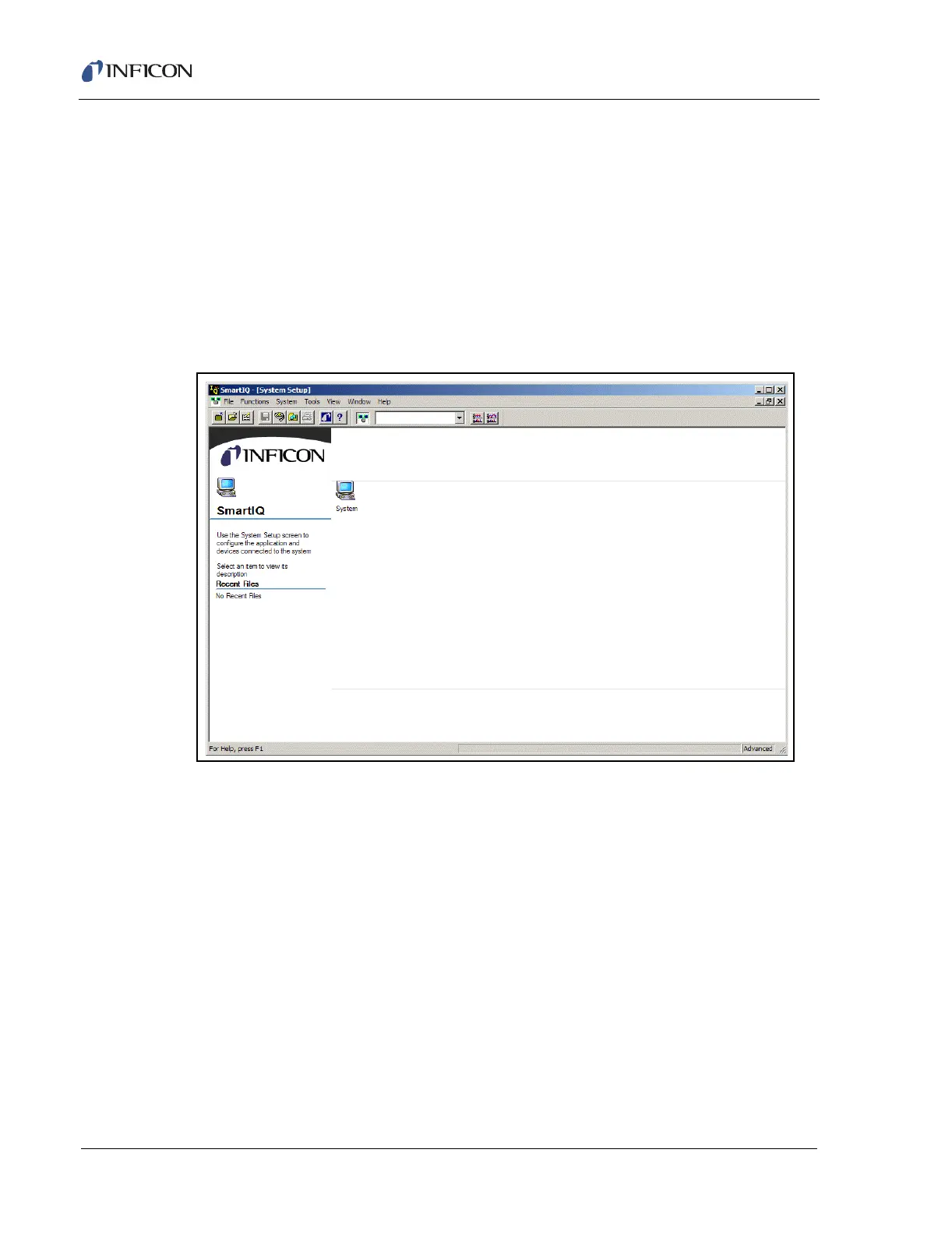
The System Setup Page is the main screen of the Smart IQ software. The System
Setup Page appears as shown in Figure 8-64 upon initial installation.
Figure 8-64 Smart IQ - System Setup View
The screen includes various user interfaces, including:
A menu, located at the top of the window
Toolbars to perform various actions
A main screen which displays component connections, such as HAPSITE and
Service Modules connected. This screen also shows the status of the selected
HAPSITE or Service Module.
When a HAPSITE sensor or Service Module sensor is selected, the sensor
displays icons to execute functions for that device.
NOTE: The Menu items and functions available will change depending upon the
Access Level selected (Normal or Advanced). Normal users may be
restricted from performing certain functions.













 To Next Page