15 - 33
IPN 074-397-P1G
HAPSITE Smart Operating Manual
Figure 15-31 Smart IQ Icon
2 Click on the Tune Icon. See Figure 15-32.
NOTE: Only the Advanced user access can open manual tune.
Figure 15-32 Manual Tune Icon
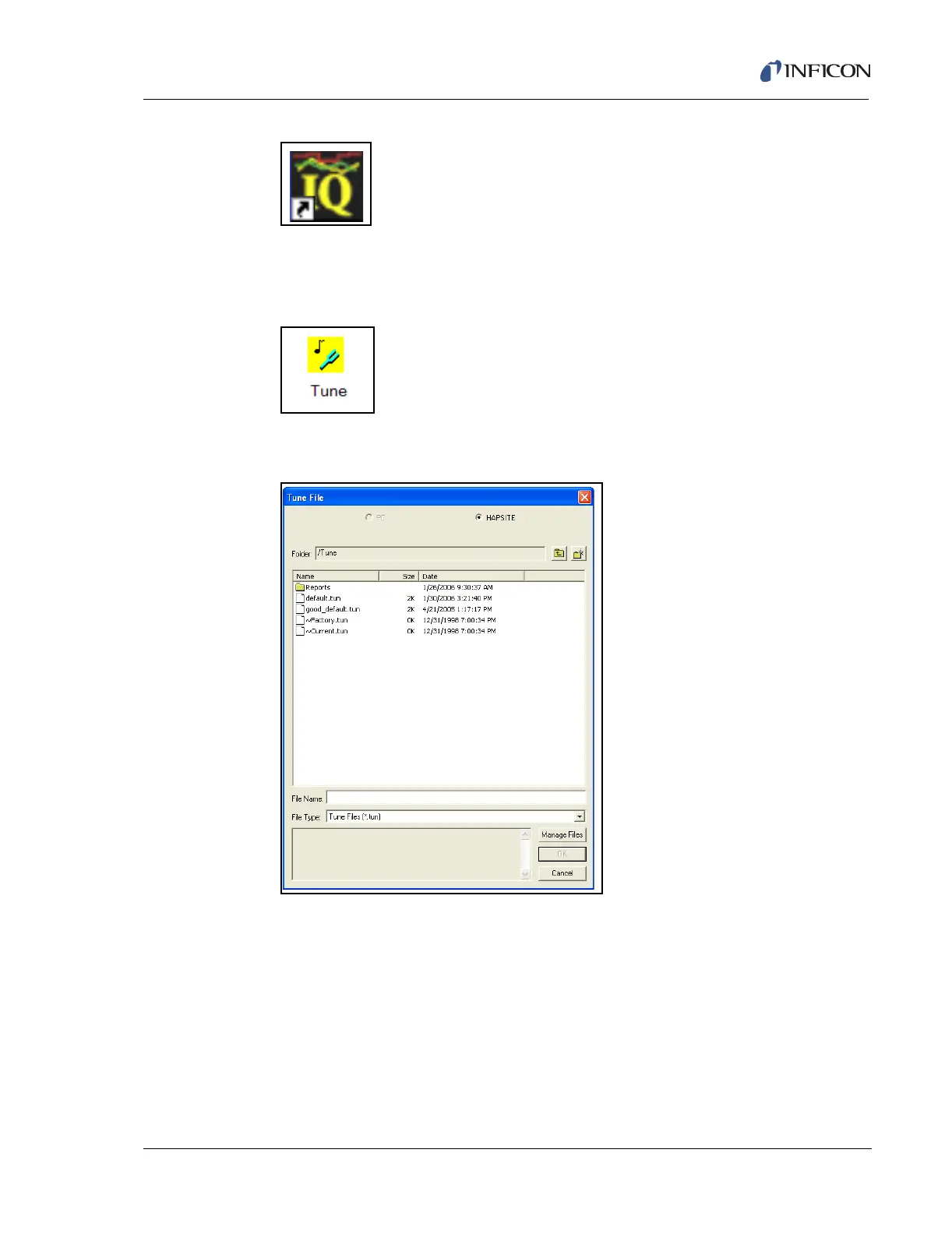
3 Select default.tun file. See Figure 15-33.
Figure 15-33 Select "default.tun" File
4 Wait for the automated process of opening tune to complete
5 Click on View/Sensor Status Grid. See Figure 15-34.













 To Next Page