3 - 25
IPN 074-397-P1G
HAPSITE Smart Operating Manual
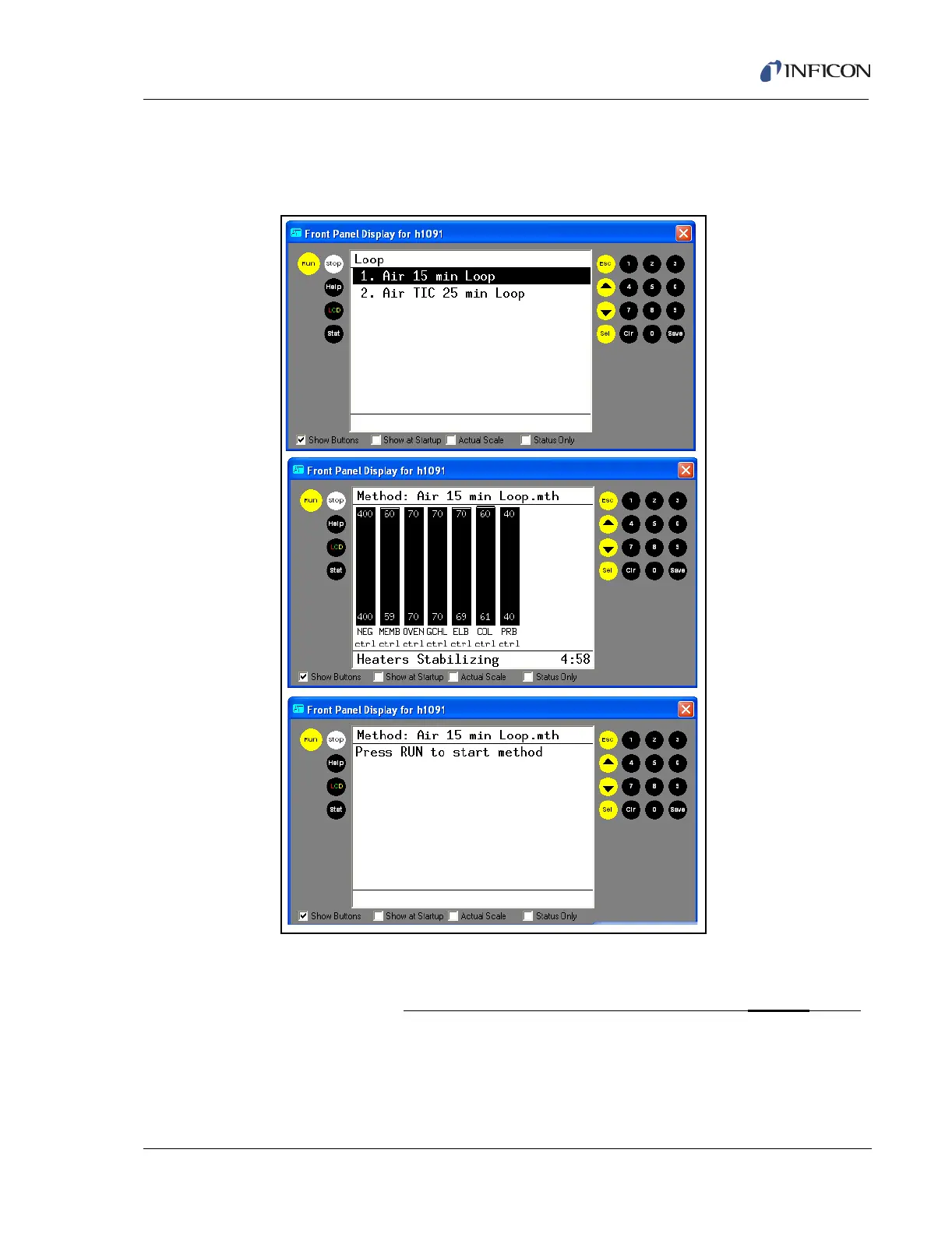
4 Select the method Air 15 min Loop by highlighting it and pressing SEL. The
software will check pressures and temperatures and when ready, the RUN
prompt will appear. Press the RUN button to start the method. See Figure 3-32.
Figure 3-32 Selecting the Loop Method
NOTE: When the RUN button is pressed, the sample pump will turn on and the
word Loopfill will appear in the bottom left corner of the Front Panel
display. Hold the probe over the sample for the entire
Loopfill event
(the sample pump will be audible if not in a noisy environment or in
PPE).













 To Next Page