9 - 3
IPN 074-397-P1G
HAPSITE Smart Operating Manual
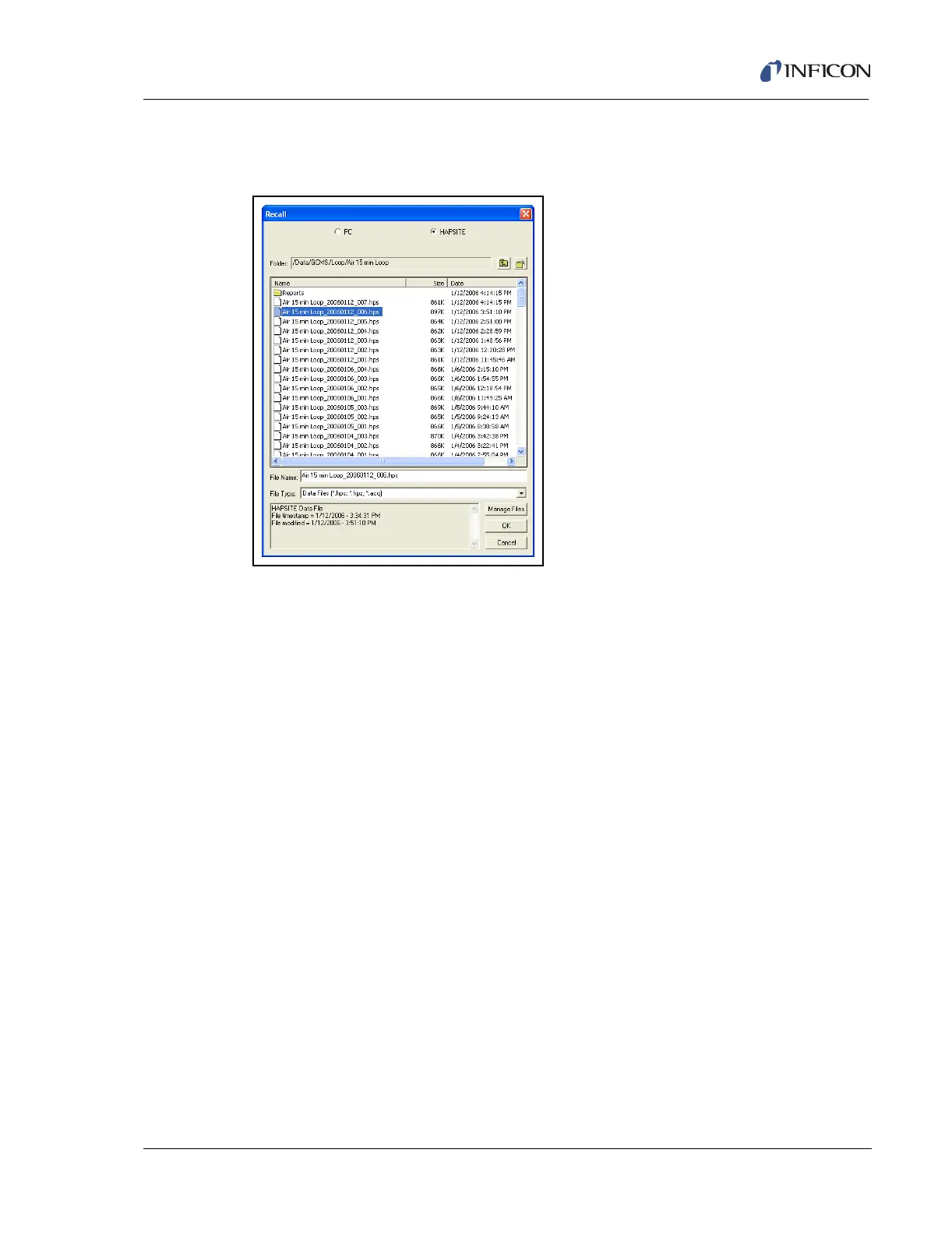
The Recall window will appear. Select the desired data file, either from the PC or
the HAPSITE. See Figure 9-3.
Figure 9-3 Data Recall Window
There are three data file extensions that are available:
*.hps. . . . . . . . . . . . . . . . . . . . . . . . . HAPSITE Smart data file extension
*.hpz. . . . . . . . . . . . . . . . . . . . . . . . . Compressed HAPSITE Smart data file
extension
*.acq. . . . . . . . . . . . . . . . . . . . . . . . . HAPSITE 5.2 and below data file extension
Once selected, the Data Review screen with the requested data file will be
displayed. The Data Review screen divides into three sections, as shown in Figure
9-4.













 To Next Page