5 - 6
IPN 074-397-P1G
HAPSITE Smart Operating Manual
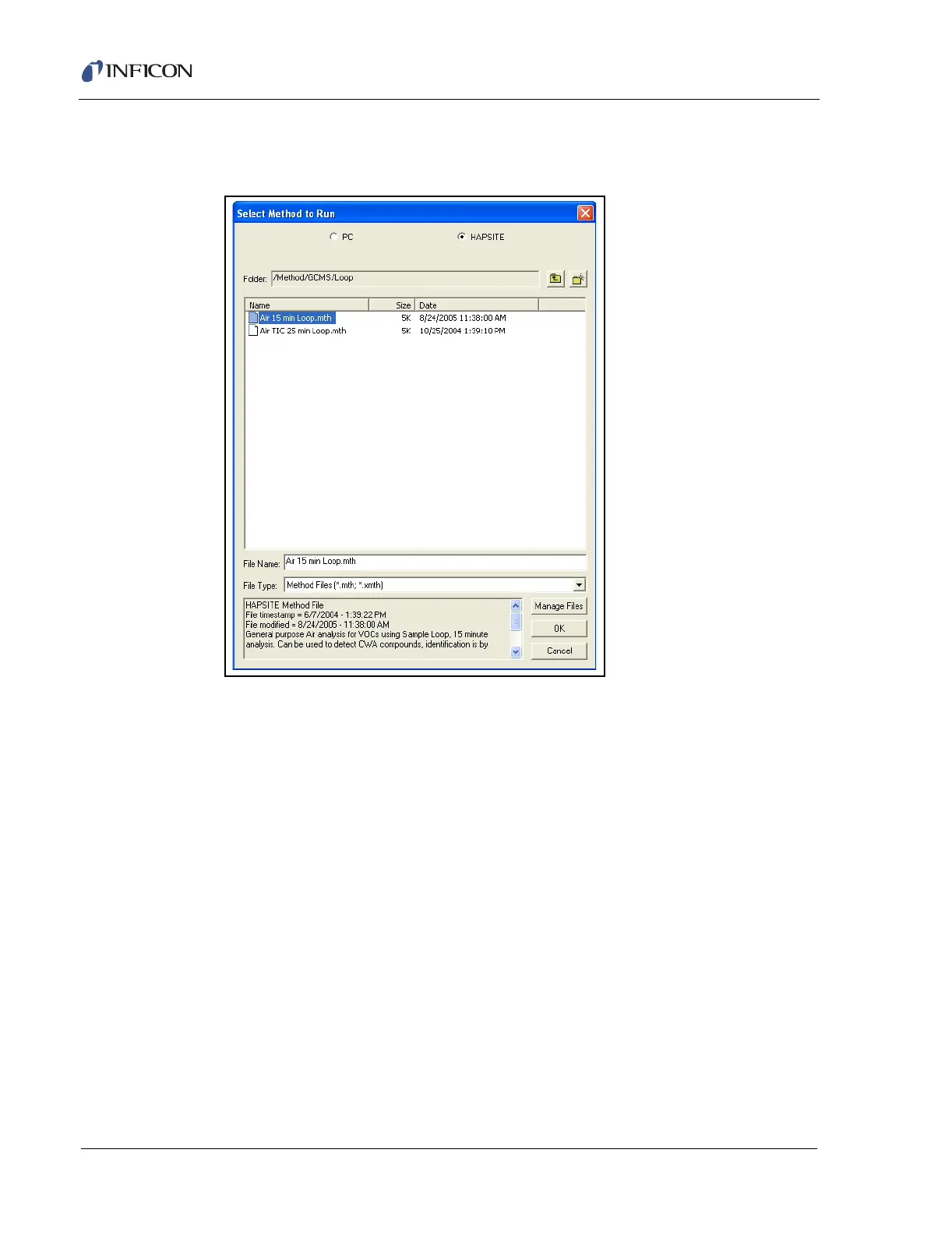
9 Choose the desired method. Double-click the Air 15 min Loop or select
another method and click OK. See Figure 5-7.
Figure 5-7 Selecting the Air 15 Min Loop Method
10 The software will check the pressure in the gas canisters, heat up all the zones,
run an autotune (if required), and make tune adjustments as necessary. The
process may take up to 20 minutes. When it is done heating, a prompt will
appear to indicate the HAPSITE is ready to run a sample. Click RUN.













 To Next Page