5 - 27
IPN 074-397-P1G
HAPSITE Smart Operating Manual
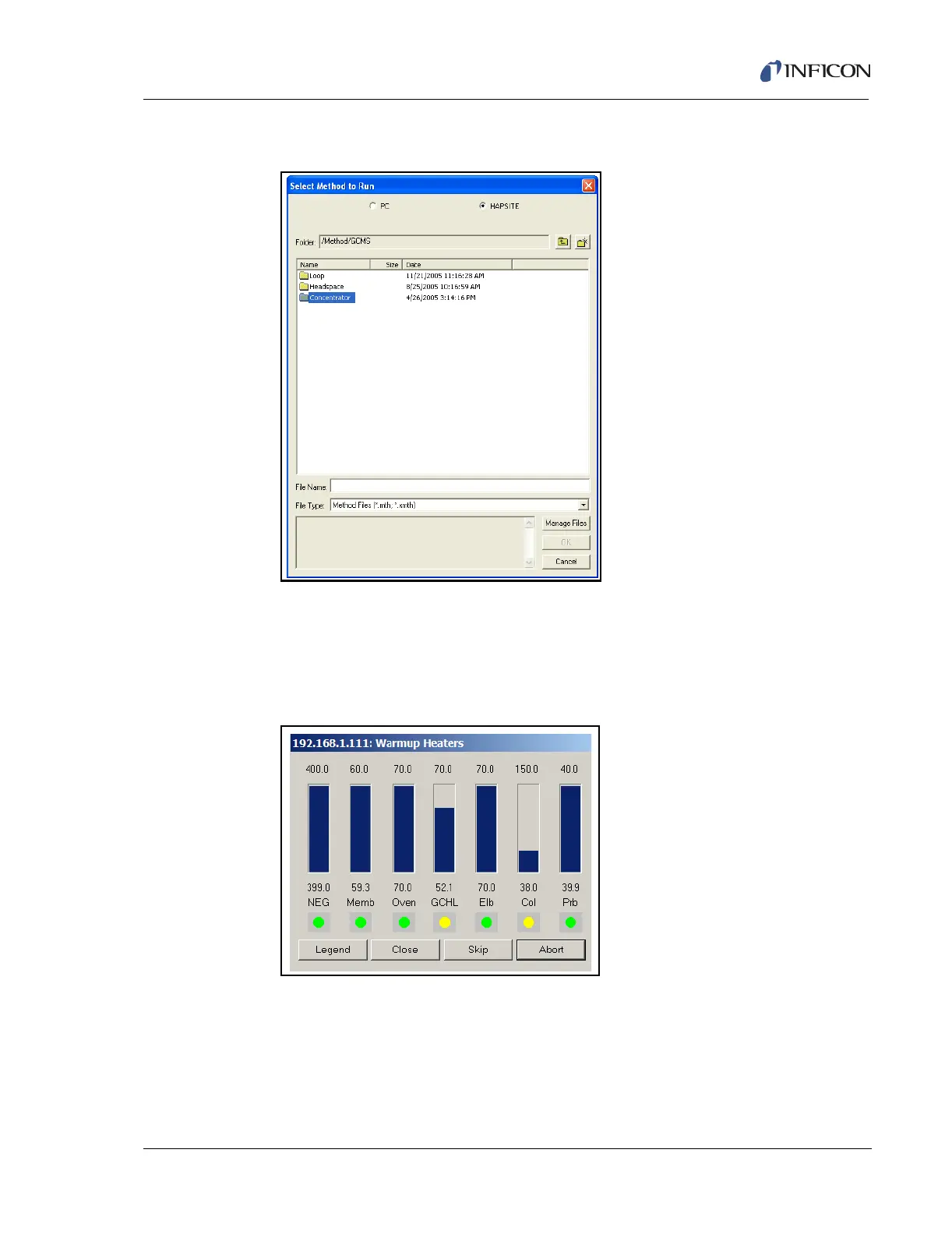
4 Double-click the Concentrator folder. See Figure 5-42.
Figure 5-42 Selecting the Physical Configuration
5 Double-click the 3 min Tenax Conc Cleanout.mth method.
NOTE: The system will raise the column temperature to 150 °C, which will take
a few minutes. When all the zones are heated, the Run Method
prompt will be displayed. See Figure 5-43.
Figure 5-43 3 min Tenax Conc Cleanout Warm-up
6 Click the RUN button displayed in the pop-up window on the laptop. This run
will take three minutes to complete.













 To Next Page