5 - 30
IPN 074-397-P1G
HAPSITE Smart Operating Manual
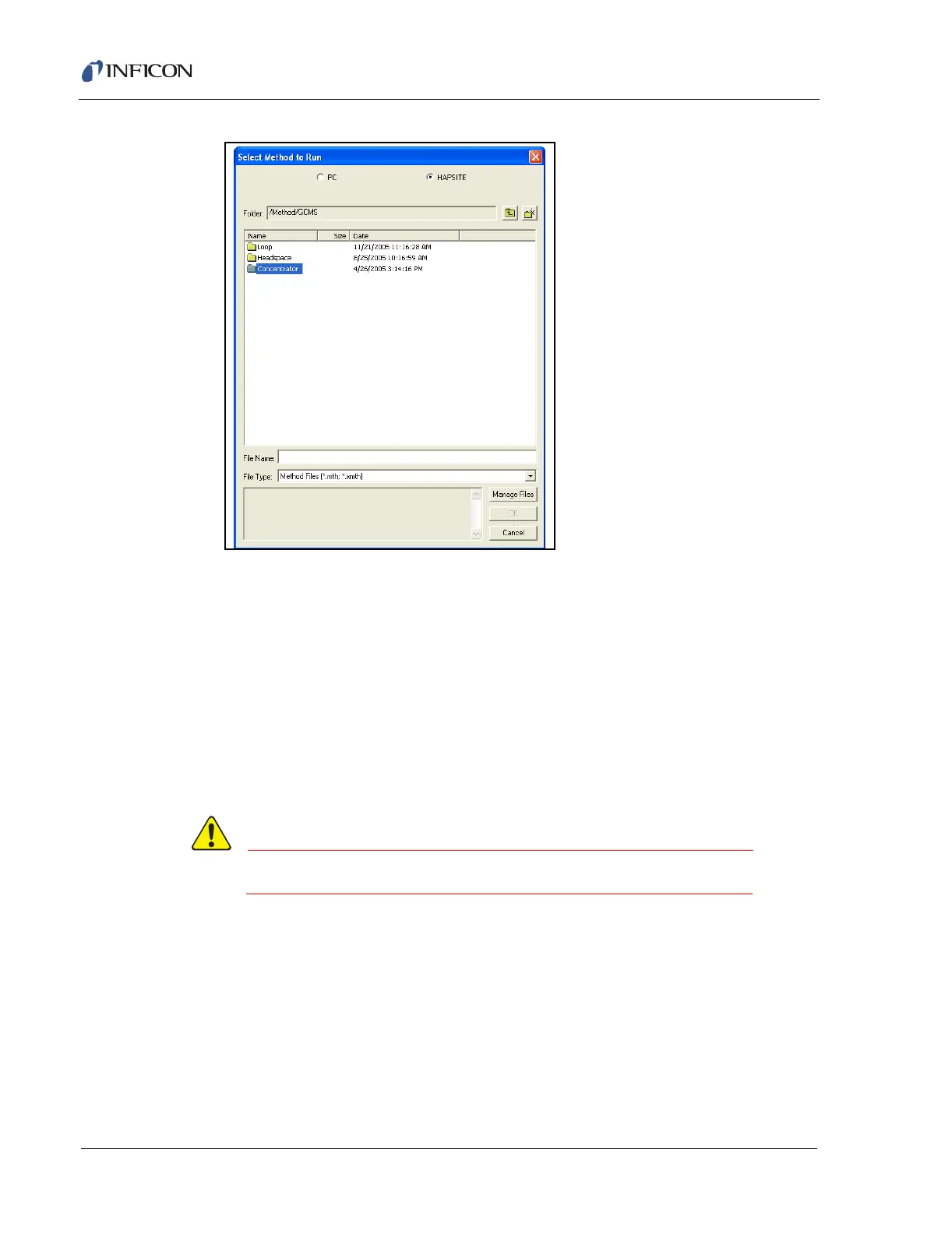
Figure 5-46 Selecting the Physical Configuration
10 Select the Air 15 min Tenax Conc.mth method and click OK.
11 Click Run on the pop-up window in the software.
12 Once Run is selected, hold the probe over the sample the entire time the
sample pump is running from the Linepurge until the Concfill event is
completed. This takes two minutes.
NOTE: The software will automatically open up a data review window, as the
sample is running, to show the chromatogram. Peaks can be identified
as shown during the run. See Chapter 9, Data Review, for details on
viewing the results.
Do not place the sample probe in liquids while sampling.













 To Next Page