8 - 27
IPN 074-397-P1G
HAPSITE Smart Operating Manual
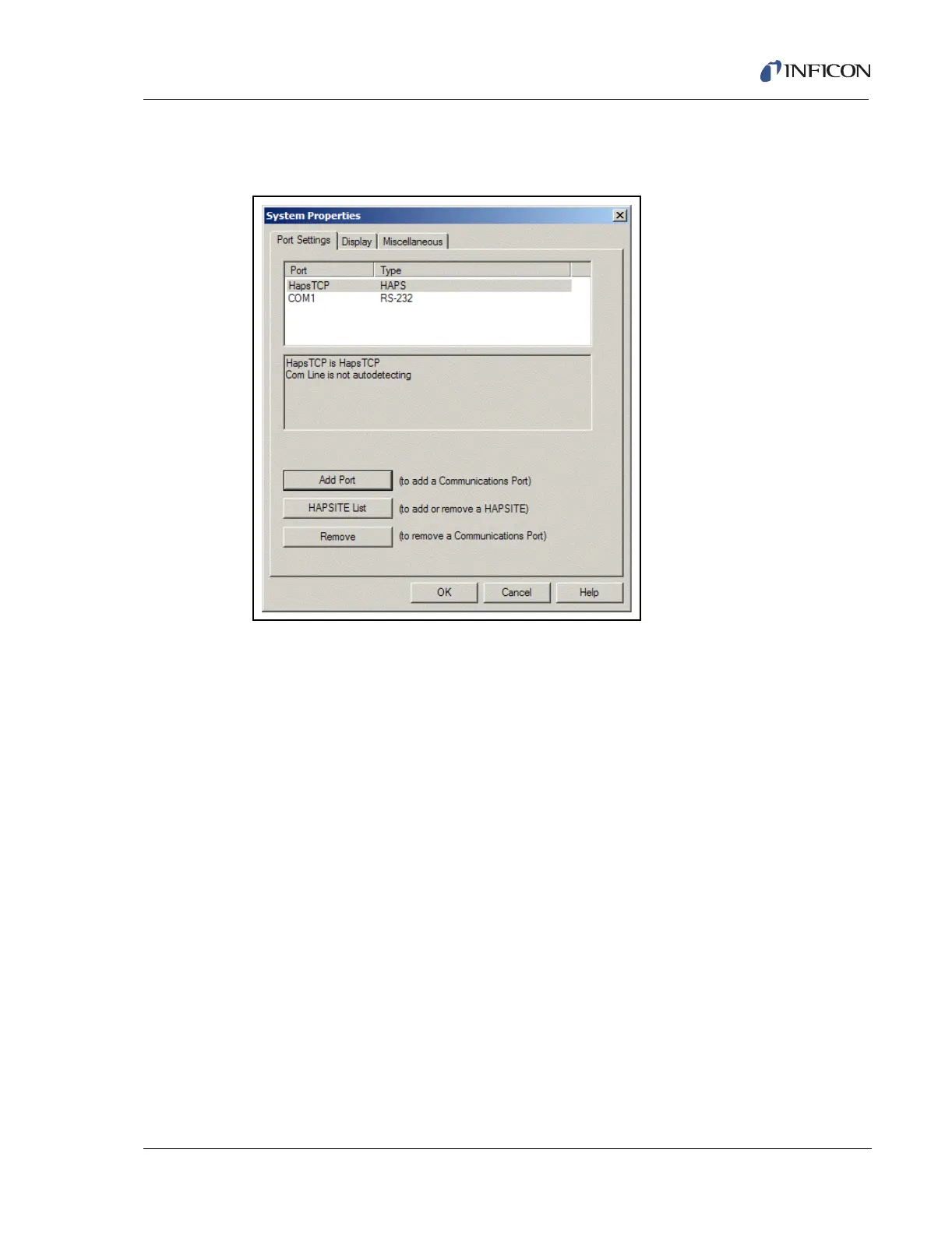
After the COM port has been selected, the COM port will appear in the Port list in
the System Properties window, as shown in Figure 8-48.
Figure 8-48 Port List in Port Settings Tab of System Properties
Press the OK button and the system will automatically establish communications
with a Service Module (if powered on and connected) using a RS-232 cable.
Please refer to Section 2.7.1, Setting Up the Service Module, on page 2-18 for
more details.













 To Next Page