10 - 2
IPN 074-397-P1G
HAPSITE Smart Operating Manual
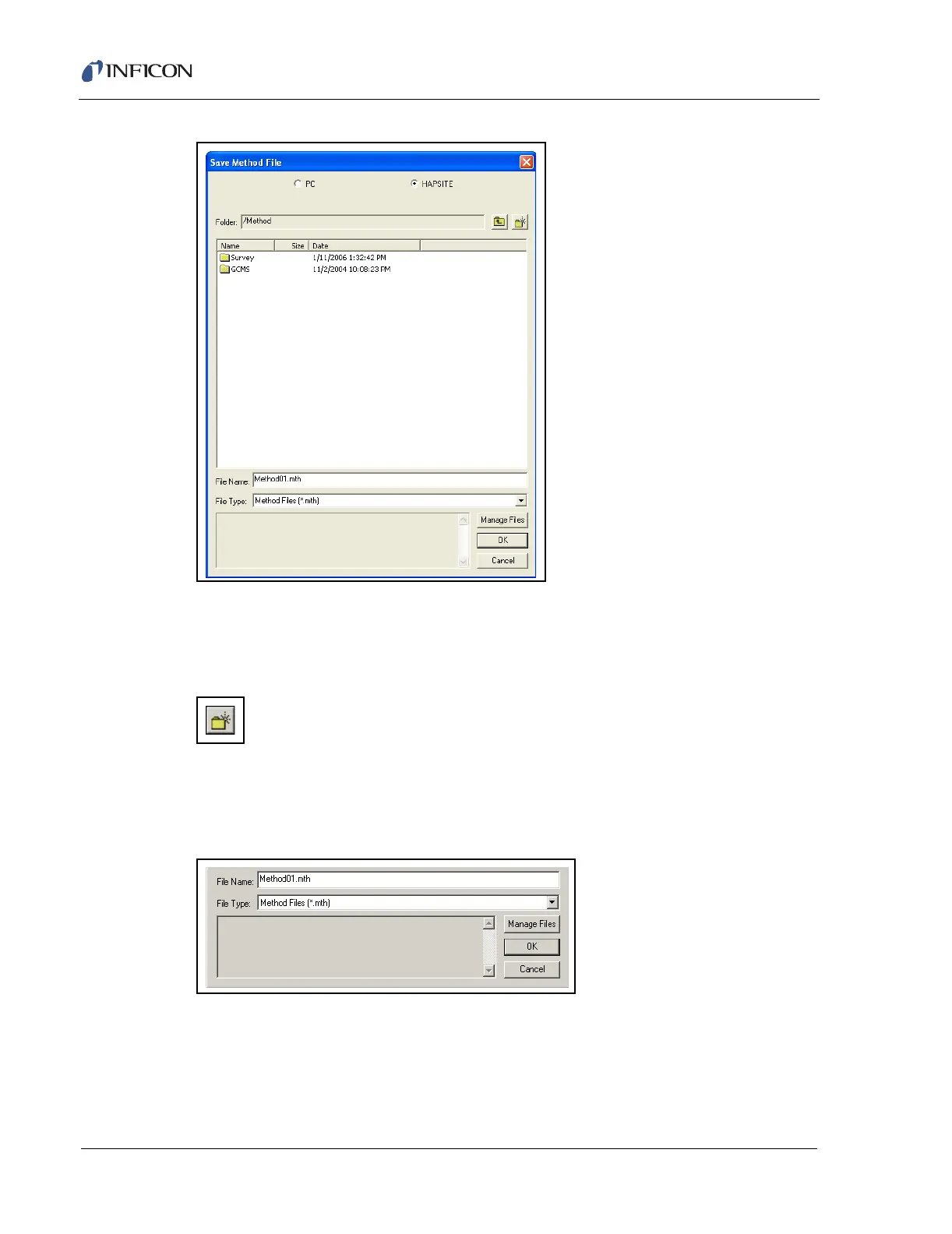
Figure 10-1 Save Method File Dialog Window - HAPSITE Option Selected
Enter the new file name in the box labeled File Name. The file location may be
changed to save in the GCMS or Survey directory, or a new one may be created
using the Create Folder button, as shown in Figure 10-2.
Figure 10-2 Create Folder Button
To create a new folder, name the new folder then open the new folder before saving
the Method file. Once the location and name have been chosen, press OK to save
the file. See Figure 10-3.
Figure 10-3 Entering a New Method File Name
HINT: The HAPSITE Smart software is case sensitive. Folder names on the
HAPSITE and laptop must be exactly the same. Example: Bakeout and
Bakeout NOT bakeout or BAKEOUT.













 To Next Page