10 - 5
IPN 074-397-P1G
HAPSITE Smart Operating Manual
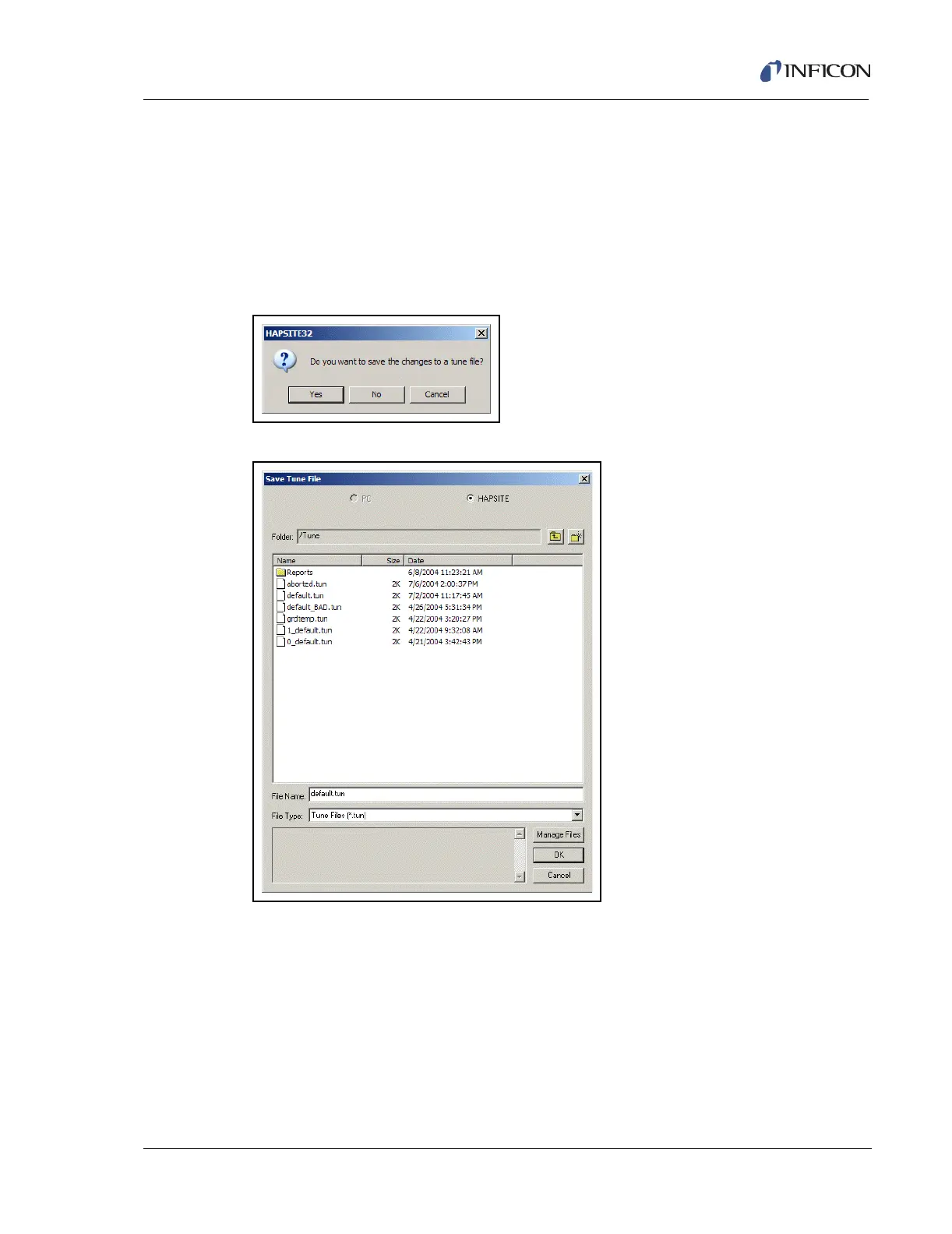
When an attempt is made to exit manual tune without saving, a window will appear
asking "Do you want to save the changes to a tune file?". See Figure 10-6. To save
the file, press Yes. If not saving the tune file, press No. Pressing Cancel will abort
exiting tune without saving the tune file. If saving the tune file, the Save Tune File
window will appear as shown in Figure 10-7. Select a Tune file name and press
OK.
HINT: It is highly recommended to always save the tune as
default.tun.
Figure 10-6 Save Changes Prompt
Figure 10-7 Save Tune File Screen
Once the Tune file is saved, the Save Tune File and Manual Tune windows will be
closed.
If the Tune file already exists, a prompt will appear to confirm that the file will be
overwritten. The confirmation window is shown in Figure 10-8.













 To Next Page