10 - 7
IPN 074-397-P1G
HAPSITE Smart Operating Manual
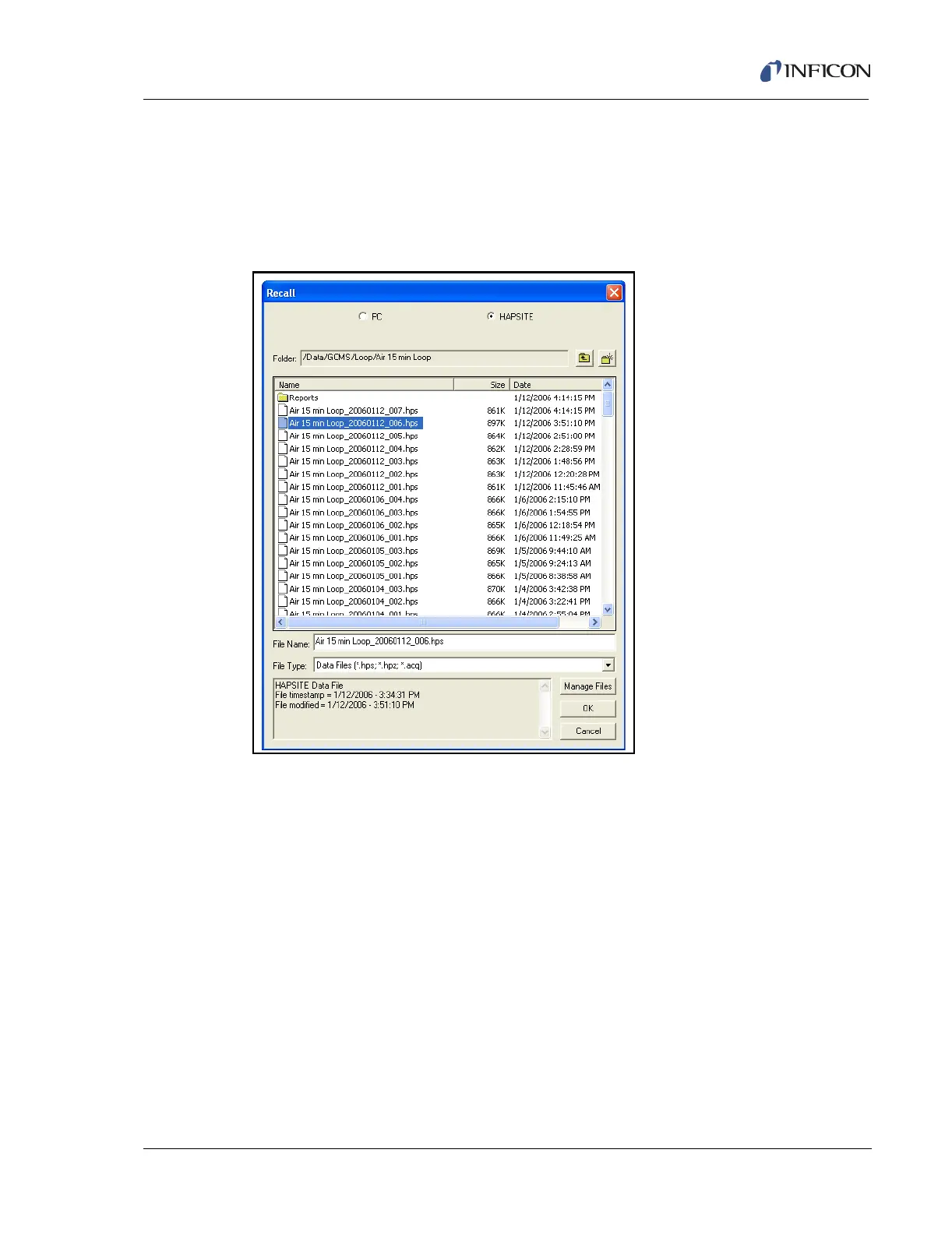
be Data/Default. To select a file to open, open a folder then click on the desired data
file to open, then click the OK button. See Figure 10-10, which shows a data file
being selected.
HINT: Smart IQ data files are saved with a .hps extension at the end of the
filename.
Figure 10-10 Data Review Recall Window
The data file is opened in the Recall window, as shown in Figure 10-11.













 To Next Page