2 - 24
IPN 074-397-P1G
HAPSITE Smart Operating Manual
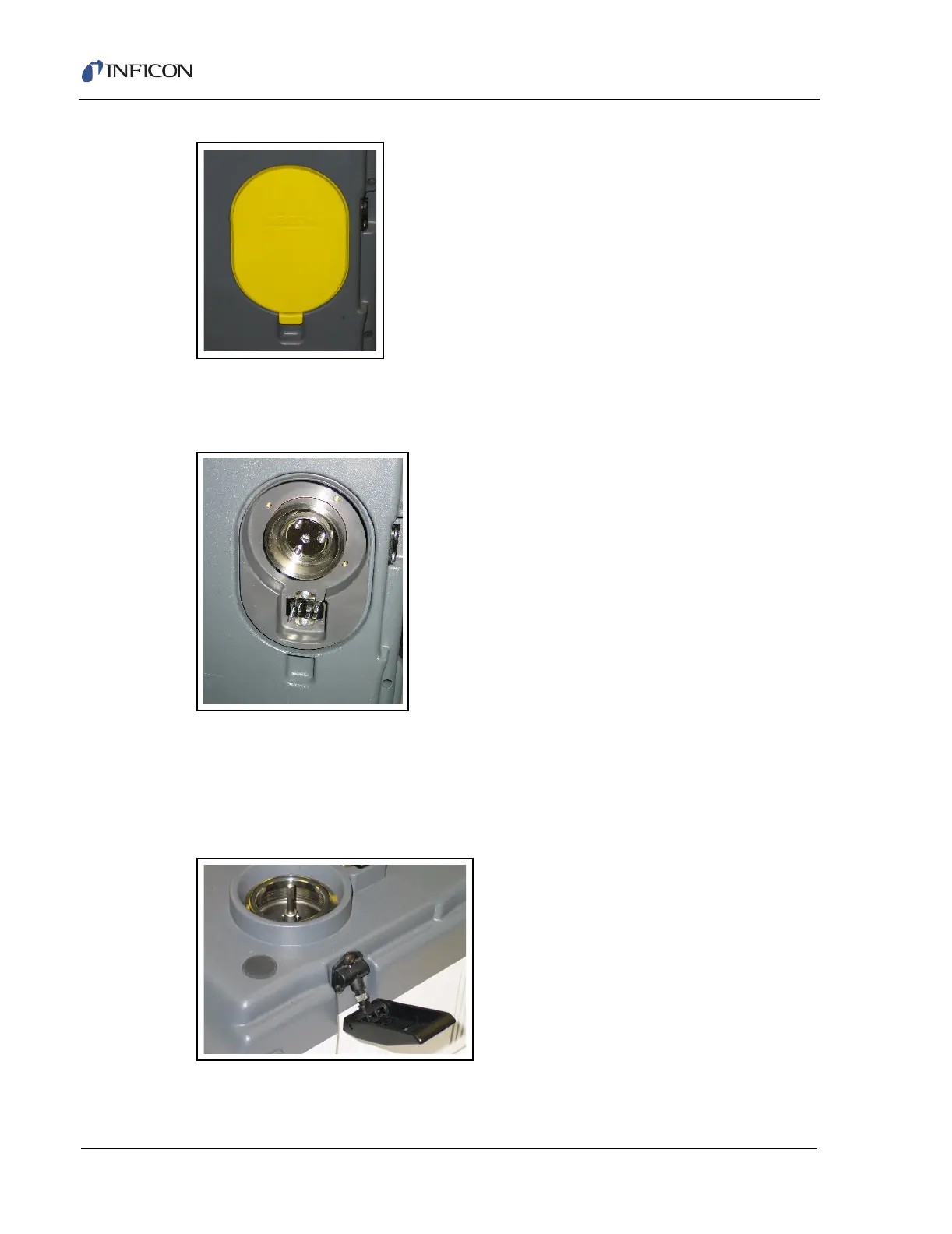
Figure 2-33 Remove the Yellow Plastic Protective Cover on the Bottom of the HAPSITE
Figure 2-34 shows the yellow protective cover removed from the bottom of the
HAPSITE.
Figure 2-34 Yellow Plastic Protective Cover Removed from the Bottom of the HAPSITE
Carefully place the HAPSITE on top of the Service Module. The opening at the
bottom of the HAPSITE should be placed onto the opening on the Service Module.
Attach the Service Module to the HAPSITE using the black latch at each side of the
Service Module. Figure 2-35 shows the right side Service Module latch.
Figure 2-35 Service Module - Showing Latch on Right Side
Figure 2-36 shows the HAPSITE attached to the Service Module using the Service
Module latches.













 To Next Page