2 User Interface
2.4 Menu Panel
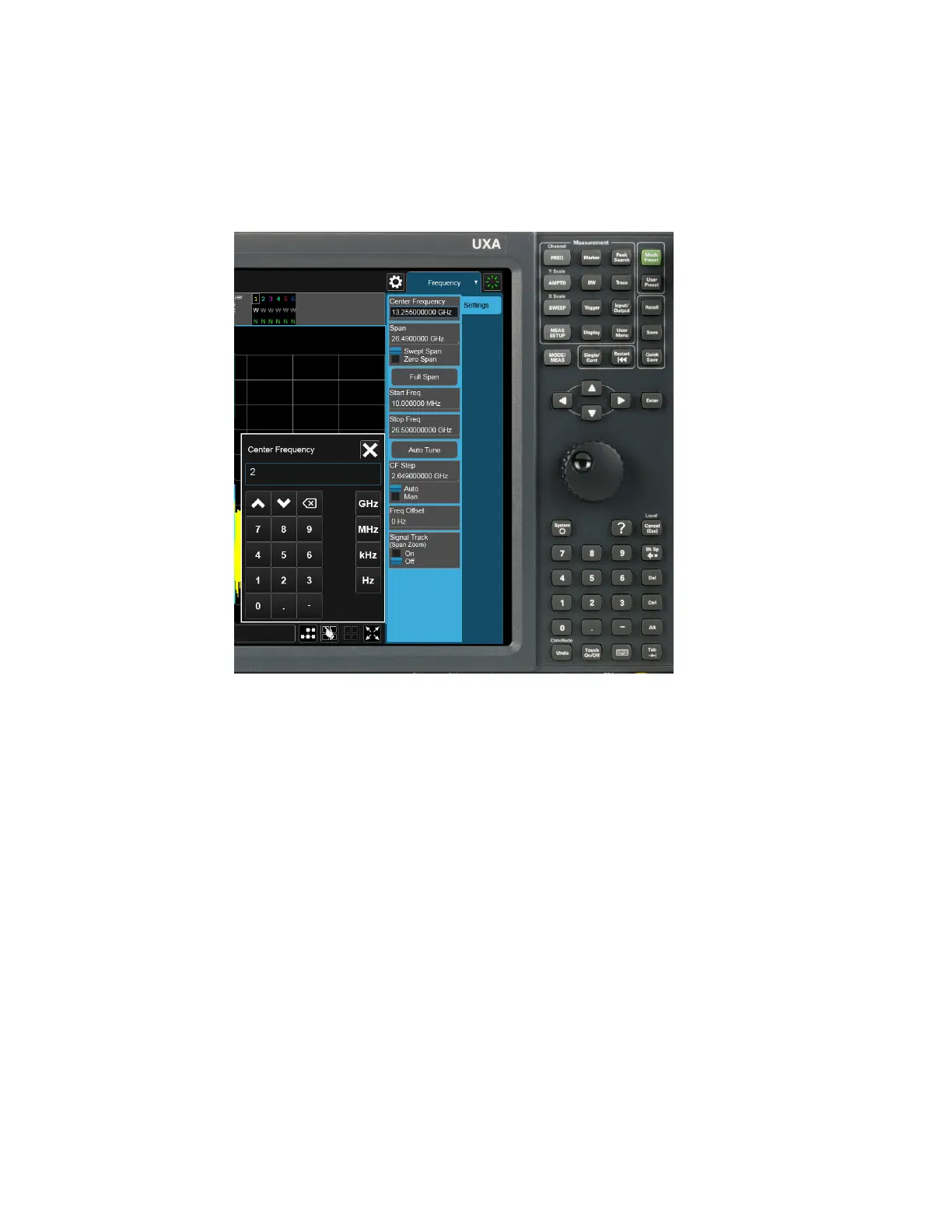
This causes the Numeric Entry Panel to pop up to receive the numbers you are
typing:
Type in as many digits as required, then touch one of the unit terminator buttons in
the Numeric Entry Panel to complete the entry. In this case, 2 GHz was the desired
entry, so you just touch the “GHz” terminator:
WLAN Mode User's &Programmer's Reference 127












 To Next Page