4 System
4.3 Preload / Unload Modes
4.3.7.14 2-Screen Orientation
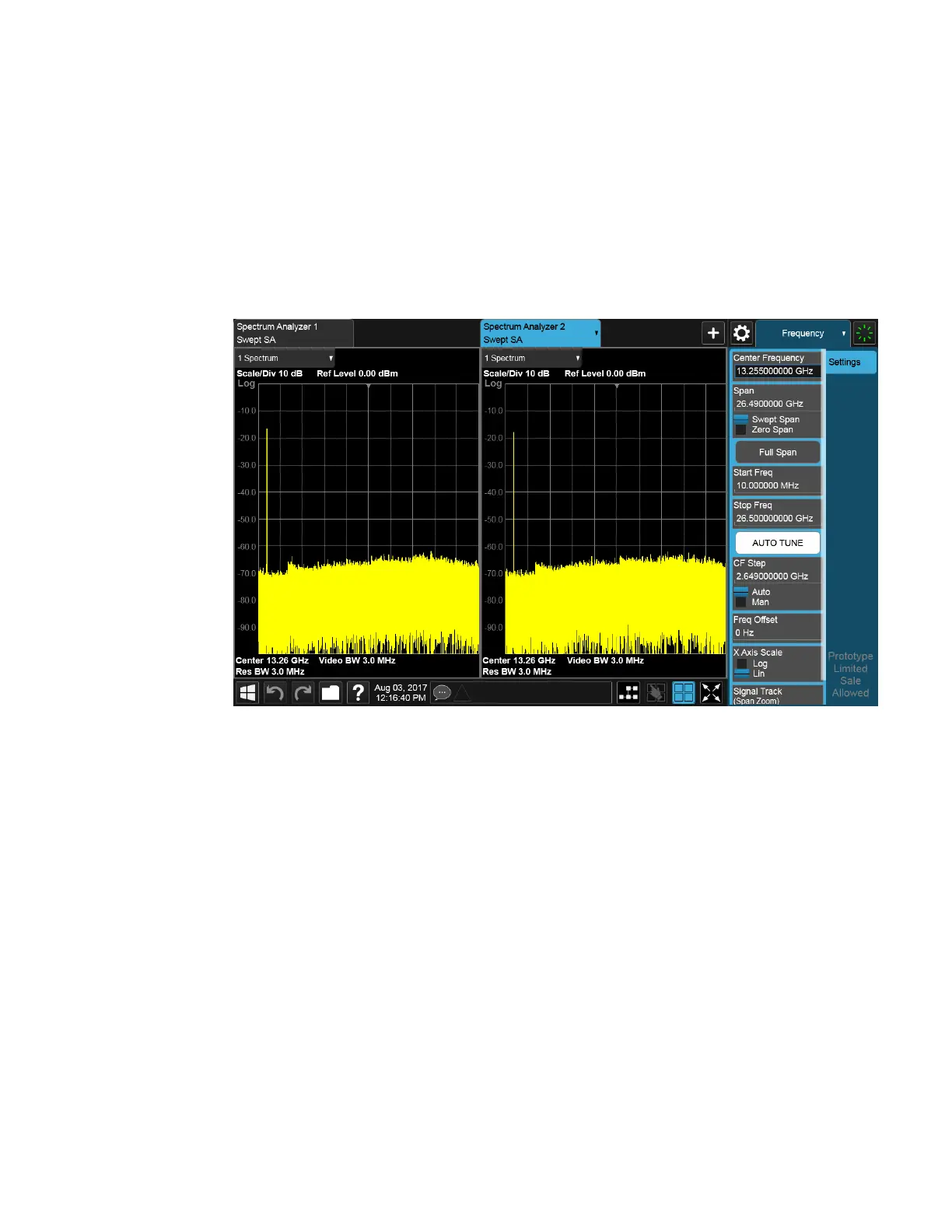
When you add a second Screen using the “+” control on the Screen Tabs bar,
normally the screen is added to the right of the first screen. However, sometimes it is
better to add the new screen below the first screen rather than to the right, as
shown below.
New screen added to the right (horizontal orientation)
1898 WLAN Mode User's &Programmer's Reference












 To Next Page