3 WLAN Mode
3.12 IQ Waveform Measurement
Example
:CALC:WAV:MARK:PEAK:SEAR:RANG FULL
Preset
FULL
State Saved Saved in instrument state
Range
FULL | MANual
Peak Search Range Start
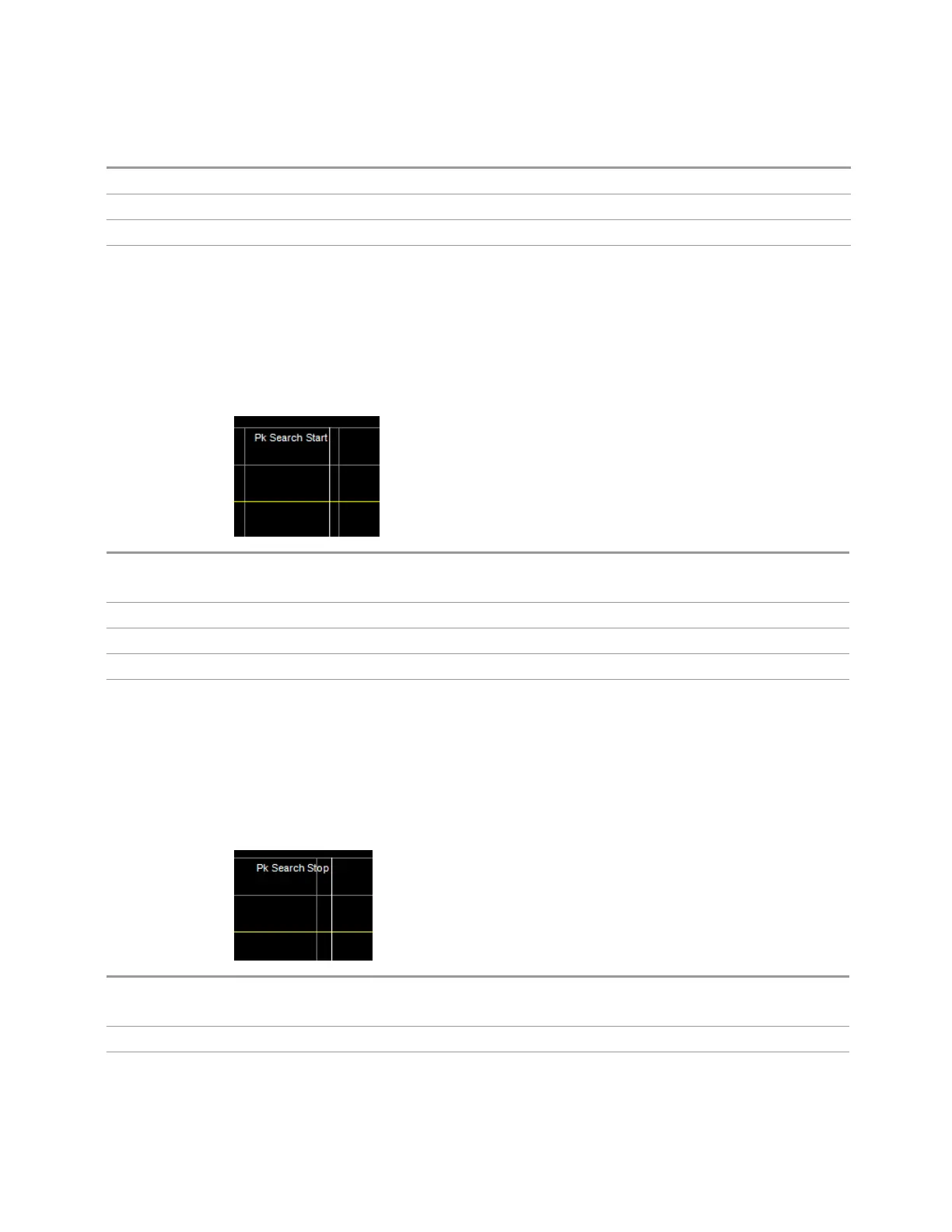
Specifies the start of the range, in seconds, to which Peak Search actions are
applied. Displays as a green vertical line, with the label Pk Search Start on the left,
as shown below.
Remote Command
:CALCulate:WAVeform:MARKer:PEAK:SEARch:RANGe:STARt <time>
:CALCulate:WAVeform:MARKer:PEAK:SEARch:RANGe:STARt?
Example
:CALC:WAV:MARK:PEAK:SEAR:RANG:STAR 0.001
Dependencies Disabled when Peak Search Range is set to Full.
Preset 0.0 ms
Min/Max 0.0/+Meas Time
Peak Search Range Stop
Specifies the end of the range, in seconds, to which Peak Search actions are
applied. Displays as a green vertical line, with the label Pk Search Stop on the left,
as shown below.
Remote Command
:CALCulate:WAVeform:MARKer:PEAK:SEARch:RANGe:STOP <time>
:CALCulate:WAVeform:MARKer:PEAK:SEARch:RANGe:STOP?
Example
:CALC:WAV:MARK:PEAK:SEAR:RANG:STOP 0.001
Dependencies Disabled when Peak Search Range is set to Full.
WLAN Mode User's &Programmer's Reference 1820












 To Next Page