3 WLAN Mode
3.9 Spectral Flatness Measurement
Couplings If Auto Scaling is set to On, the X Reference Position is determined by the trace data and this key is
grayed out.
Preset LEFT
State Saved Saved in instrument state.
Range Left|Ctr|Right
Auto Scaling
Toggles the scale coupling function between On and Off.
Remote
Command
:DISPlay:FLATness:WINDow[1]:TRACe:Y[:SCALe]:COUPle 0 | 1 | OFF | ON
:DISPlay:FLATness:WINDow[1]:TRACe:y[:SCALe]:COUPle?
Example
:DISP:FLAT:WIND:TRAC:Y:COUP ON
:DISP:FLAT:WIND:TRAC:Y:COUP?
Couplings When this parameter is set to On, pressing the front-panel Restart key activates the scale coupling
function, that automatically determines scale per division and reference values based on the
measurement results. When you set a value to either Scale/Div or Ref Value manually, Auto Scaling is
automatically set to Off.
Preset ON
State Saved Saved in instrument state.
Range On|Off
3.9.3.2 Attenuation
Controls the attenuator functions and interactions between the attenuation system
components.
There are two attenuator configurations in the X-Series. One is a Dual-Attenuator
configuration consisting of a mechanical attenuator and an optional electronic
attenuator. The other configuration uses a single attenuator with combined
mechanical and electronic sections that controls all the attenuation functions.
Different models in the X-Series come with different configurations.
–
See "Dual-Attenuator Configurations" on page 1420
–
See "Single-Attenuator Configuration" on page 1420
Most attenuation settings are the same for all measurements – they do not change
as you change measurements. Settings like these are called “Meas Global” and are
unaffected by Meas Preset.
Only available when the hardware set includes an input attenuator, which is typically
only the case for Keysight’s benchtop instruments. For example, this tab does not
appear in VXT models M9420A/10A/11A/15A/16A, M9410E/11E/15E/16E, nor in
1419 WLAN Mode User's &Programmer's Reference


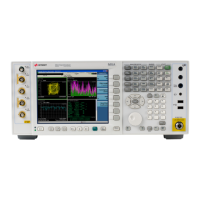
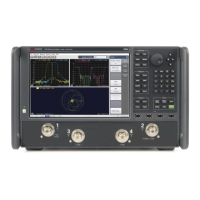
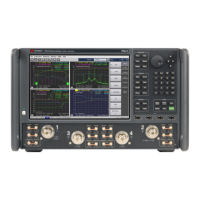
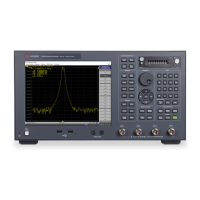

 To Next Page