6 Input/Output
6.4 Data Source
To recall a Recording, press the Recall hardkey (or the Recall icon in the File panel)
and press the Recording tab on the left side of the Recall panel. Then press Recall
From and choose the file you would like to recall. This will read the raw I/Q data
from the specified file and feed it to the current measurement.
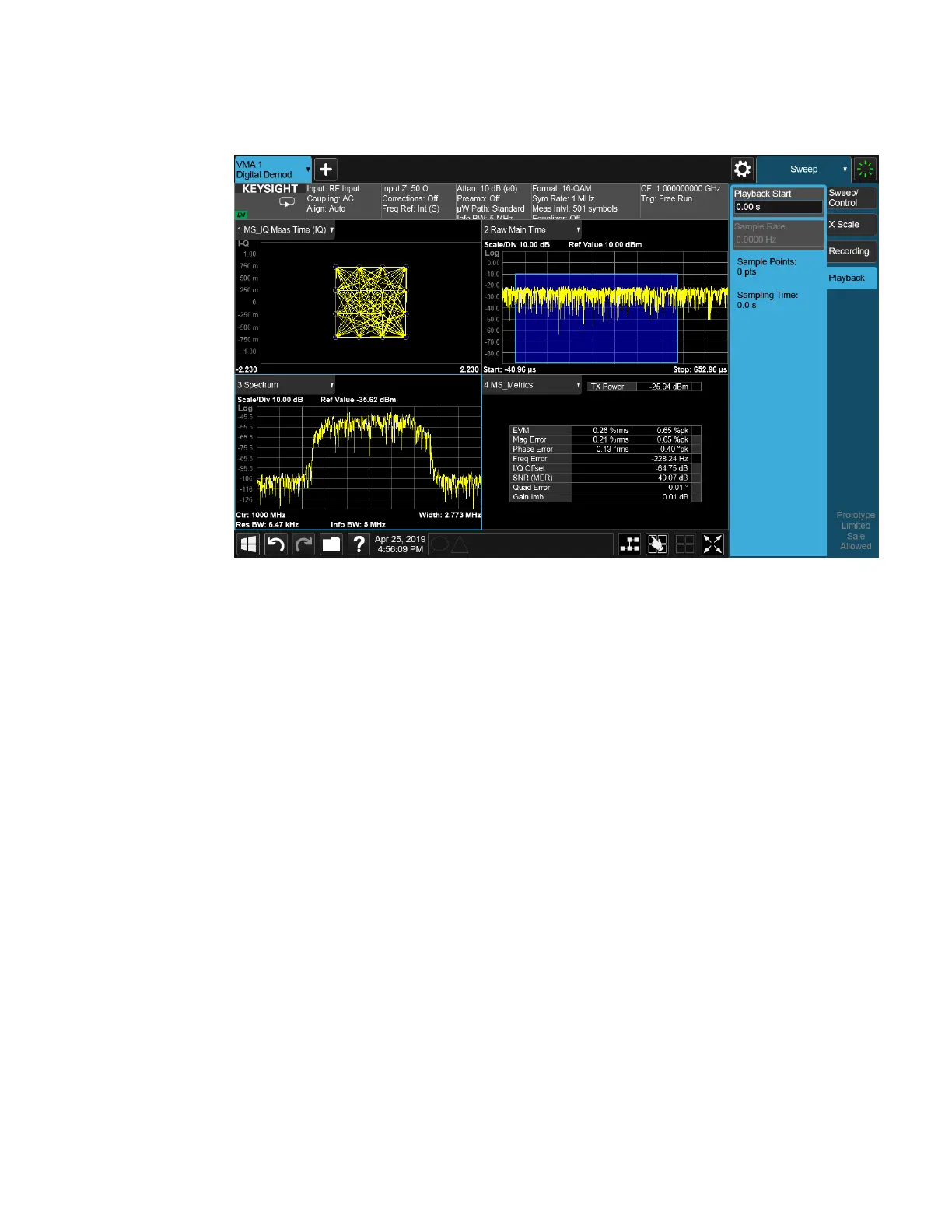
After the Recall, you will see that the data on the Recording panel has changed to
describe the data in the file you just recalled:
WLAN Mode User's &Programmer's Reference 2228












 To Next Page