3 WLAN Mode
3.3 Occupied BW Measurement
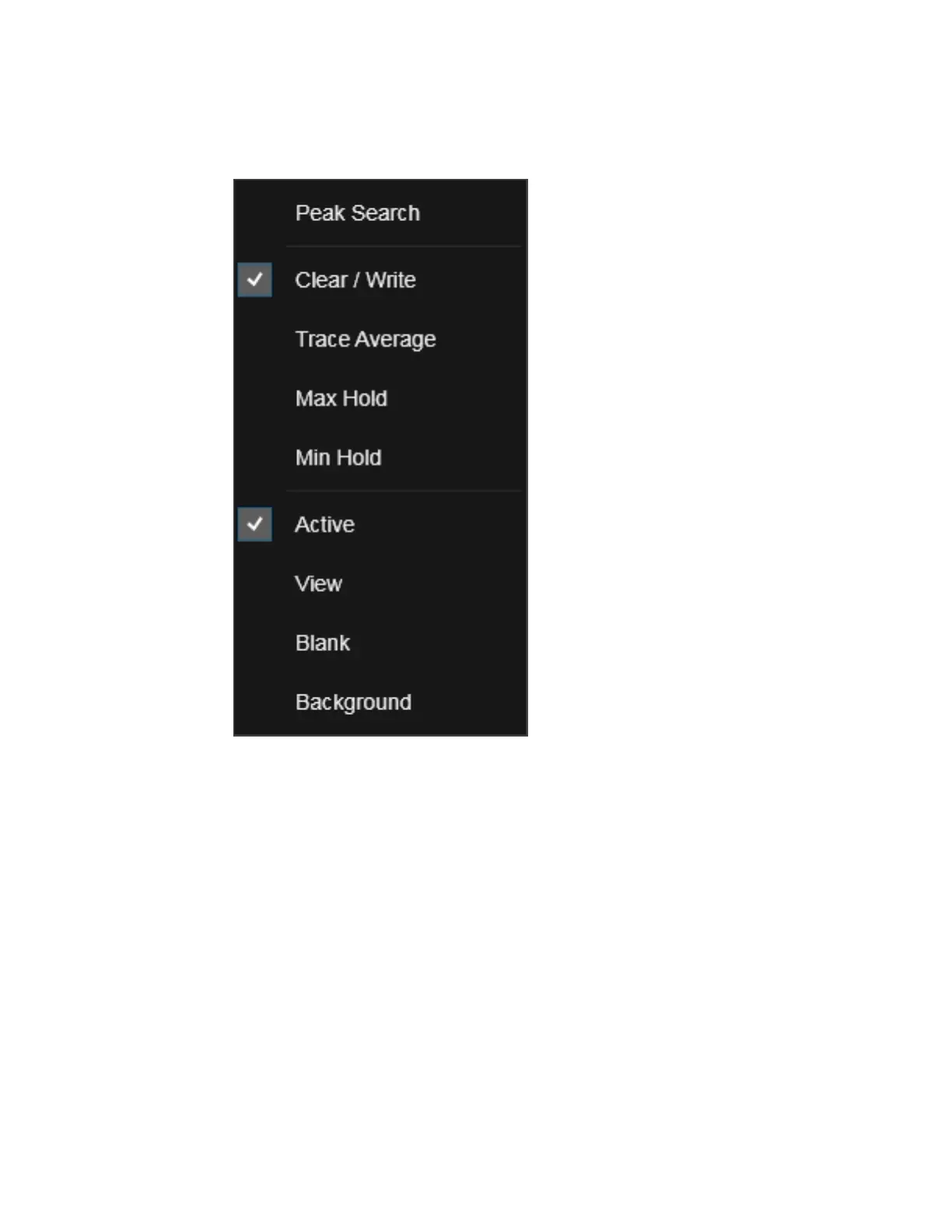
If you now tap or click on one of the items in this menu, the instrument will perform
the corresponding function. Peak Search finds the highest peak on the selected
Trace. Clear/Write, Trace Average, Max Hold and Min Hold set the "Trace Type" on
page 1728. Active, View, Blank, and Background set the "View/Blank" on page 1734
type.
Waterfall Window
If you right-click on the trace (or touch and hold the trace and wait for the circle to
close) in the Waterfall window (for example, in the Spectrogram View) you will see
the Waterfall Trace Right-Click Menu:
437 WLAN Mode User's &Programmer's Reference












 To Next Page