RTC6 boards
Doc. Rev. 1.0.21 en-US
16 Appendix A: The RTC6 Ethernet Board
911
16.7.4 Boot Image
• Prerequisites: see page 908.
The data in the NAND Memory can be written to the
PC as “boot image” and copied from there to any
RTC6 Ethernet Boards (for example, of several
production machines):
• read_image_eth,
see Creating a Boot Image on the PC
• write_image_eth,
see Copying Boot Image to Board(s)
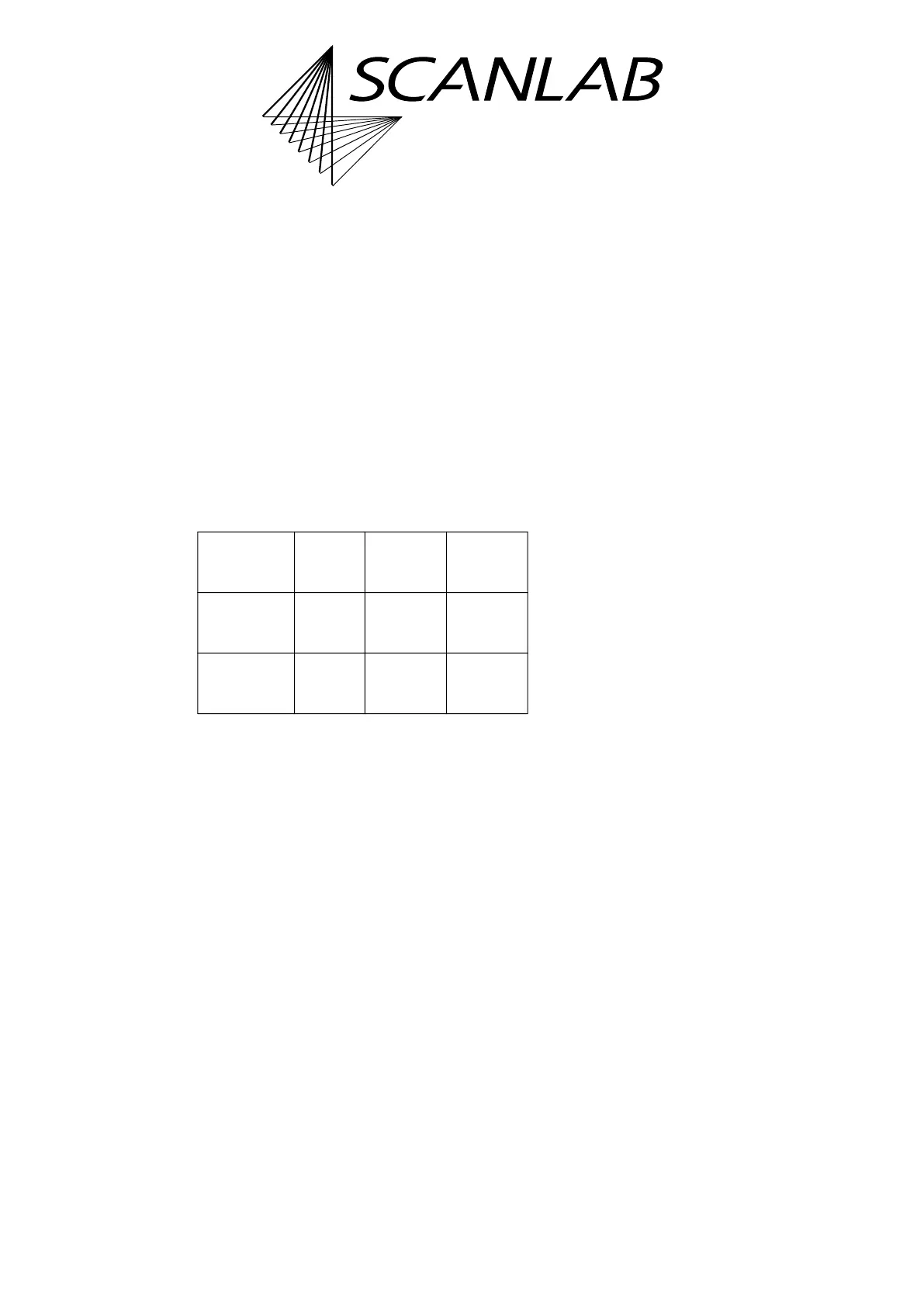
The properties of boot images are shown in Table 7
(RTC6 Software Package V1.7.0, approximate
values):
Creating a Boot Image on the PC
• Prerequisites: see page 908.
read_image_eth(
Name
) read out the contents of the
NAND Memory and writes it in binary to the “
Name
”
file on the PC. The user program must have write
permission for this file. For reading duration, see
Table 7.
See also Section ”Procedure after an Transmission
Abortion”, page 911.
Copying Boot Image to Board(s)
• Prerequisites: see page 908.
write_image_eth(
Name
) reads the file “
Name
“ and
writes its content to the NAND Memory. The
user program must have read permission for this file.
For writing duration, see Table 7.
(1) Call set_eth_boot_control( 0 ).
Thus, the board does not boot automatically after
a Hardware Reset (recommended as automatic
booting might be faulty).
(2) Call write_image_eth(
Name
) and do not
interrupt the process! Otherwise, observe Section
”Procedure after an Transmission Abortion”,
page 911.
(3) If the process went without errors, call
set_eth_boot_control( 1 ). Otherwise, repeat
step 2.
(4) Carry out a Hardware Reset.
Provided the same options are enabled: This
RTC6 Ethernet Board boots exactly the same way
as the RTC6 Ethernet Board from which the boot
image has been taken.
Procedure after an Transmission Abortion
If the transmission is aborted, for example, due to an
Ethernet connection interruption, the RTC6 Ethernet
Board probably remains in an
INTERNAL-BUSY list execution status state. The
aborted process is not continued, even if the
connection is re-established:
(1) Call either stop_execution or execute an /STOP in
order to release the board from this
INTERNAL-BUS
Y list execution status state.
(2) Call read_image_eth(
Name
) (once again).
Thus, the board does not boot automatically after
a Hardware Reset.
(3) Carry out a Hardware Reset.
(4) Call load_program_file.
(5) If you
– create a boot image on the PC:
call read_image_eth(
Name
) again.
– copy a boot image to the board:
call write_image_eth(
Name
).
Table 7: Properties of Boot Images
Boot Image File
size
Reading
duration
(a)
(a) With read_image_eth.
Writing
duration
(b)
(b) With write_image_eth.
for
“Standalone
Basic State“
2 MB a few
seconds
a few
seconds
for
“Standalone
Full State“
160 MB
…
264 MB
up to 2
minutes
up to 2
minutes



 To Next Page