115
14-4. SIZE(X, Y) and FADE
SIZE (X, Y)
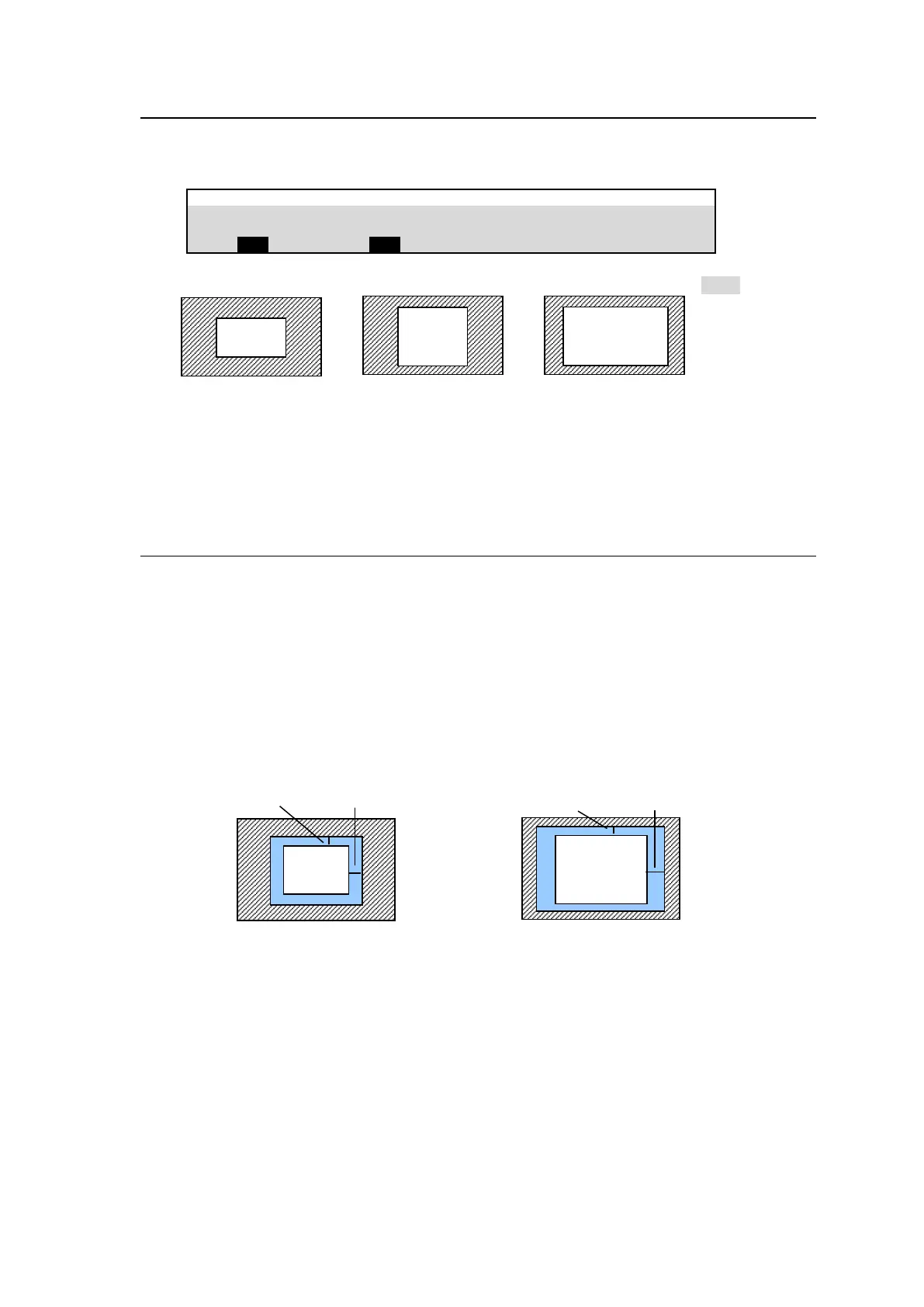
SIZE X, Y in PAGE 2 allows you to change the aspect ratio of DVE images.
M/E FLEXaKEY > M/E2 > KEY1 > MODIFY > DVE POS/SIZE
The figures below show examples when POSITION is set to (0, 0) and SIZE 1,000.
FADE Effect
FADE in PAGE 2 allows you to add an effect to make backgrounds transparent. The higher the
value, the clearer the background becomes.
14-5. BORDER
Borders can be added to a DVE image. Inside border and outside borders can be adjusted
independently.
(1) Tap on DVE BORDER to display the [M/E FLEXaKEY > M/E2 > KEY1 > MODIFY > DVE
BORDER] menu.
(2) To use the inside border, set the width under INSIDE X and Y.
To use the outside border, set the width under OUTSIDE X and Y.
(3) Go to the next page and adjust the edge softness under SOFTNESS parameters.
(4) Go to the next page and set the border color.
Inside Borders Outside borders



 To Next Page