33
5. Menu Operation
5-1. Opening Menu Pages
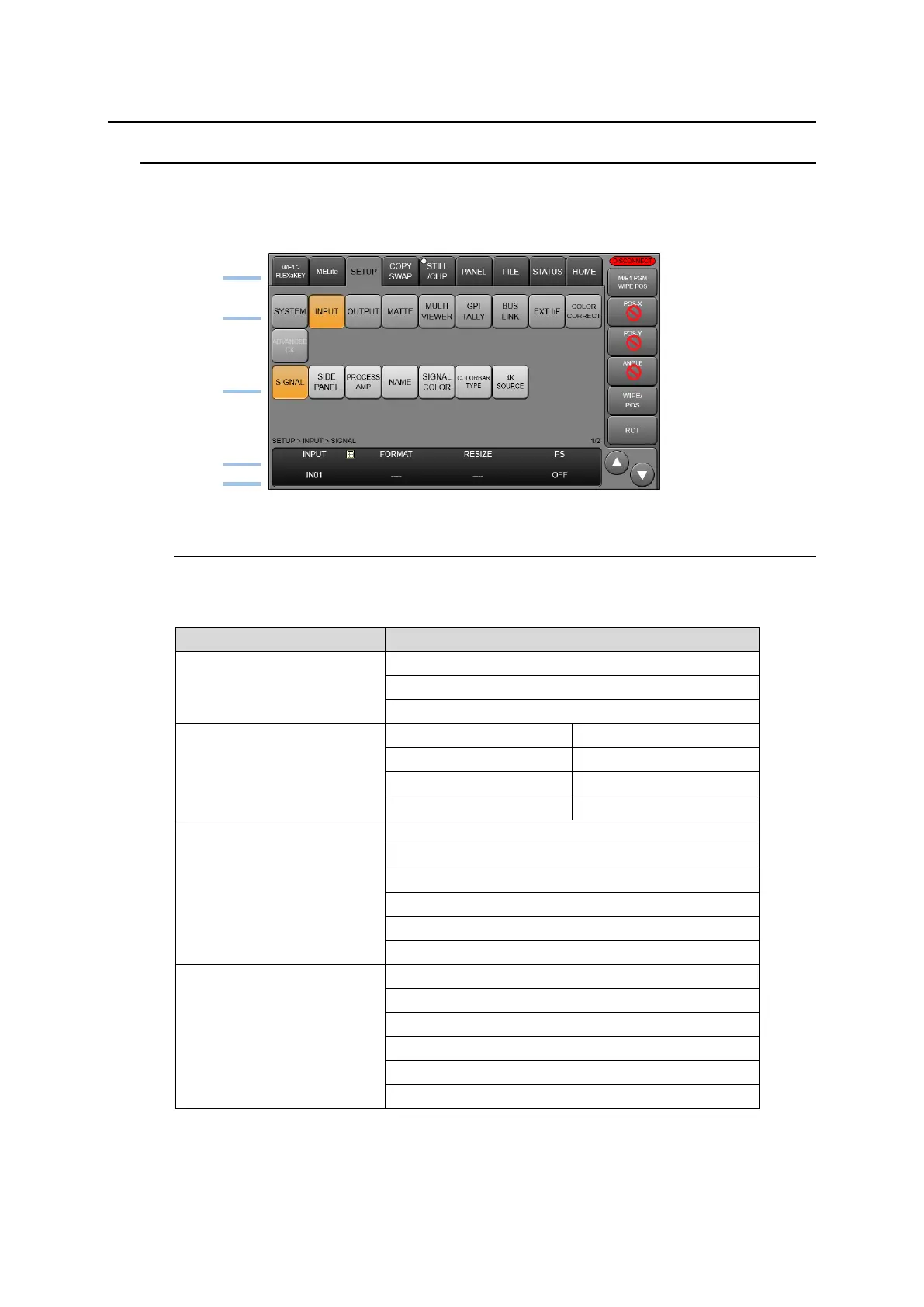
Menu access buttons in the touch panel are arranged in hierarchical order from top to bottom.
Select a tab menu tab, then access level buttons to open a menu page where up to 4 parameters
can be displayed.
5-1-1. Menu Access Buttons
Pressing or quickly pressing twice the following buttons on the control panel allows you to
navigate the relevant menu.
BUS SELECT block
(Above the KEY/AUX bus)
M/E1 transition block
M/E2 transition block
(*1) Note that MATTE1-2 and STILL1-4 buttons represent the bus buttons assigned to
MATTE1, MATTE2 and STILL1 to STILL4 signals on M/E1 and M/E2.



 To Next Page