124
To automatically update thumbnails, select AUTO under THUMBNAIL in [PANEL > UTILITY >
UTILITY] menu PAGE 3.
They can be loaded to still memory buffers from SD cards. (See Sec. 22. “File Operations.”)
17-1-2. Selecting Still Images in V-RAM
Still images can be loaded directly from V-RAM. The following procedure shows how to load a
still image stored in V-RAM to STILL 2.
(1) Open the [STILL/CLIP > STILL/CLIP] menu.
(2) Tap the STILL icon in STILL2.
(3) Tap to select a still image in the pop-up dialog. The image will be immediately loaded to
STILL 2 if DIRECT LOAD is checked.
(4) Otherwise, tap LOAD. The image will be loaded.
17-1-3. Displaying Still Images
To display the STILL1 image stored in Sec. 17-1-1, select STILL1 for the M/E, AUX or a key
insert video in the menu. Or, assign STILL1 on a bus button and press the button to select it.
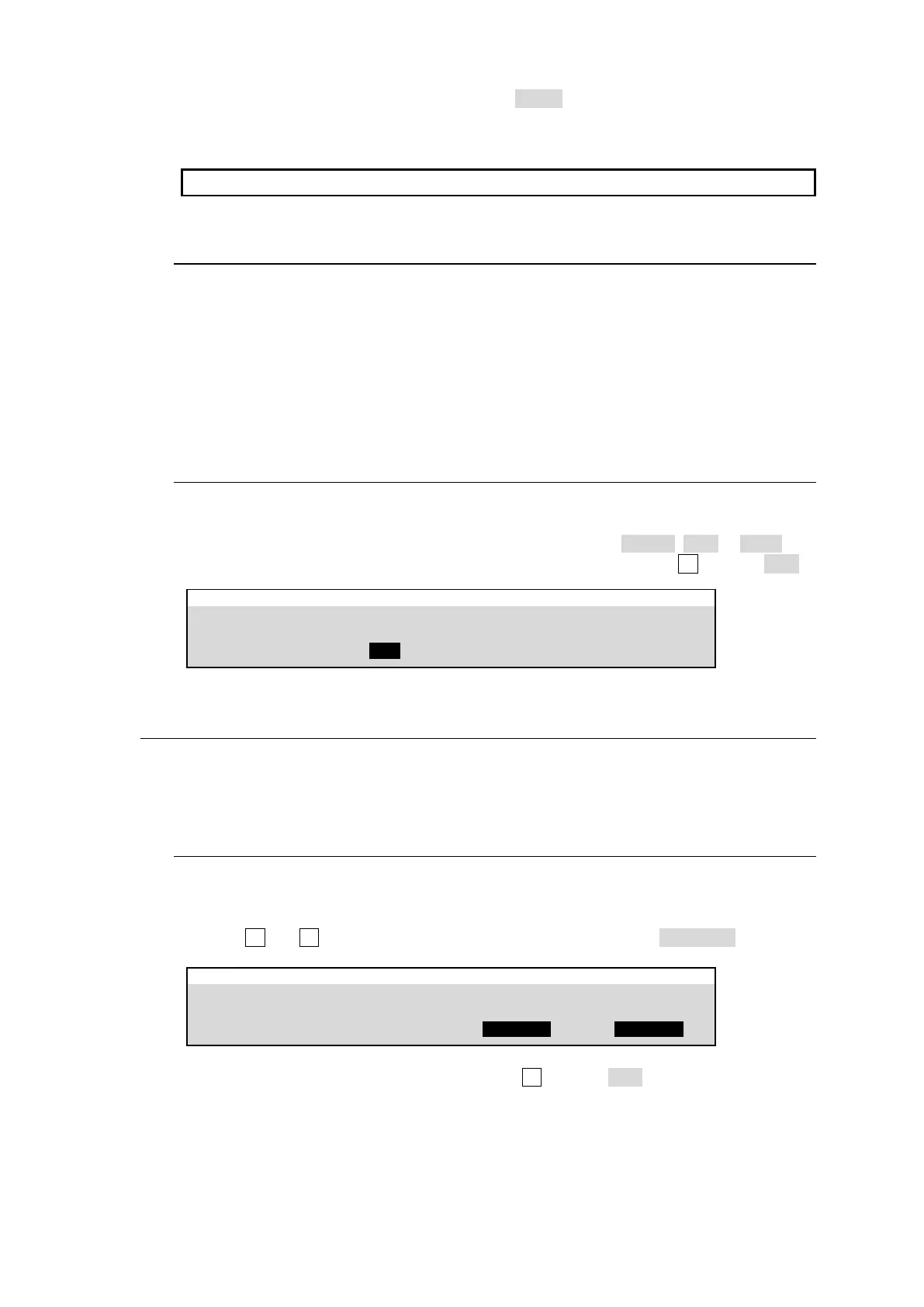
The read out mode of still images can be changed. Select it from FRAME, ODD or EVEN. For
example, to load the STILL1 image in odd mode, tap on STILL1 and turn F2 to select ODD.
STILL/CLIP > STILL/CLIP > STILL1
READOUT MODE
(Push F2 to capture)
17-2. Video Clips (CLIP)
Output images can be recorded as Video and Key clips. STILL1-4 buses are used for recording and
playing video clips, however, they are stored in different internal memory buffer.
Two or more channels cannot be recorded simultaneously in SD formats.
17-2-1. Recording Video Clips
Let's record M/E1 program images using STILL1 as follows:
(1) Open the [STILL/CLIP > STILL/CLIP > STILL1] menu
(2) Turn F3 and F4 to set both FILL SOURCE and KEY SOURCE to M/E1 PGM.
STILL/CLIP > STILL/CLIP > STILL1
READOUT MODE
(Push F2 to capture)
(3) Tap on STILL1 READ OUT MODE, then turn F2 to select CLIP.



 To Next Page