220
Appendix 3. Web-based Control
3-1. Setup
PC System Requirements
The Web GUI needs a user-prepared computer, which must meet the following system
requirements.
Windows 8.1 or 10
iOS 6.1.3
Depends on the browser used.
Google Chrome (Internet Explorer is not supported.)
Depends on the browser used.
Resolution of 1024 x 768 pixels or higher
24-bit full-color
Ethernet, at least 1 port
100BASE-TX/1000BASE-T
100BASE-TX: Category 5 or higher
1000BASE-T: Enhanced Category 5 or Category 6
Max. number of connection to an HVS-490 unit
Computer Network Settings
To connect to the switcher, set the IP address of your computer as follows:
192.168.1.1 to 192.168.1.254 (excluding 192.168.1.10)
Connecting to the switcher
1. Launch your web browser (Google Chrome).
2. Enter "http://192.168.1.10" (default) in the address box and connect to the HVS-490.
If you have changed the IP address of HVS-490 LAN (EXT) port, enter the changed address.
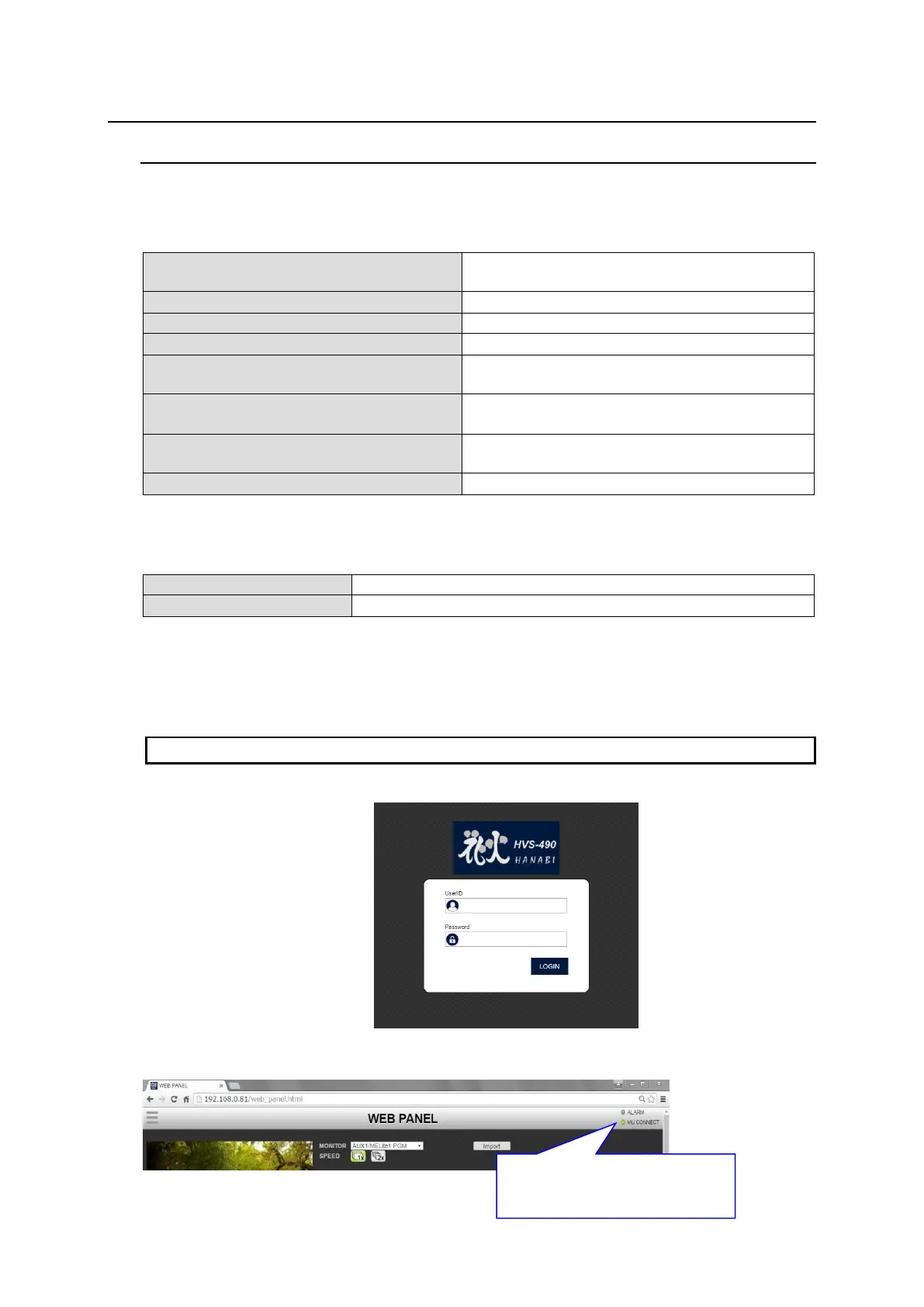
3. When a login screen appears, enter the User ID and password, and tap LOGIN.
Default settings
User ID: hvs490
Password: fora
4. Verify that the connection indicator in the upper right corner is lit green.
MU connection indicator
Lit green: Connection established
Unlit: Connection unestablished



 To Next Page