129
17-4. Storing Still and Video Images (HVS-49SSD240G)
17-4-1. Auto Backup
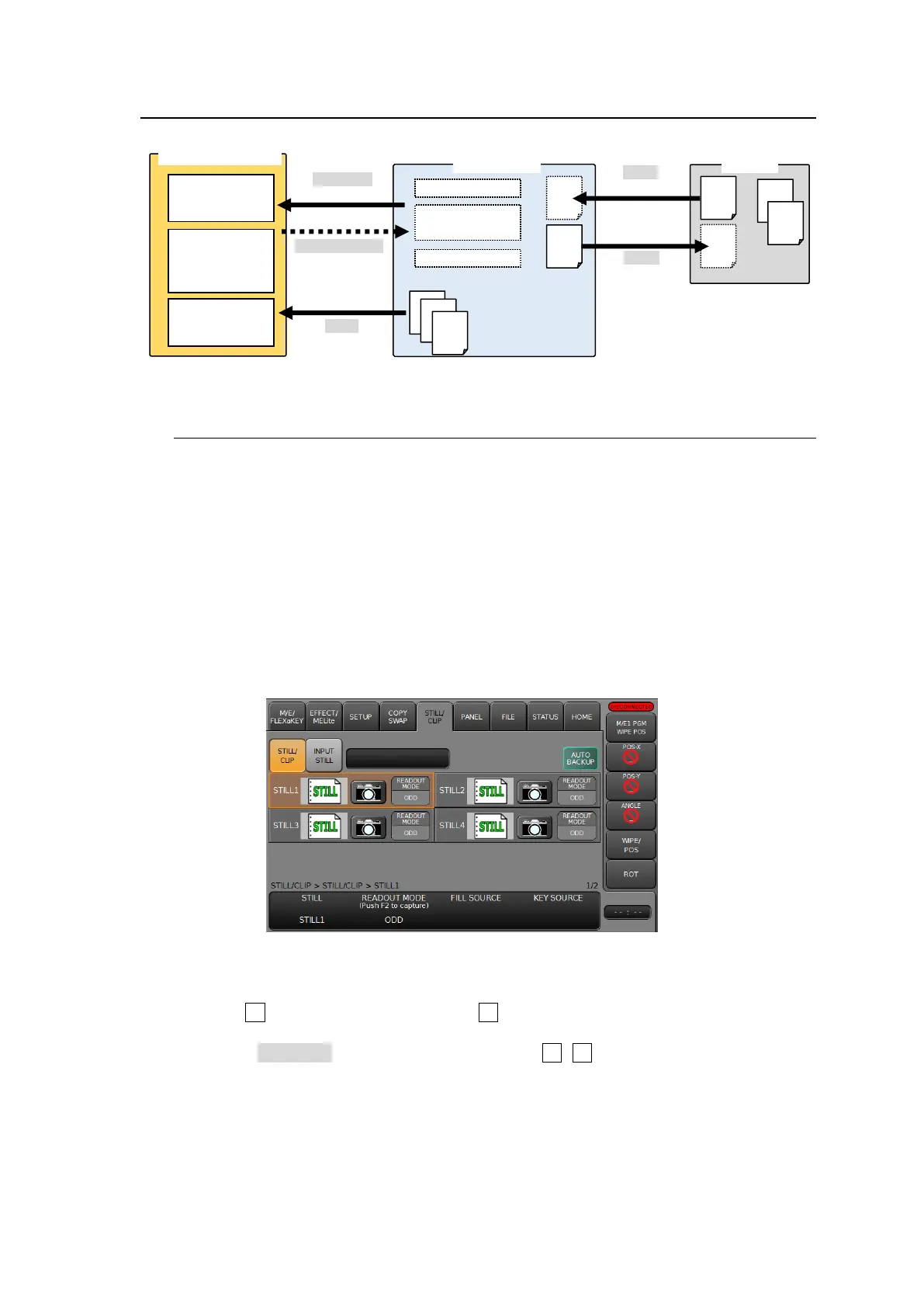
The HVS-49SSD240G option allows you to automatically back up still pictures and video clips.
Whenever a still picture is captured, a video clip is recorded, or image data is loaded to the
switcher from an SD card, the image data is automatically backed up to the SSD. Backed-up
data can be used for restoring STILL and CLIP data when the switcher is restarted.
Enabling Auto Backup
(1) Open the [STILL/CLIP] menu.
(2) Tap AUTO BACKUP. Once the auto backup is enabled and image data is loaded to the
switcher memory (STILL, INPUT STILL or CLIP) using the [FILE > LOAD] menu, it is also
saved in the SSD. In the same manner, capturing still images updates the backup data in
the SSD.
Restoring SSD Backup Images
(1) Open [STILL/CLIP > STILL/CLIP] menu or [STILL/CLIP > INPUT STILL] menu.
(2) Turn F1 to select a still channel or turn F2 to select a clip channel.
(3) Go to PAGE 2 for stills or PAGE 4 for clips.
(4) Select RESTORE under FUNCTION and press F2 (F3 for INPUT STILL or CLIP). Tap
YES in the pop-up dialog box to restore the image.
Still and clip memory
in the switcher



 To Next Page