165
Used for uploading 4K still image files (INPUT STILL) for
IN01
Used for uploading 4K still image files (INPUT STILL) for
IN10
To send image files to V-RAM, specify this folder.
Video clip upload folder to be stored in V-RAM
SSD storage (HVS-49SSD240G option)
To send 4K image files to V-RAM, specify this folder.
4K Video clip upload folder to be stored in V-RAM
22-6-2. Sending / Receiving Still Images
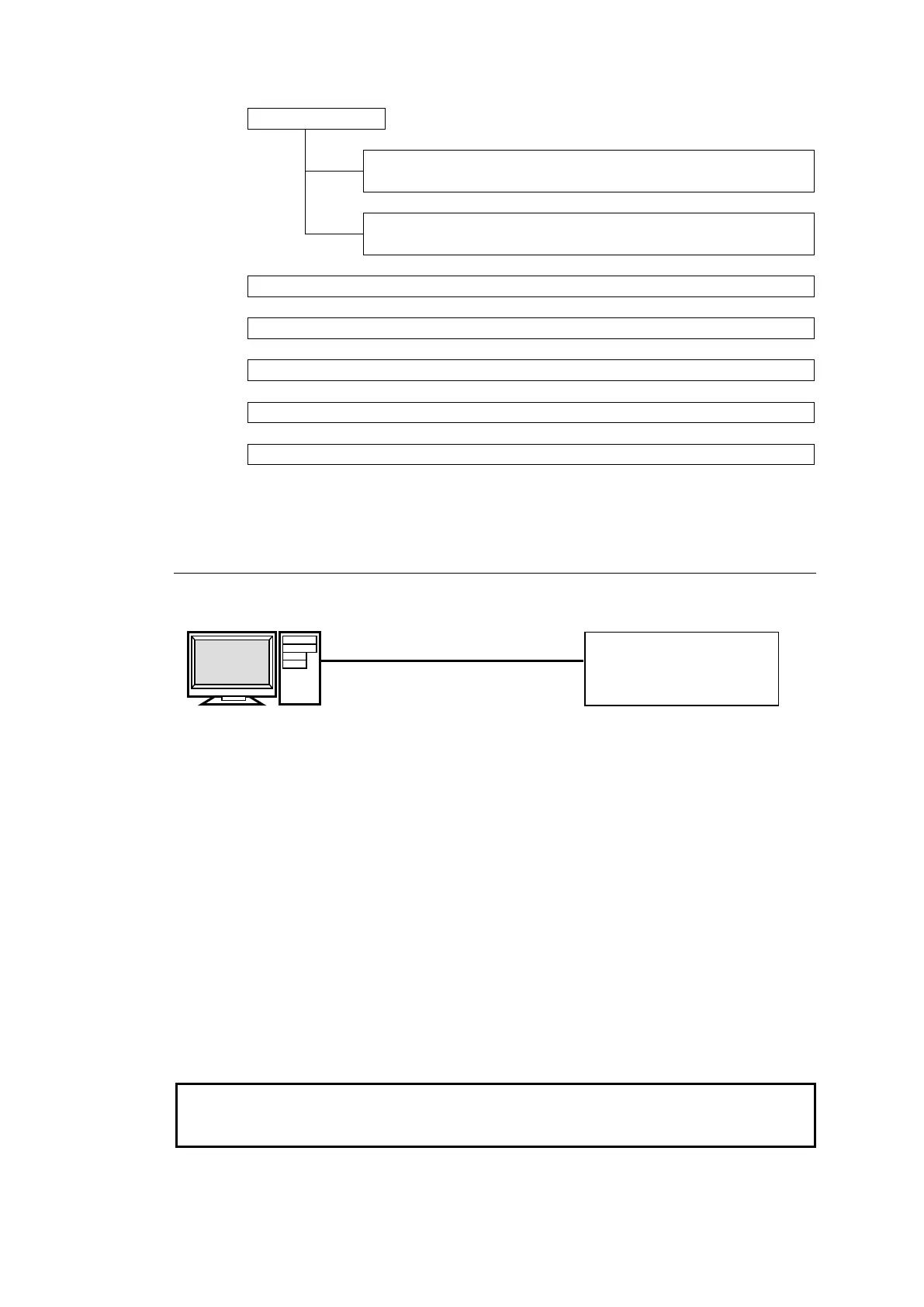
(1) Directly connect a PC Ethernet port and LAN (EXT) on the Main Unit via LAN.
(2) Use the following information to enter the FTP server.
FTP server: 192.168.1.10
Username: hvs490 (Username cannot be changed.)
Password: fora (Password cannot be changed.)
(3) Once you have accessed the FTP server, the following folders will be displayed in the
window.
STILL1 to STILL4
CLIP1 to CLIP4
STILL_INPUT
EVT
MCR
Use PING or other network commands for checking if any connection problem occurs.
Only one client can simultaneously connect to the FTP server. File transfer between the
control panel and PC is not allowed while connecting to the FTP server.
Uploading Images to the Switcher
(1) Open the folder where your images are stored.
Main Unit
IP address:
192.168.1.10 (default)
IP address: 192.168.1.100



 To Next Page