50
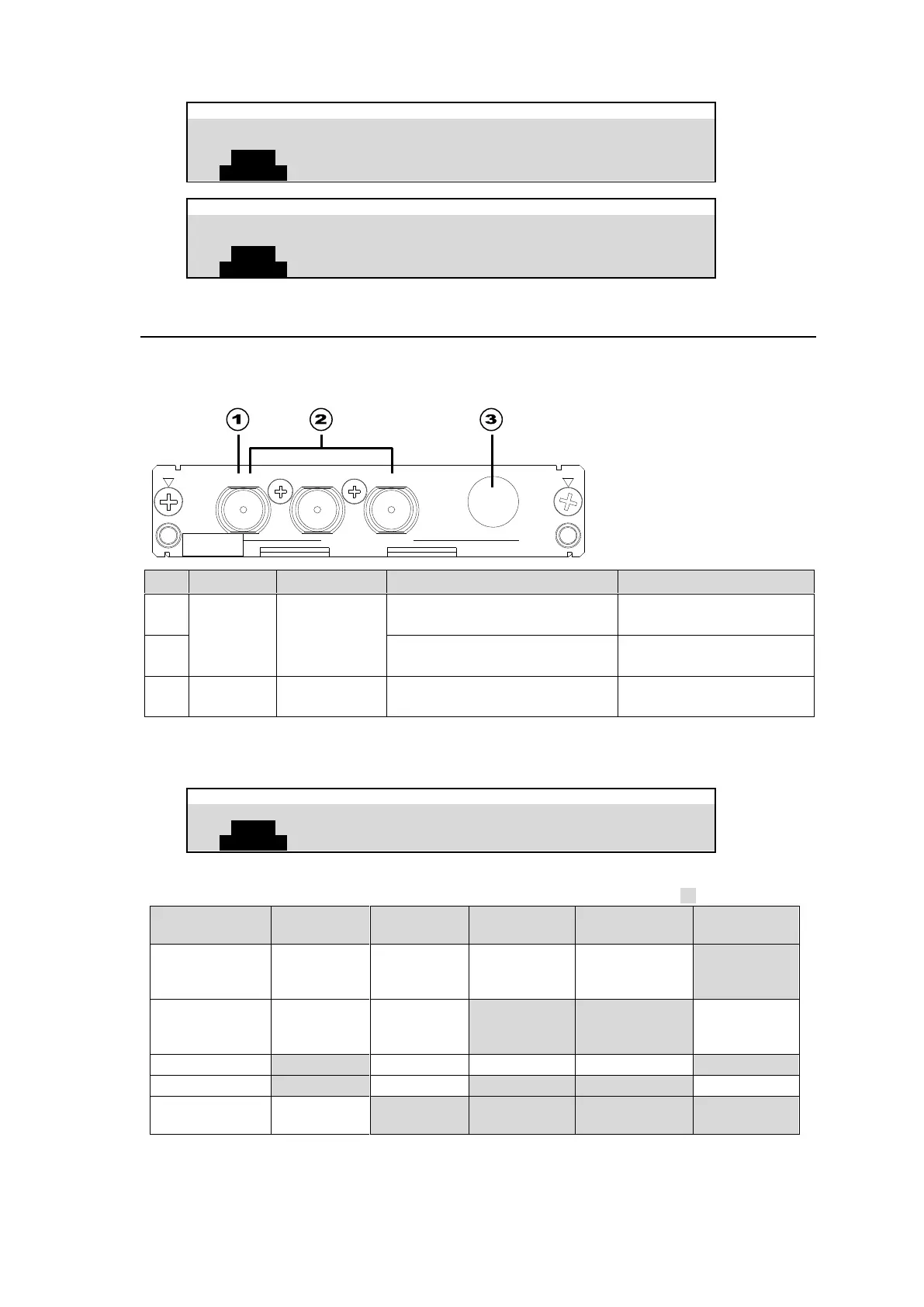
7-5. HVS-100AO
The 100AO card outputs analog signals.
Use the supplied conversion cable for AUX14 and AUX18.
Follow the procedure below to specify the signal format in the menu.
Use the leftmost BNC
connector.
HD/SD analog component
(Y/Pb/Pr)
Use three (Y/Pb/Pr) BNC
connectors.
HD/SD analog component
(Y/Pb/Pr) or analog composite
Use the supplied cable
(PC-3275).
(*1) Secure the Mini-DIN connector of the conversion cable to the card connector with the supplied retainer.
Open the [SETUP > OUTPUT > AUX OUT] menu PAGE 2 to select the video format.
HVS-100AO Supported Signals
✔: Available
: Unavailable
1080/59.94i
1080/29.97PsF
720/59.94p
1080/50i
1080/25PsF
720/50p
The system format means the format specified in the [SETUP > SYSTEM > FORMAT] menu.
(*1): If 7.5% Setup is added to a signal, the symbol "+" follows immediately after the name of the signal.
(*2): You can select 4:3, SQUEEZE or LETTER under ASPECT.
HVS-100AO
SER. NO
1(COMP/Y)
2
R
(P )
B
(P )
ANALOG OUTPUT



 To Next Page