167
23. System Setup Settings
23-1. Selecting a System Mode (Signal Format)
(1) Open the [SETUP > SYSTEM > FORMAT] menu.
(2) Turn F1 to select a signal format and press F1.
(3) Turn F2 to select an aspect ratio.
(4) Tap on REBOOT to display the [SETUP > SYSTEM > REBOOT] menu.
(5) Turn F1 to set REBOOT to MU, then press F1. Tap on YES on the confirmation dialog. The
selected format and aspect ratio are applied after restarting the switcher.
23-2. Crosspoint Switch Timing
The switcher can be set when and where crosspoints are switched.
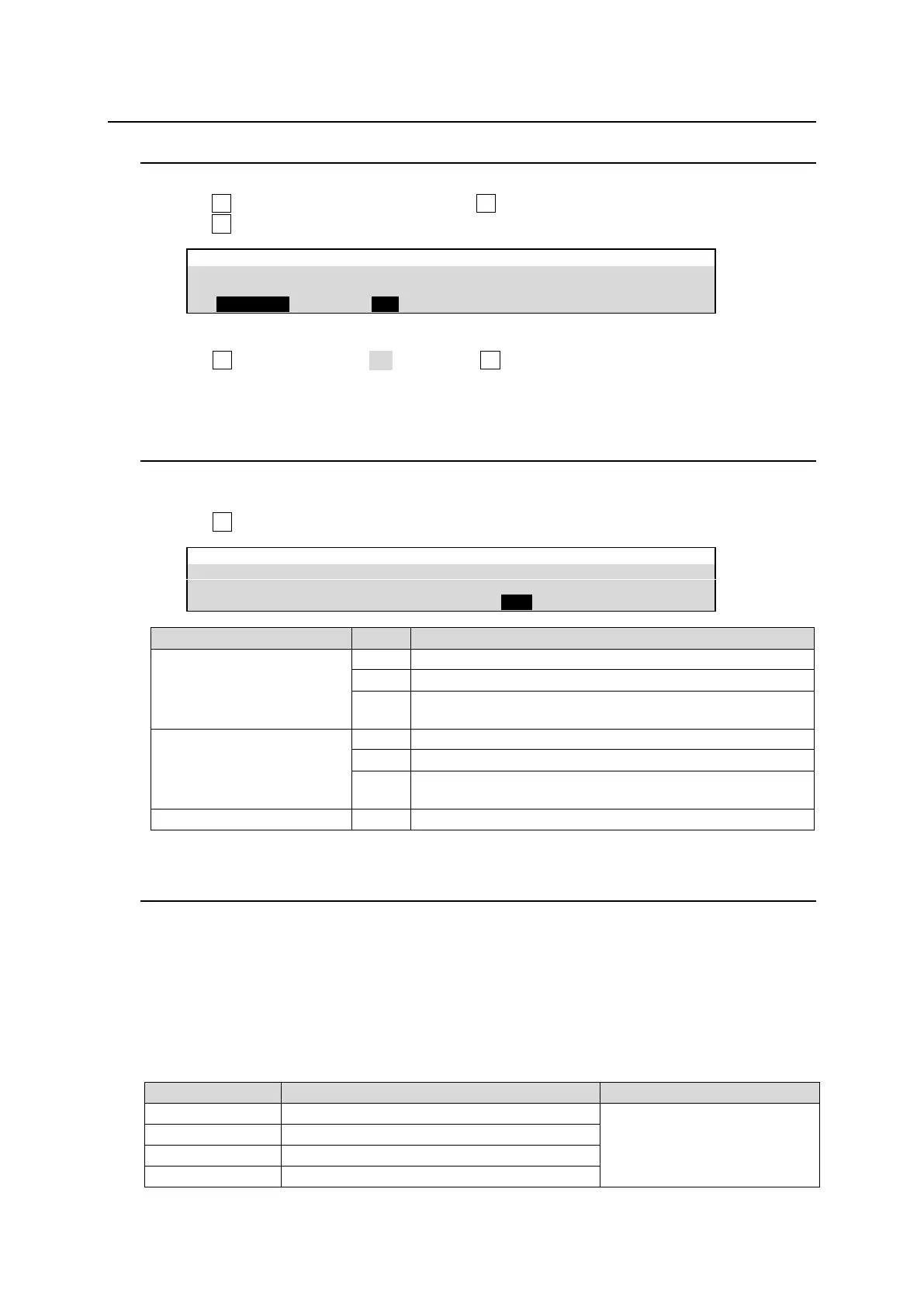
(1) Open the [SETUP - SYSTEM - FORMAT] menu.
(2) Turn F3 to set the switcher timing under SWITCH TIMING.
1080i/59.94, 50
525/60i, 625/50i
Switches crosspoints in odd fields.
Switches crosspoints in even fields.
Switches crosspoints at any time when the commands are
issued.
1080p/29.97, 25, 24,
23.98
720p/59.94, 50
Switches crosspoints in odd frames.
Switches crosspoints in even frames.
Switches crosspoints at any time when the commands are
issued.
1080PsF/29.97, 25, 24, 23.98
Switches crosspoints at the same time regardless of setting.
23-3. Reference Signal Settings
The HVS-490 switcher provides reference input, loop-through and output connectors in the
GENLOCK section on the rear panel.
Adjusting input signal timing
Horizontal correction range of SDI input signals can be shifted by changing the H PHASE setting. In
this case, the SDI output signal timing (delay) against REF IN is also changed accordingly.
If H PHASE is set to 0:
SDI output minimum delay referring to REF IN
SDI signal correction range



 To Next Page