236
3-12. User Authentification
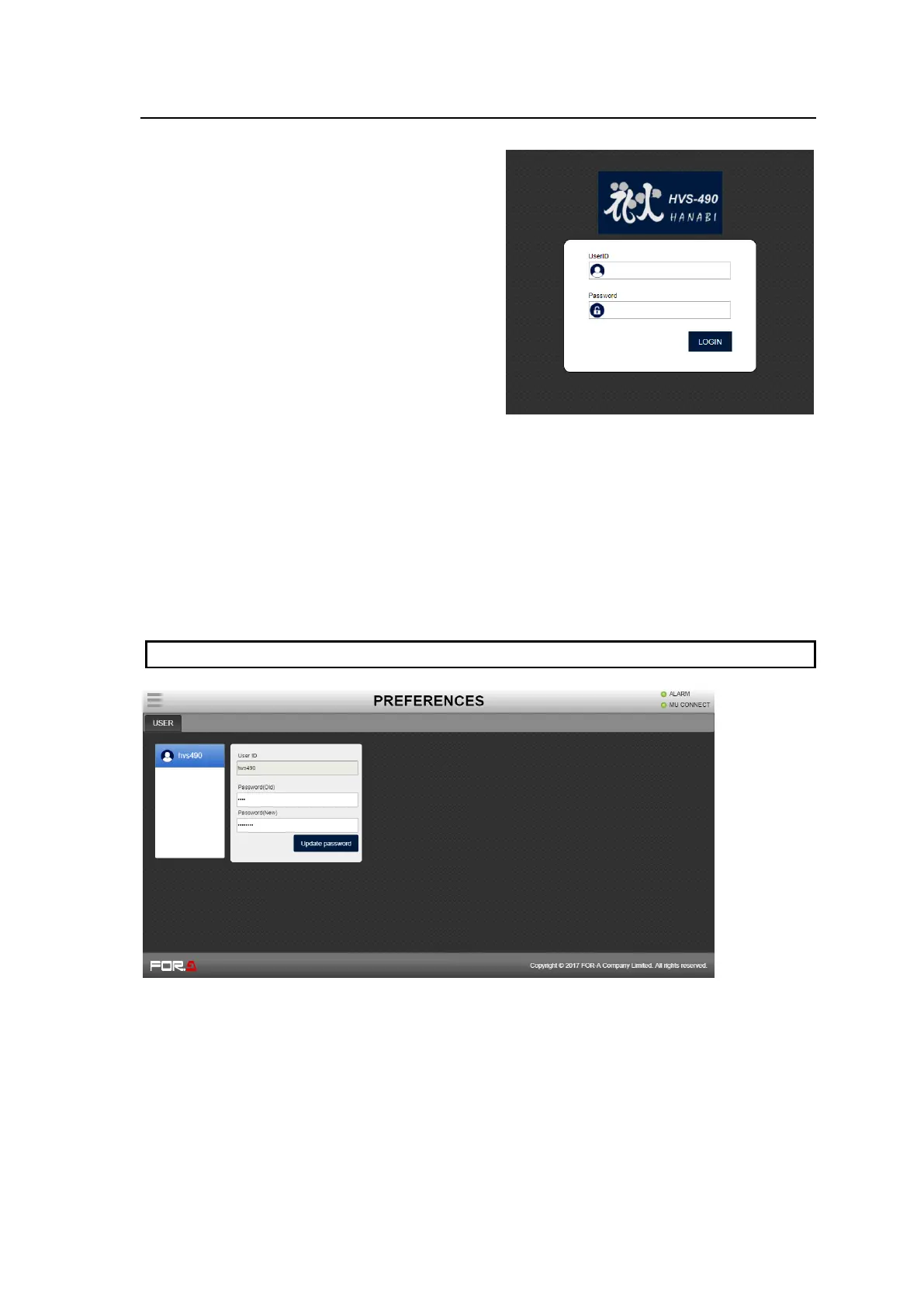
Login
(1) Open the Web GUI page to display
the Login screen.
(2) Enter the User ID and password and
tap LOGIN.
Default settings:
User ID: hvs490
Password: fora
Logout
Tap Logout in the menu bar.
Changing your password
(1) Open the PREFERENCES menu.
(2) Enter the current password under Password(Old).
(3) Enter the new password under Password(New).
(4) Tap Update password to update your password. Enter the new password at next login.
User ID cannot be changed.



 To Next Page