62
8-6. Ancillary Data
Ancillary data embedded in SDI input signals can be erased or passed through to outputs. (SD
formats will be supported in the future.) As factory default, ancillary data, including audio, is set to
pass through all combined M/E outputs, but not to pass through all AUX outputs.
Ancillary data in input video cannot be passed through if input frame synchronizers are set to ON
for SDI input. To pass ancillary data to video output, input the video that is synchronized with the
genlock signal and set FS to OFF in the [SETUP > INPUT > SIGNAL] menu.
Note that ancillary data in SD inputs cannot be used when the switcher operates in HD mode.
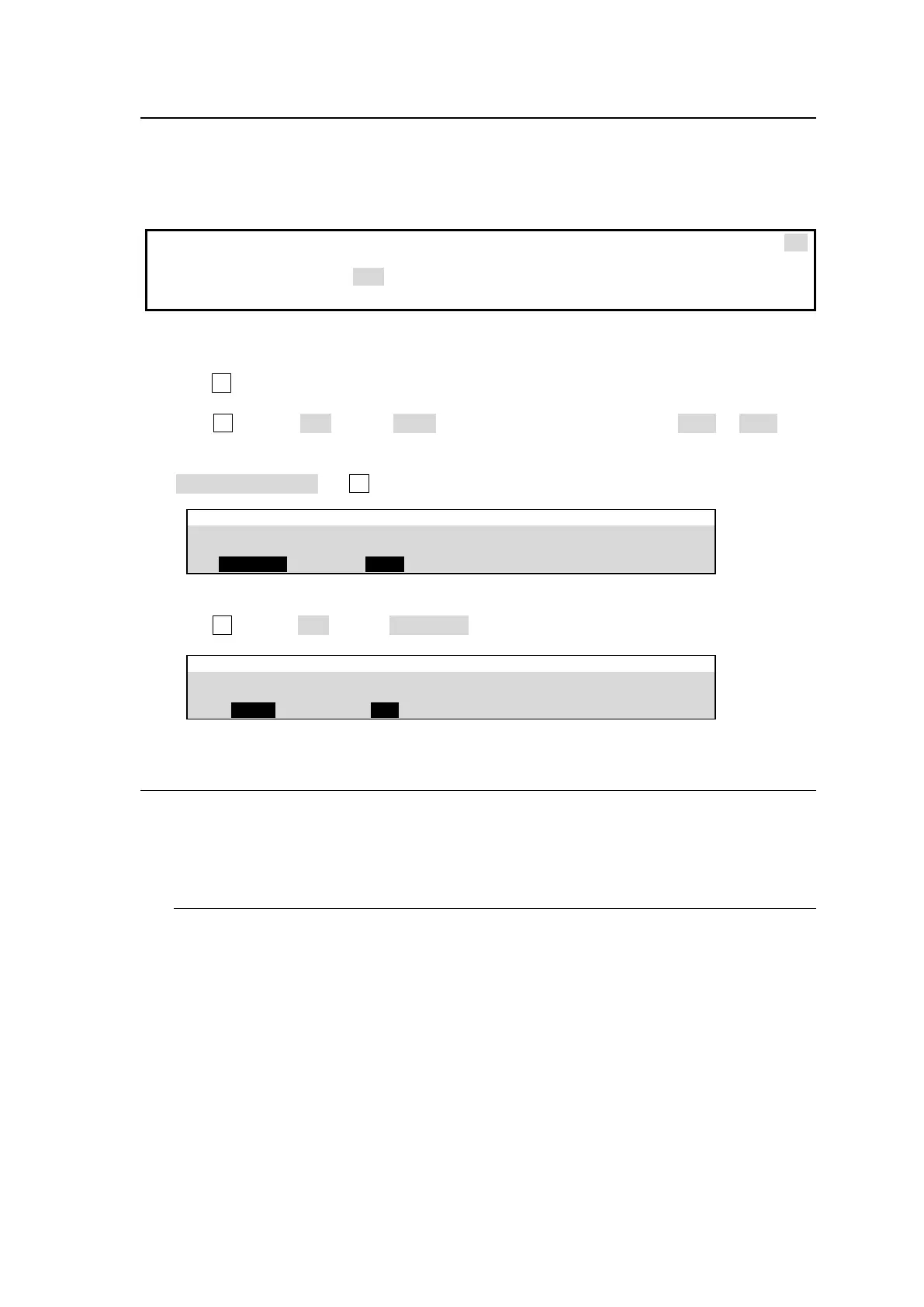
(1) Open the [SETUP - OUTPUT - ANCILLARY] menu. (Set the M/E combined outputs in PAGE 1
and AUX outputs in PAGE 2)
(2) Turn F1 to select an output bus.
(3) If a combined M/E output is selected:
Turn F2 to select OFF (blank), EACH (pass-through), a UTILITY signal (UTL1 or UTL2). If a
UTILITY signal is selected, ancillary data in combined M/E signals are replaced with ancillary
data in the UTILITY signal. (See Sec. 6-6. "UTILITY 1-2.")
If EACH is selected, turn F3 to select the data switching point during video transitions.
SETUP > OUTPUT > ANCILLARY
If an AUX output is selected:
Turn F2 to select OFF (blank), THROUGH (pass-through) or another output (AUX).
SETUP > OUTPUT > ANCILLARY
8-7. BUS LINK Function
The BUS LINK function allows you to link video switches between any two buses among M/E PGM,
PST and AUX outputs. Two bus link types are available: BUS (video) LINK and TRANS
(transition) LINK.
8-7-1. BUS LINK
The BUS LINK function allows images to be switched synchronously. For example, when you
change the AUX1 image, the AUX2 image will automatically change accordingly. In this
example, AUX1 is called Master Bus and AUX2 Slave Bus. Let’s set up bus link examples
that meet the following conditions.
Required Link Conditions
When M/E1PGM selects IN01, M/E1PST automatically selects IN05.
When M/E1PGM selects IN02, M/E1PST automatically selects IN06.
When AUX1 selects IN01, AUX2 automatically selects IN05.
When AUX1 selects IN02, AUX2 automatically selects IN06.



 To Next Page