EasyManua.ls Logo

FOR-A HVS-490 - Page 216

FOR-A HVS-490
241 pages
Print Icon
To Next Page IconTo Next Page
To Previous Page IconTo Previous Page
Loading...
216
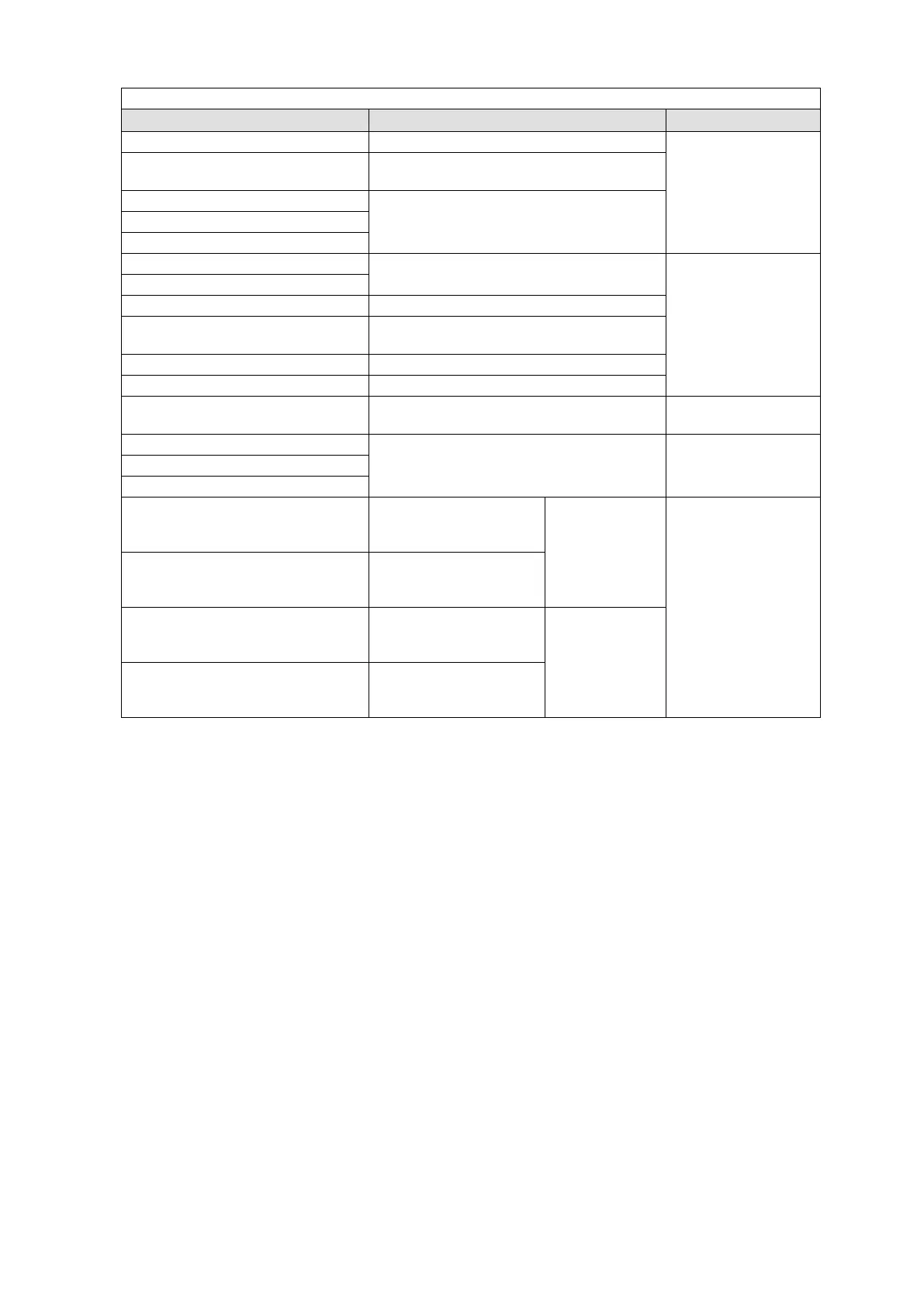
When OTHER is selected for TYPE:
Setting
Function
Button Indication
FLEXaKEY1-4 NEXT BUTTON
Selects FLEXaKEY1-4 as the next transition.
NEXT ON: Lit orange
NEXT OFF: Half-lit
ONSTAGE NEXT SELBUS M/E
Set the M/E bus assigned to the LINE as the
ONStage next transition
ONSTAGE NEXT M/E1
Sets the M/E bus to the ONStage next
transition.
ONSTAGE NEXT M/E2
ONSTAGE NEXT AUX1-12
M/E1 CG WIPE ENABLE
Enables CG WIPE.
ON: Lit orange,
OFF: Half-lit
M/E2 CG WIPE ENABLE
EDITOR ENABLE
Enables editor control.
BUTTON INHIBIT ENABLE
Disables the bus buttons located in the same
LINE (M/E) of the user button.
BUS LINK ENABLE
Enables BUS LINK.
TRANS LINK ENABLE
Enables TRANS LINK.
MACRO ATTACH DISABLE
Temporarily disables an attached macro.
Flashing orange
while disabled
LINE CONTROL SELECT M/E1
Assigns an M/E to the selected LINE.
Lit green while
selected, unless
half-lit.
LINE CONTROL SELECT M/E2
LINE CONTROL SELECT AUX1-12
JOYSTICK DVE CROP L/T
Enables DVE CROP
TOP/LEFT operation
using a joystick.
Enables DVE
CROP L/T/R/B
operation by
pressing both
together.
Lit orange while
selected, unless
half-lit.
JOYSTICK DVE CROP R/B
Enables DVE CROP
BOTTOM/RIGHT
operation using a joystick.
JOYSTICK BOX MASK L/T
Enables BOX MASK
TOP/LEFT operation
using a joystick.
Enables BOX
MASK L/T/R/B
operation by
pressing both
together.
JOYSTICK BOX MASK R/B
Enables BOX MASK
BOTTOM/RIGNT
operation using a joystick.

Table of Contents

Other manuals for FOR-A HVS-490

Related product manuals