5 - 4
IPN 074-397-P1G
HAPSITE Smart Operating Manual
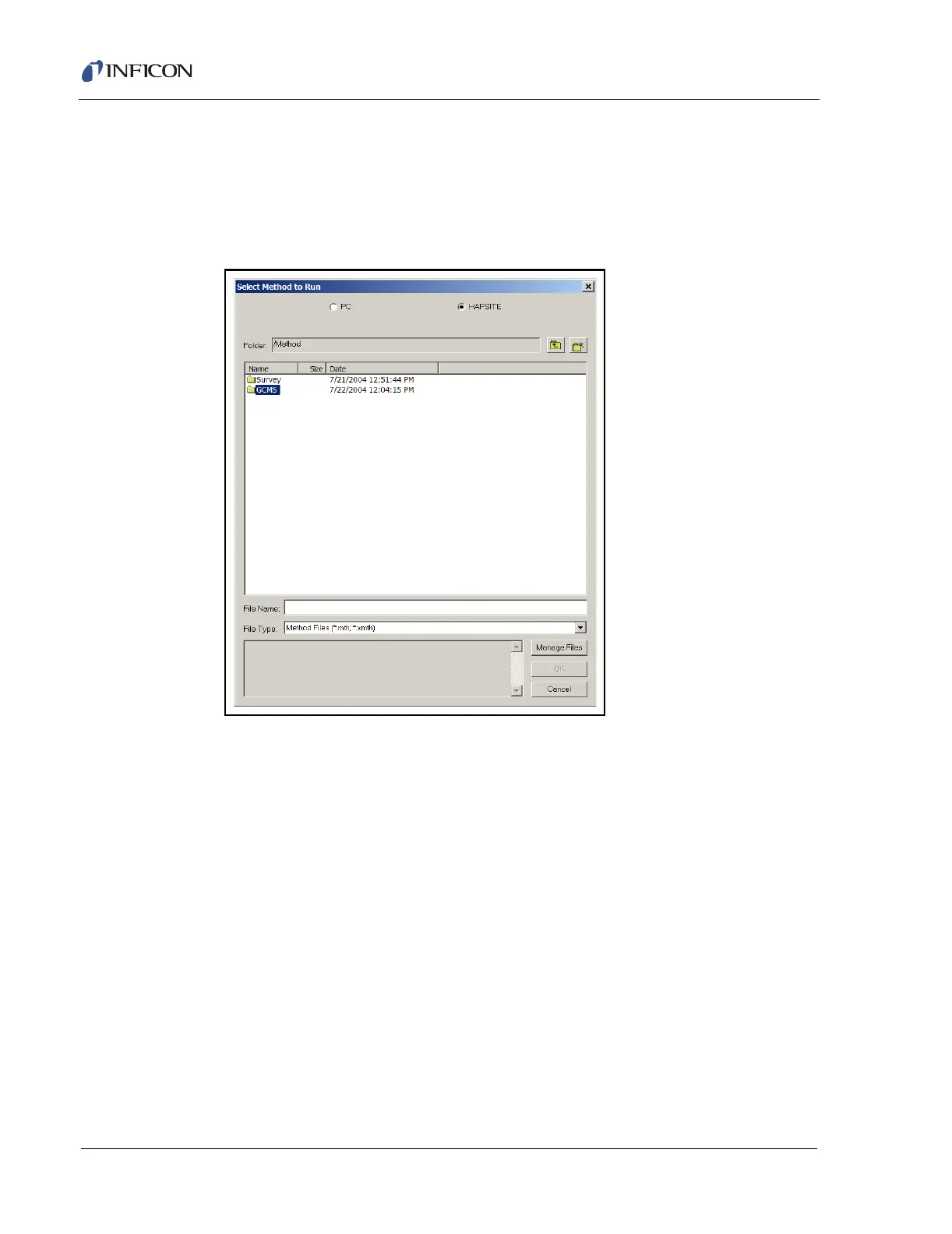
7 Double-click on the Run Method icon. A dialog is displayed to choose the type
of method to run. This example is a GC/MS run, so double-click the GCMS
folder. See Figure 5-5.
NOTE: Use the buttons at the top of the dialog to choose the methods on the
HAPSITE.
Figure 5-5 Choosing the Mode of Operation













 To Next Page