5 - 3
IPN 074-397-P1G
HAPSITE Smart Operating Manual
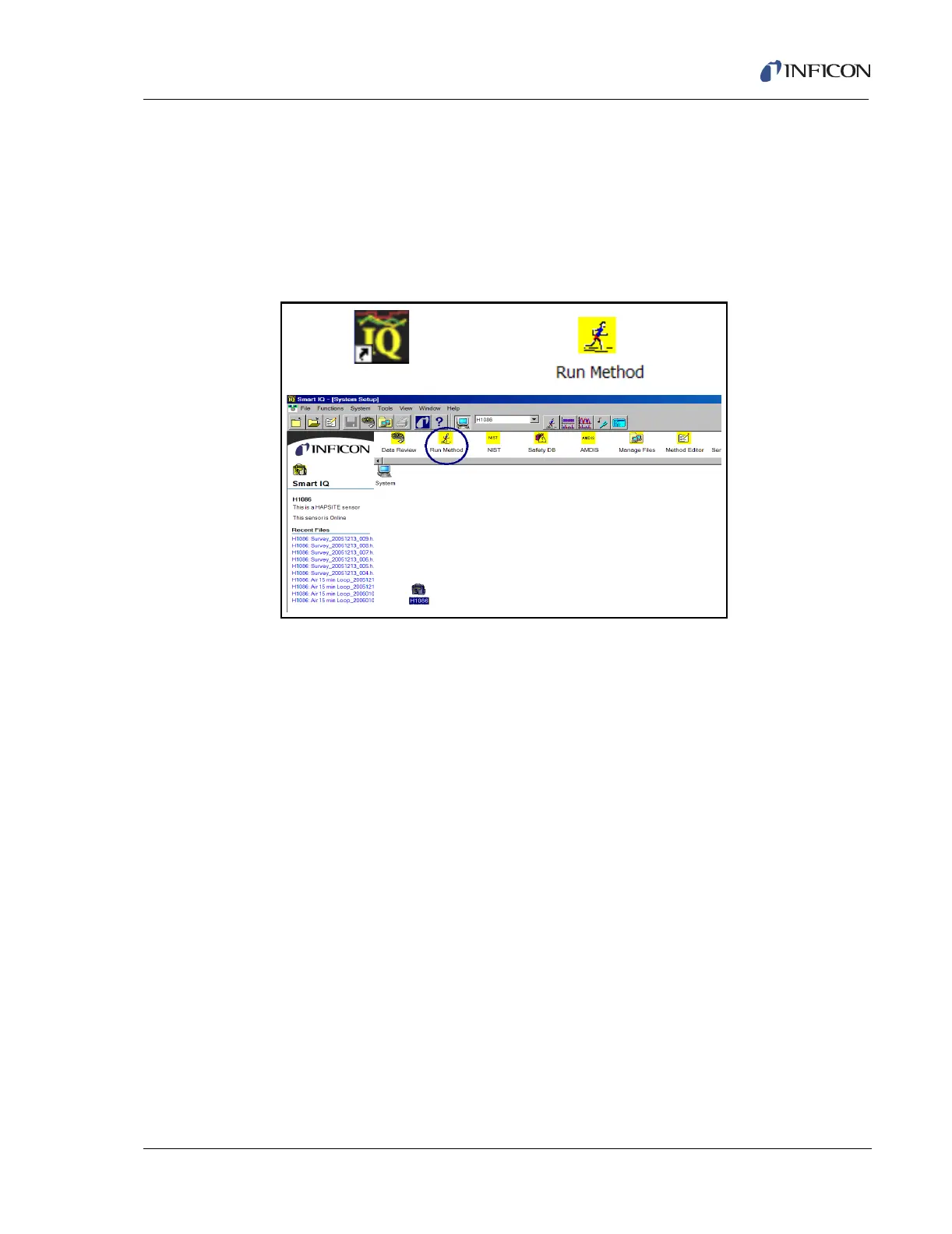
6 Click the Run Method icon. See Figure 5-4.
NOTE: In order to heat up the system and run a tune check (which takes 20
minutes total), a method must be selected. Once the method is
selected, the HAPSITE will automatically heat up and run Autotune.
Figure 5-4 shows the icons needed to access the software and to run
a method.
Figure 5-4 Software Icons and Setup Page













 To Next Page