5 - 2
IPN 074-397-P1G
HAPSITE Smart Operating Manual
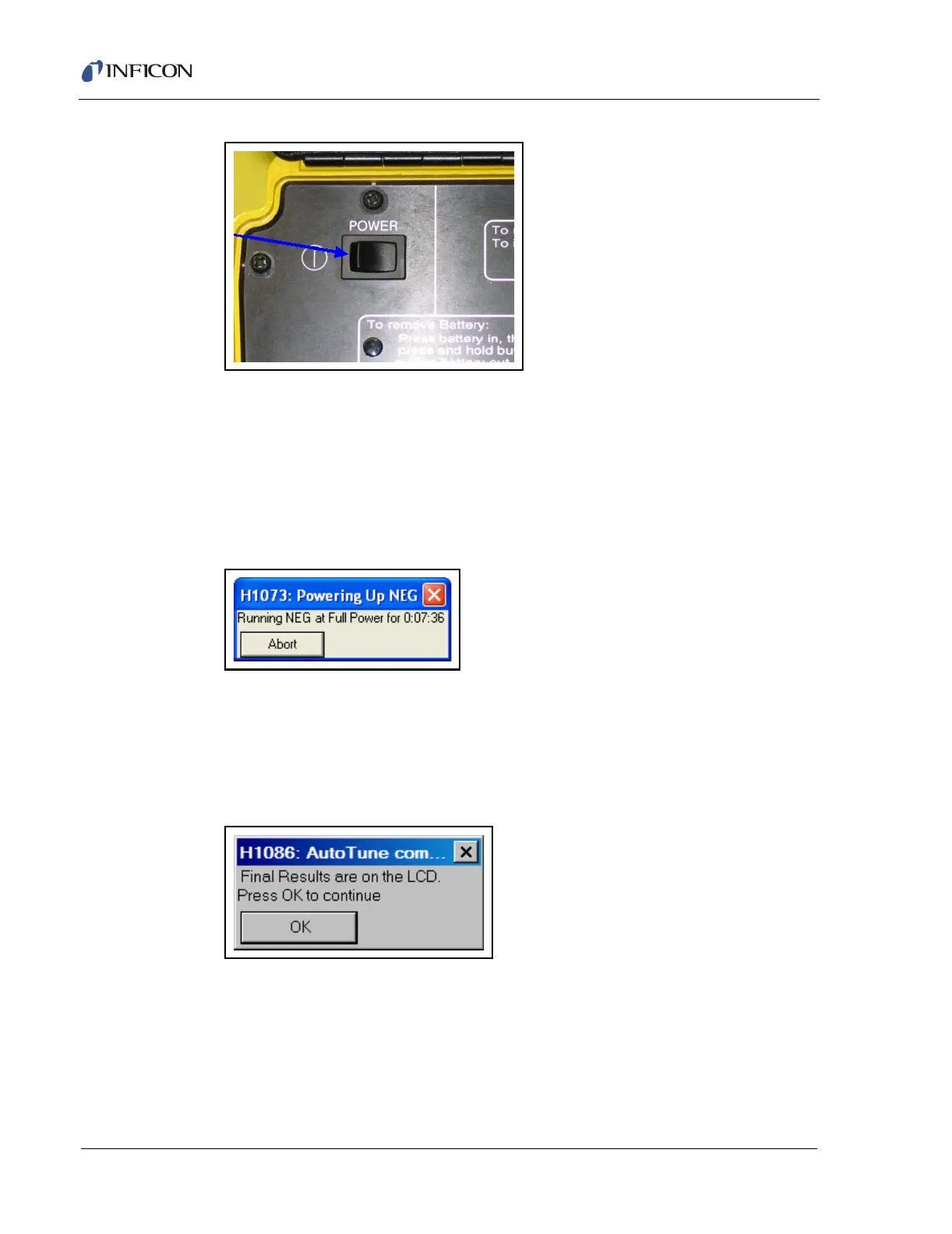
Figure 5-1 Power Switch
3 The laptop computer needs to be powered up. Locate the power cord and
(optional) mouse, plug them into the appropriate places in the back of the
computer. Open the laptop and press the power button.
4 Double-click the Smart IQ icon to open the software. See Figure 5-4.
NOTE: The following message will appear during the power on sequence, see
Figure 5-2.
Figure 5-2 NEG Full Power
5 If the HAPSITE has a startup method designated, then it will run Autotune when
powered up. If no startup method is designated, then the HAPSITE will show
the main menu at startup. If Autotune runs and completes, the Autotune OK
message will appear. Click OK. See Figure 5-3. If Autotune fails, refer to
Section 7.4, Autotune Failure, on page 7-7.
Figure 5-3 Autotune Complete
NOTE: If a startup method is enabled, step 6 through step 10 will be
automatically run.













 To Next Page