8 - 13
IPN 074-397-P1G
HAPSITE Smart Operating Manual
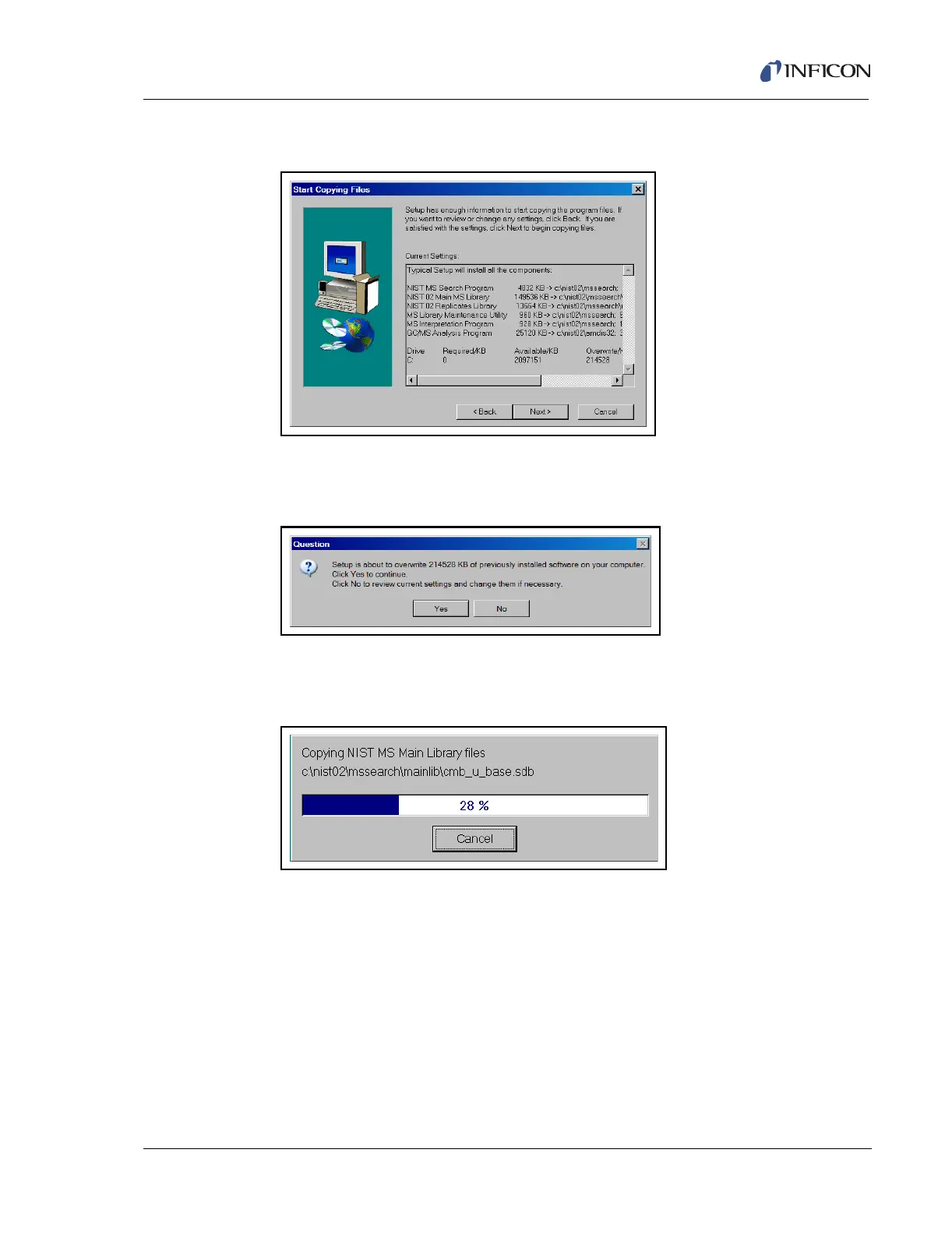
10 Press Next to start copying files. See Figure 8-24.
Figure 8-24 NIST and AMDIS Installation Copying Files
11 If a window appears asking to overwrite existing files, press Yes. See Figure
8-25.
Figure 8-25 Overwrite Files Prompt
12 The installation will proceed automatically, lasting a few minutes. See Figure
8-26.
Figure 8-26 NIST and ADMIS Installation Progress Window
13 A series of setup windows will appear, followed by a create program files
window. When the Setup Complete window appears, press Finish to close the
installation program. See Figure 8-27.













 To Next Page