12 - 21
IPN 074-397-P1G
HAPSITE Smart Operating Manual
2 Select the method to be used to process or re-process the data. After a method
is selected the ID Unknowns control panel will be displayed.
3 Use browse to select the data file(s).
4 Select Start to reprocess the data.
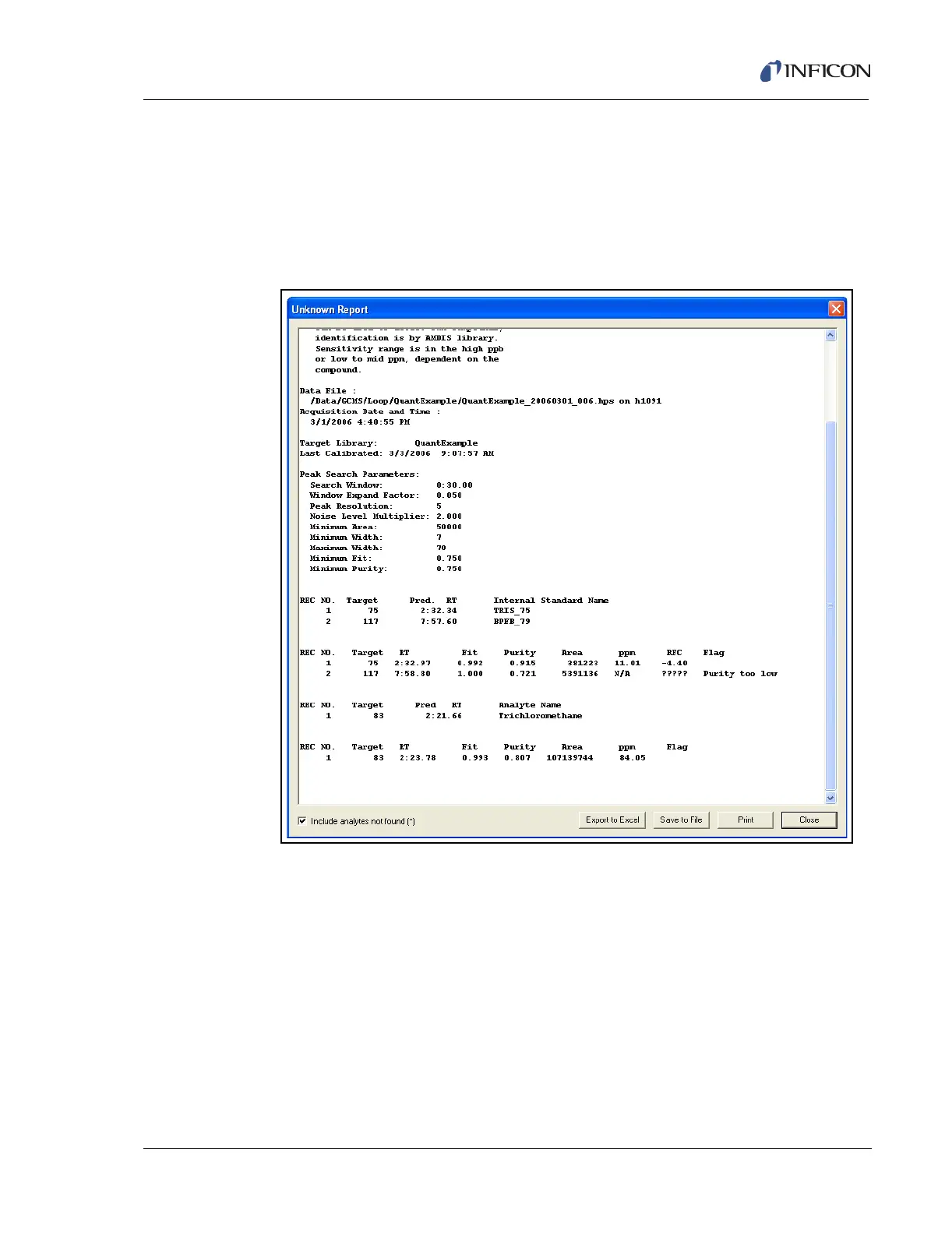
5 View results. See Figure 12-23.
Figure 12-23 Quantitation Report













 To Next Page