14 - 24
IPN 074-397-P1G
HAPSITE Smart Operating Manual
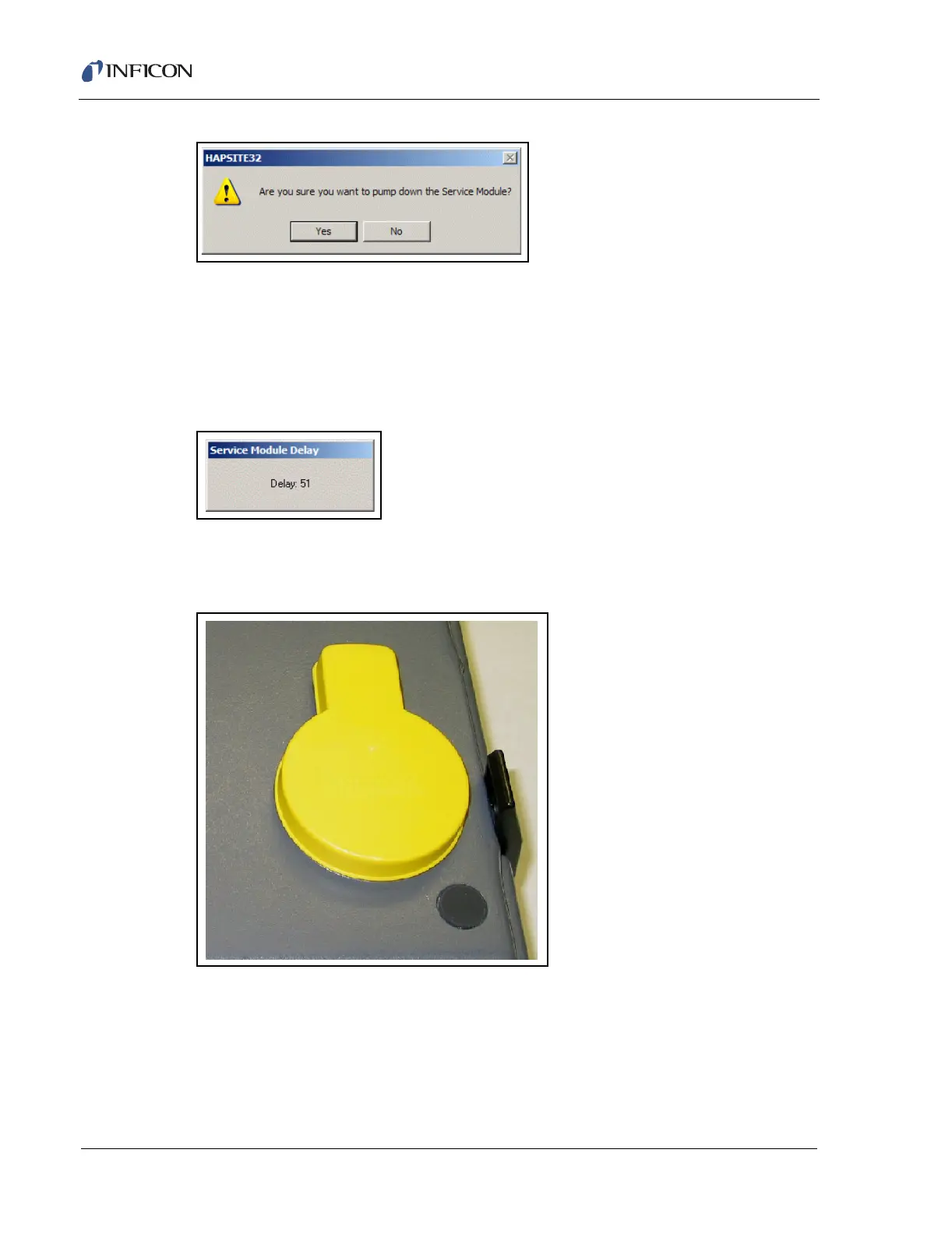
Figure 14-38 Pump Down Service Module Confirm Window
Select Yes to pump down the Service Module and place in storage. A window will
appear counting down a sixty second delay while the pump down procedure
completes, as shown in Figure 14-39.
NOTE: The Pump Down procedure turns on the Roughing pump for sixty seconds
to create a partial vacuum, sealing the aluminum storage plug in place.
Figure 14-39 Pump Down Service Module Delay Screen
After the pump down is complete, place the yellow protective cover on top of the
Service Module aluminum storage plug, as shown in Figure 14-40.
Figure 14-40 Yellow Protective Cover Placed Over Aluminum Storage Plug on Service Module
To complete the Service Module storage, turn off the Service Module power switch
at the back left of the instrument.













 To Next Page