14 - 23
IPN 074-397-P1G
HAPSITE Smart Operating Manual
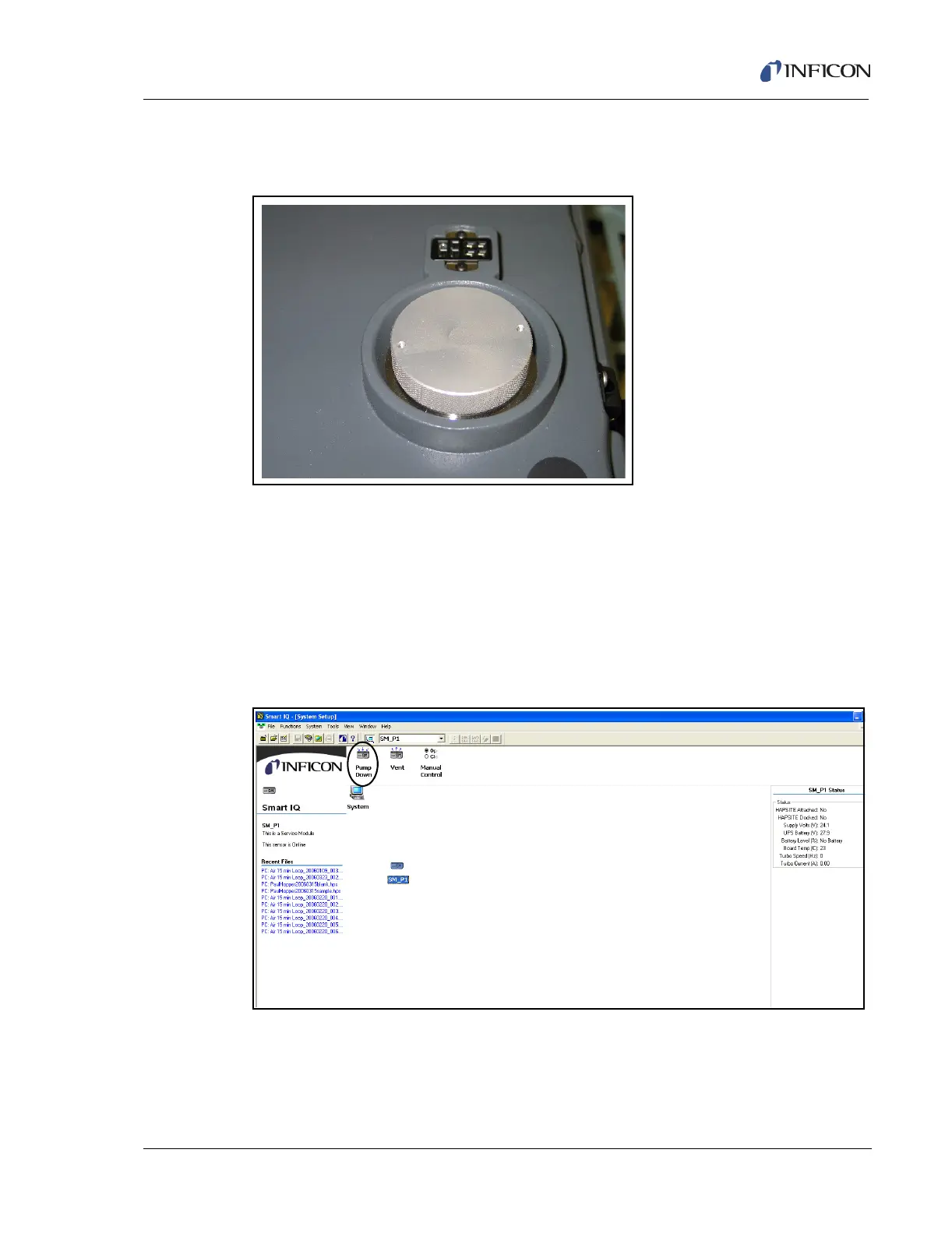
To place the Service Module in storage, the aluminum storage plug is placed on
the opening where the HAPSITE connects, as shown in Figure 14-36.
Figure 14-36 Service Module Aluminum Storage Plug in Place on Service Module
HINT: Confirm the RS-232 communication cable is connected to the Service
Module and Laptop. If the RS-232 communication cable is not attached,
refer to section 2.7.1, Setting Up the Service Module, on page 2-18 before
proceeding.
The Service Module must be pumped down. Open the Smart IQ program.
Double-clicking on the Pump Down icon will start the pump down process, as
shown in Figure 14-37.
Figure 14-37 Service Module Pump Down Button
The prompt shown Figure 14-38 will appear to confirm pumping down the Service
Module.













 To Next Page