15 - 45
IPN 074-397-P1G
HAPSITE Smart Operating Manual
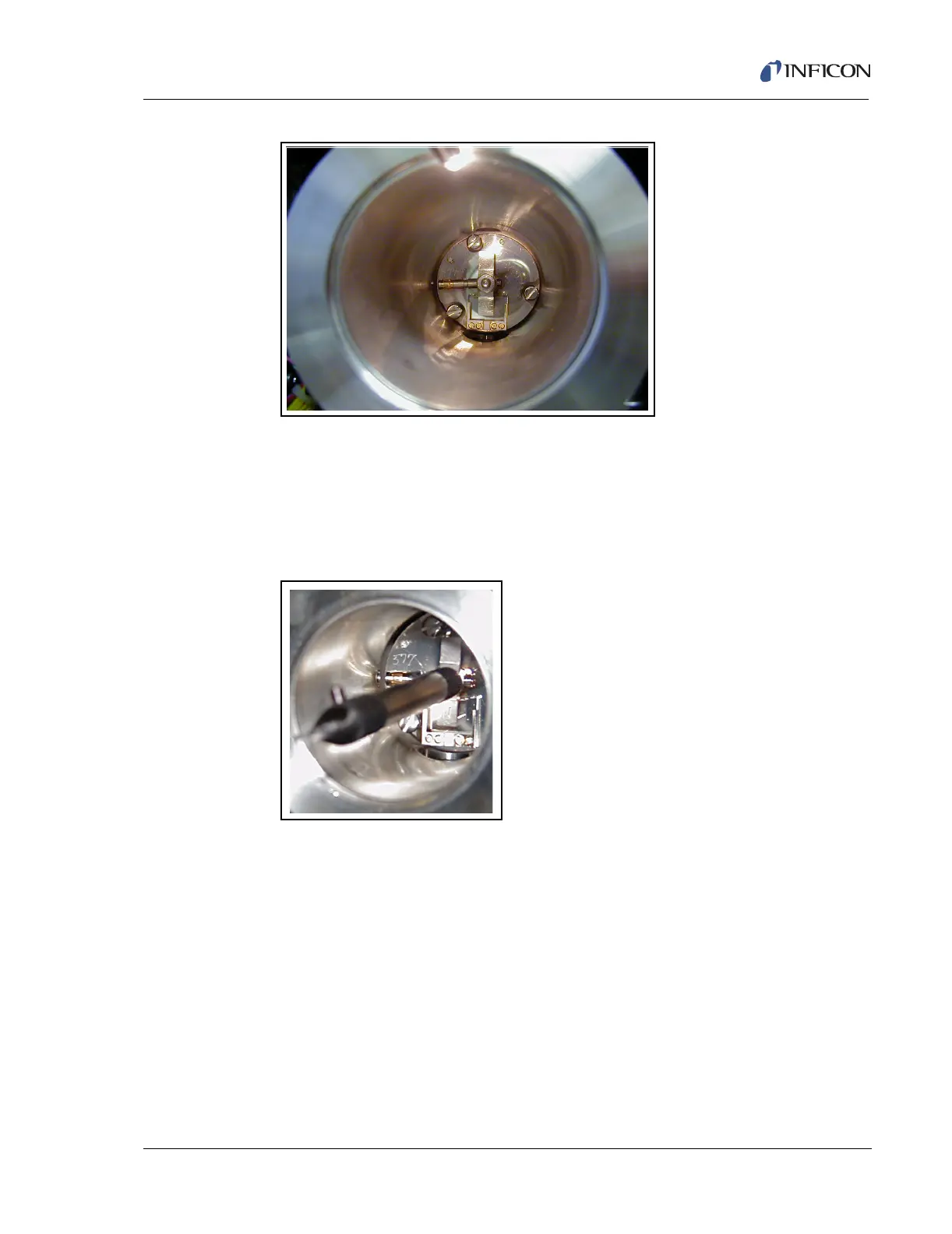
Figure 15-48 Extension Tube Slid into the Ion Volume
13 Use the flat head screw driver to loosen the three screws which secure the
ionizer to the quadrupole within the manifold. The screws are captive and will
not fall out.
14 Thread the ionizer removal tool onto the stud in the center of the ionizer. See
Figure 15-49.
Figure 15-49 Ionizer Removal Tool
15 Use a slight rocking motion pulling straight back and remove the ionizer from
the manifold.
16 Remove the extension tube from the old ionizer and carefully insert into the ion
volume of the new ionizer.
17 Thread the ionizer removal tool onto the stud in the center of the new ionizer,
and insert the ionizer into the manifold. Position the ionizer so the ceramic
filament holding block is at the bottom. When the assembler feels the five
connector pins registering with their respective sockets, press the ionizer firmly
into place, and unscrew the tool.













 To Next Page