15 - 50
IPN 074-397-P1G
HAPSITE Smart Operating Manual
Do not tighten the bulkhead unions unless loose. The
bulkhead unions only need to be snug against the wall of
the column.
Be very careful to not cross-thread the steel fittings.
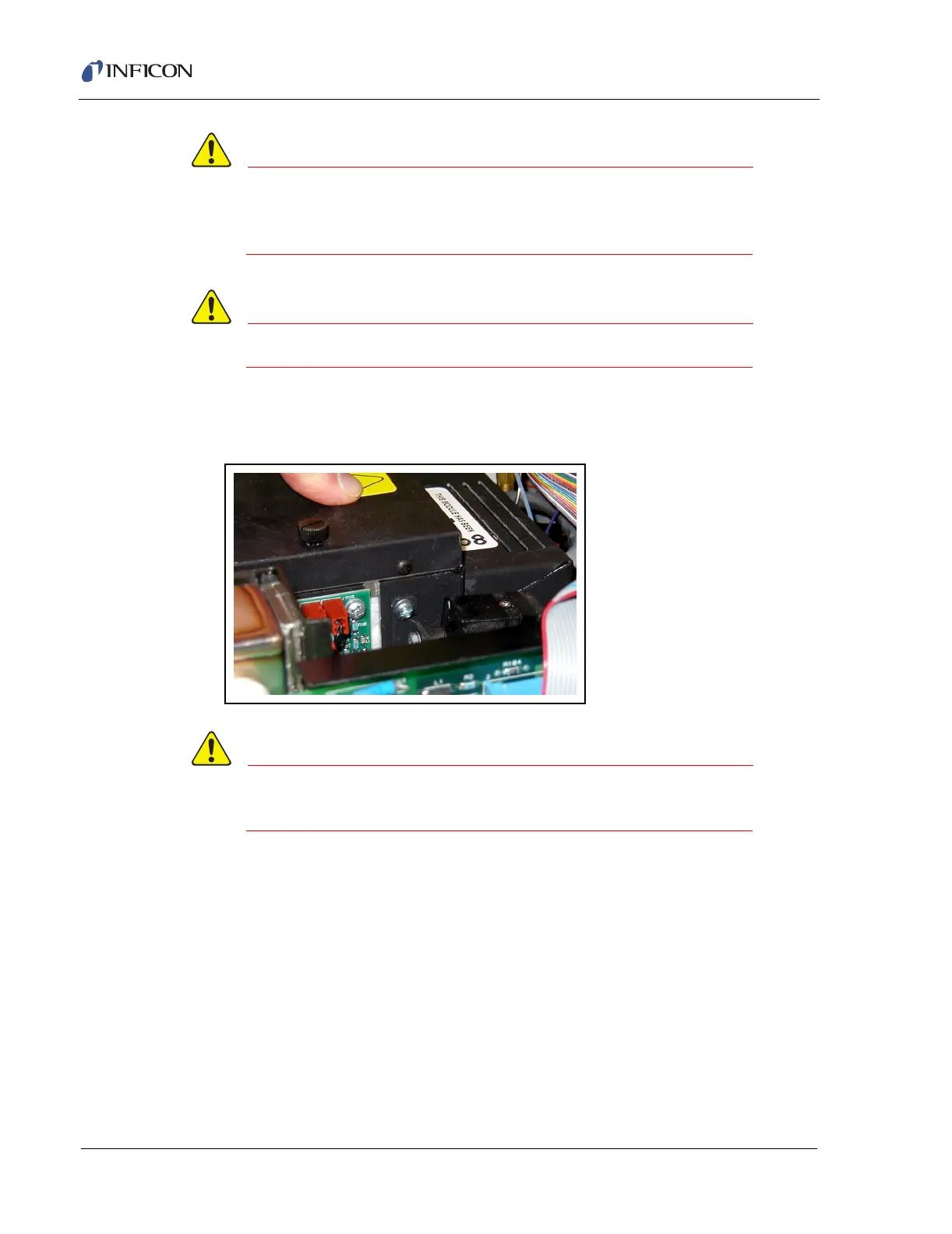
8 Replace the GC cover back on retighten the screw. Ensure the column module
is seated properly. Figure 15-55
Figure 15-55 Replace GC Cover
The Gas Chromatograph will not operate properly
without this cover in place.
9 The temperature of the new column should read room temperature on initial
start up. If the temperature of Column Module is not reading accurately, then
the Column module is not seated to the Column Control board properly. Reset
the column to the column control board and verify the column temperature. To
test the replacement column be sure the heaters warm up, the pressure is
stable, and run several blank runs test the GC module (IPN 930-244-G1) and
replacement column module (IPN 930-489-Gx) as a complete system.













 To Next Page