15 - 49
IPN 074-397-P1G
HAPSITE Smart Operating Manual
4 Lift up on the column module and remove it.
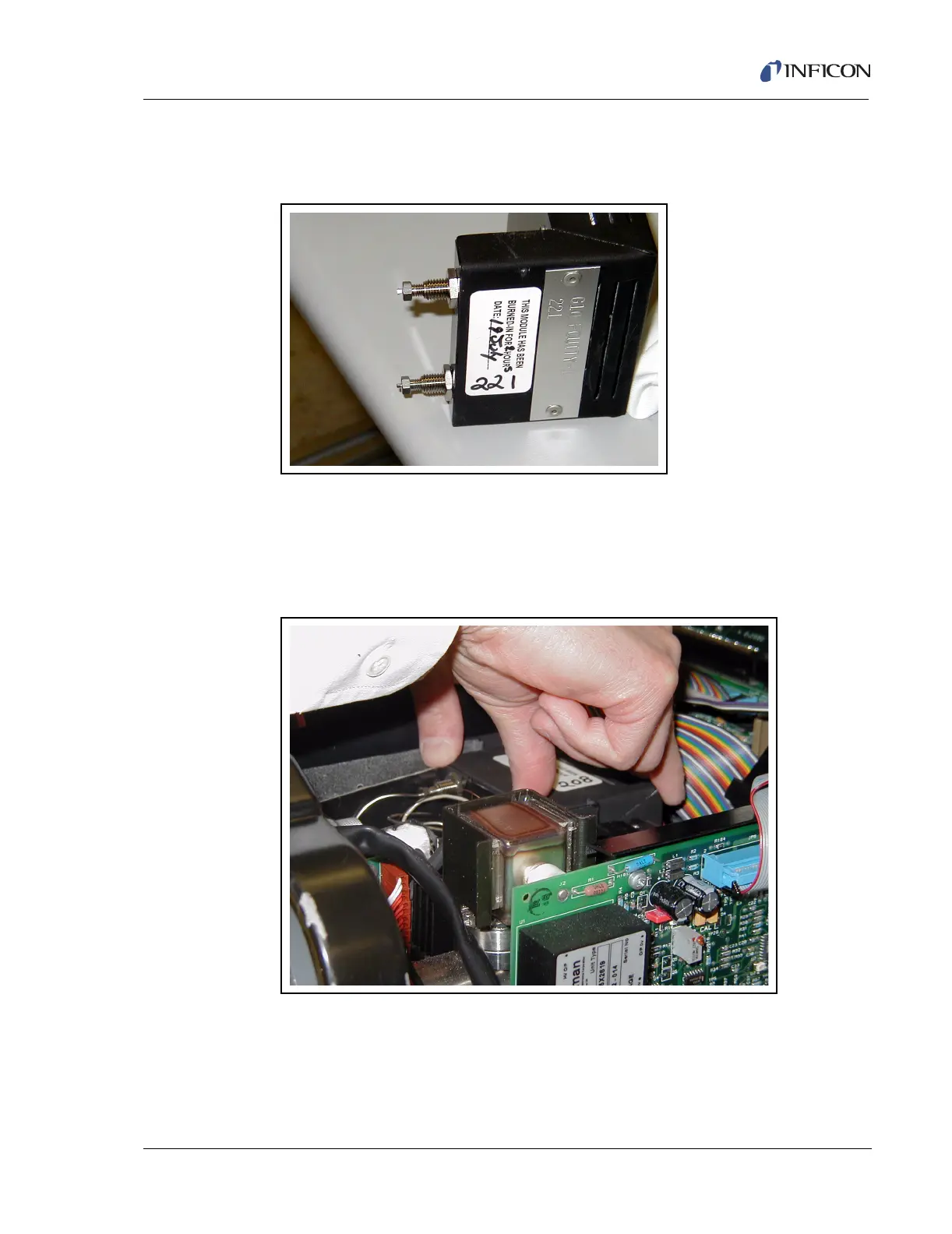
5 Unscrew the two fittings on the replacement module as shown in Figure 15-53.
Figure 15-53 Column Module Replacement
6 Insert the replacement column in the exact same manner as the old column
was removed. Ensure that the module sits correctly on the connector on the
bottom of the column. See Figure 15-54.
7 Reconnect the two stainless steel lines.
Figure 15-54 Replacement Column Module













 To Next Page