RTC6 boards
Doc. Rev. 1.0.21 en-US
18 Appendix C: The RTC6 EtherBox
935
18.1 Mounting
• Use the top-hat rail bracket on the backside, see
Figure 93, to hang the RTC6 EtherBox in a top hat
rail. alternatively, place the device free.
18.2 Cabling
• Power is supplied via a Phoenix connector, see
Figure 94. Use the delivered Phoenix mating
connector (manufacturer’s article number:
1827703).
• SCANLAB recommends grounding the device. To
do so, connect the grounding to the flat
connector (6.3×0.8×4.3 mm).
• Connect the PC to the Ethernet connector via an
Ethernet cable.
• Connect your desired devices to the respective
connector. Observe the pin-outs of the
connectors, see Figure 94.
• For the electrical integration of the
RTC6 EtherBox, use only the connections on the
outside of the housing. Do not use any pins on
the built-in RTC6 Ethernet Board (see Figure 95)
that are not connected by SCANLAB to
connectors on the housing of the RTC6 EtherBox.
• Do not connect the master/slave connector of the
RTC6 EtherBox to that of separate RTC6 boards
because the pin-outs are different.
• If you supply multiple RTC6 Ethernet
Boards/RTC6 EtherBoxes with voltage from only
one source, you must implement the cabling as
shown in Figure 88.
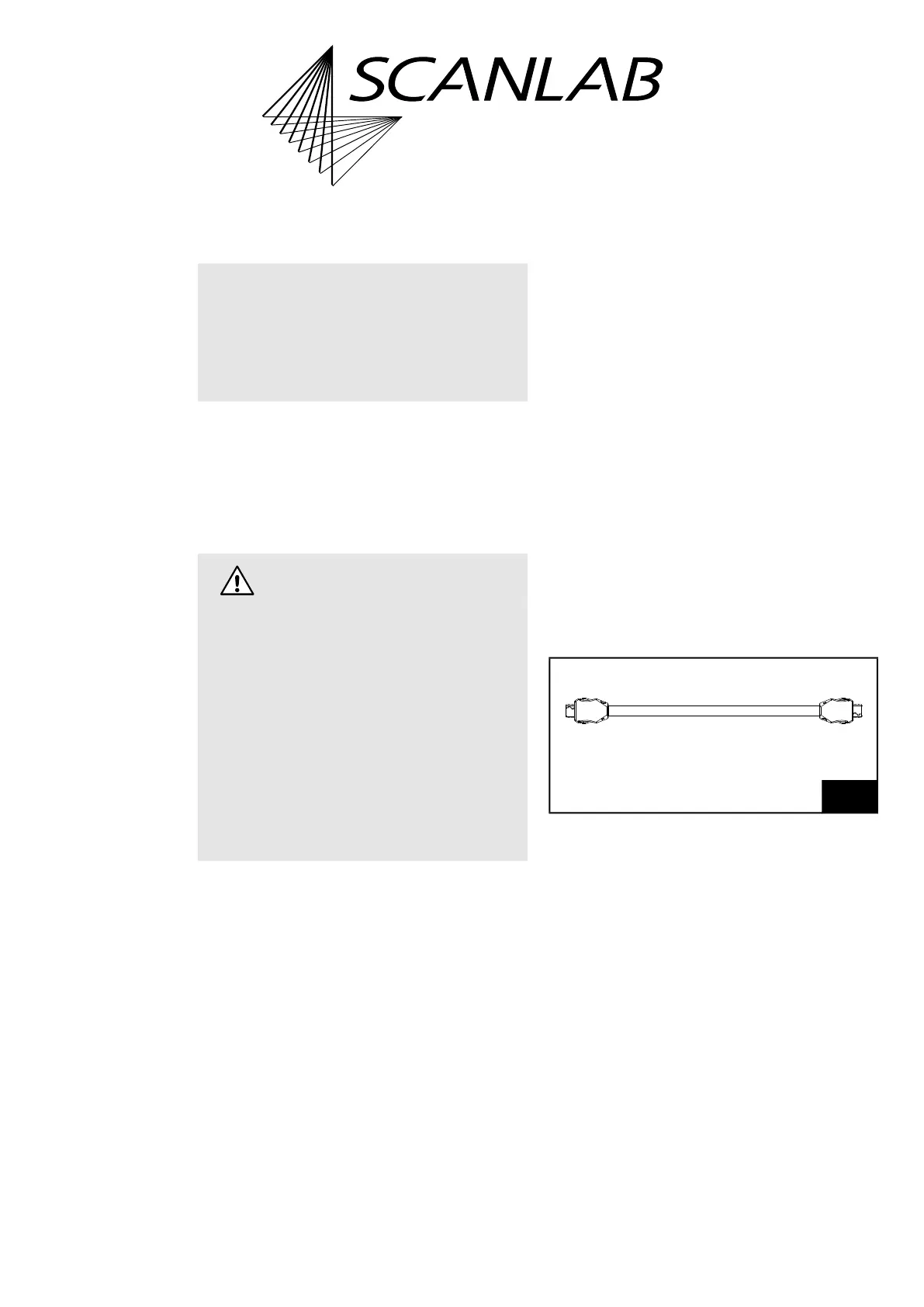
• If you use several RTC6 EtherBoxes together
(1)
,
take care of a correct master/slave connection. A
suitable cable is available from SCANLAB,
see Figure 96.
Notice!
• The RTC6 board will be irreversibly destroyed if
overheated. Make sure that the perforated sides
of the RTC6 EtherBox are never closed or
covered.
Caution!
• Even when both RTC6 EtherBoxes are connected
to the same power supply, different potentials
can result of unfavorable cabling and can
destroy the boards. To avoid them:
– Connect one RTC6 EtherBox to the power
supply. Then connect the other RTC6 EtherBox
by a cable junction to the same power supply.
– Keep the connection between the
RTC6 EtherBoxes as short as possible.
– First do the cabling of the components
correctly, then switch on the power supply.
– Switch off the power supply before
disconnect the cabling.
(1) See also Chapter 6.6.3 ”Master/Slave Operation”,
page 124.
96
SCANLAB Master/Slave connecting cable for
RTC6 EtherBoxes.
#149964 l = 200 mm



 To Next Page