5 - 35
IPN 074-397-P1G
HAPSITE Smart Operating Manual
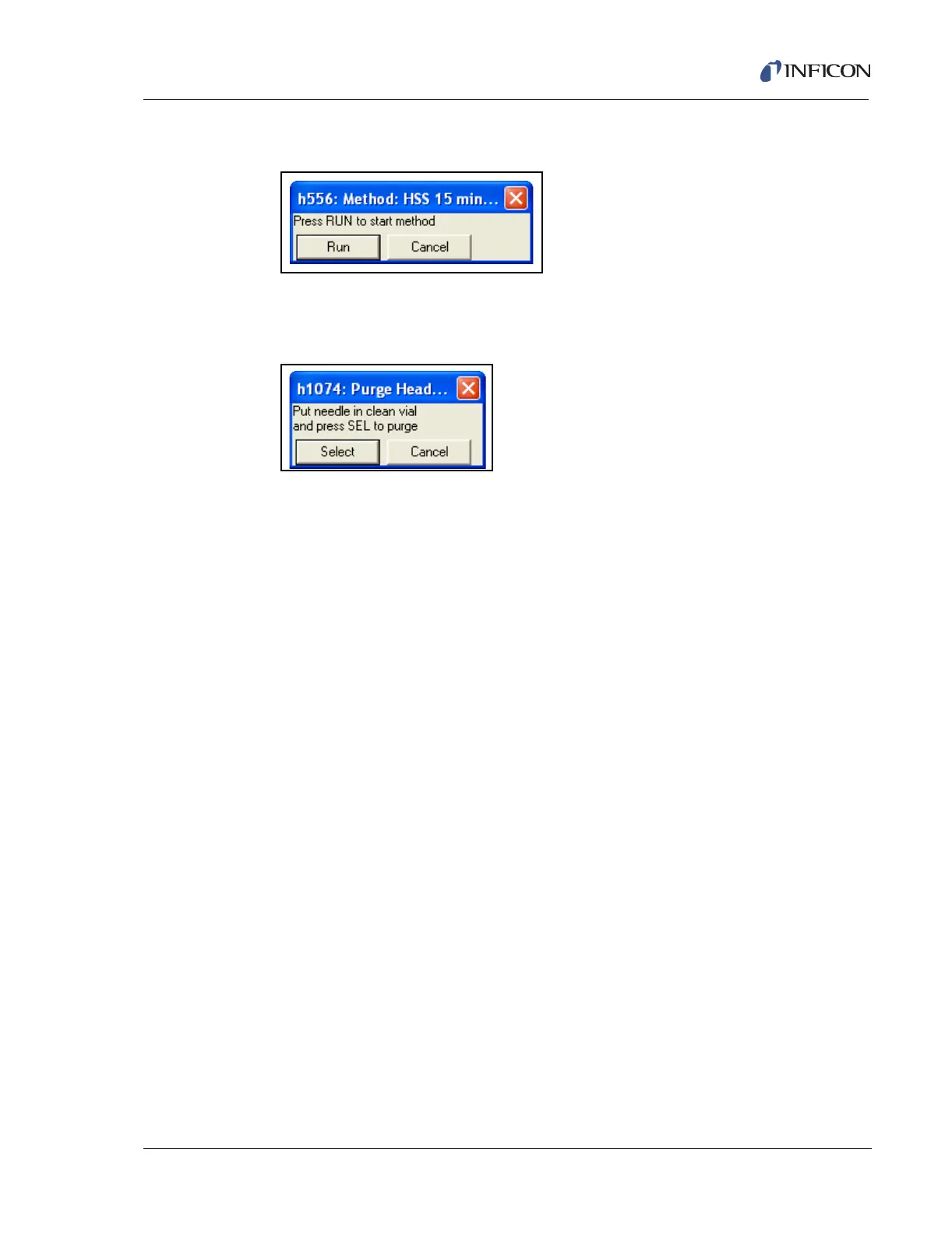
9 Click the Run button. See Figure 5-52.
Figure 5-52 Run Button
10 When prompted at the end of the run, place the headspace needle in a clean,
empty purge vial and press Select. See Figure 5-53.
Figure 5-53 Purge Vial Prompt
11 To analyze the data, see Chapter 9, Data Review.













 To Next Page