9 - 27
IPN 074-397-P1G
HAPSITE Smart Operating Manual
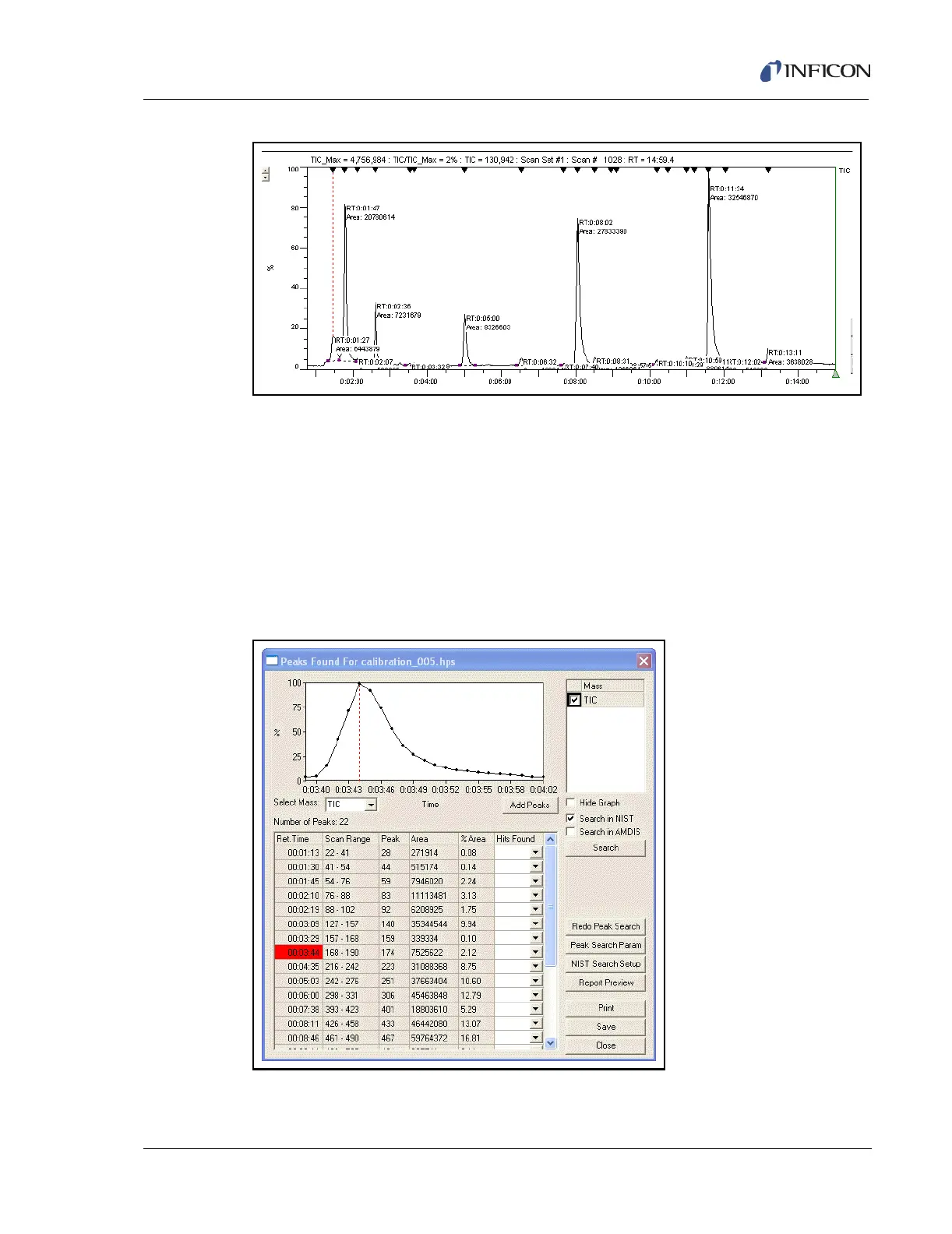
Figure 9-33 Post Analysis Display
In Figure 9-33, both the Search for Peaks function and the Label the Peaks
function have been selected. Therefore, the retention time of each peak is
displayed in the TIC/RIC window. At the top of the TIC/RIC window, the black
triangles mark each peak that met the search parameters.
To display the results, select Peaks >> Show current search results. The results
screen will be displayed.
The results screen displays the information pertaining to each peak that met the
search criteria. See Figure 9-34.
Figure 9-34 Results Display













 To Next Page