12 - 16
IPN 074-397-P1G
HAPSITE Smart Operating Manual
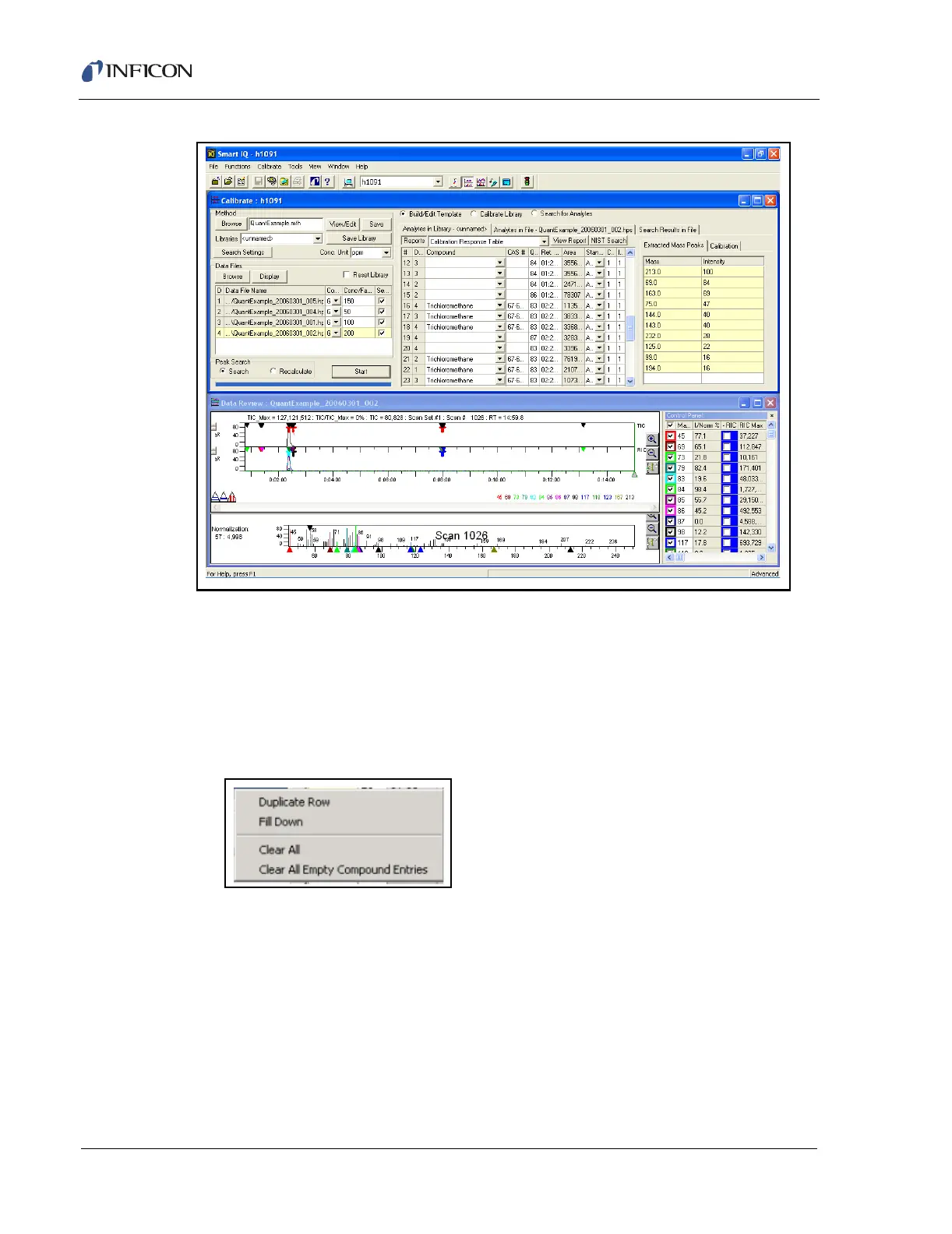
Figure 12-14 Calibrate Display with Detected Peaks
9 The template can now be edited to remove duplicate and unidentified entries
from the analyte list. Place the mouse cursor over the compound name of an
entry to be deleted or edited. Refer to Figure 12-14 and Figure 12-16.
HINT: Only keep one entry for each compound. In this example the Internal
Standards and the compound of interest are repeated multiple times.
Delete the duplicate entries.
Figure 12-15 Right Mouse Button in Calibration Control Panel
Select the right mouse button. The options available are:
Duplicate Row. . . . . . . . . . . . . . Creates a duplicate entry for the highlighted
row.
Fill down . . . . . . . . . . . . . . . . . . Replaces the contents of all rows below the
highlighted row with the name of the selected
compound.
Clear All. . . . . . . . . . . . . . . . . . . Erases all entries in the Template.













 To Next Page