2 - 21
IPN 074-397-P1G
HAPSITE Smart Operating Manual
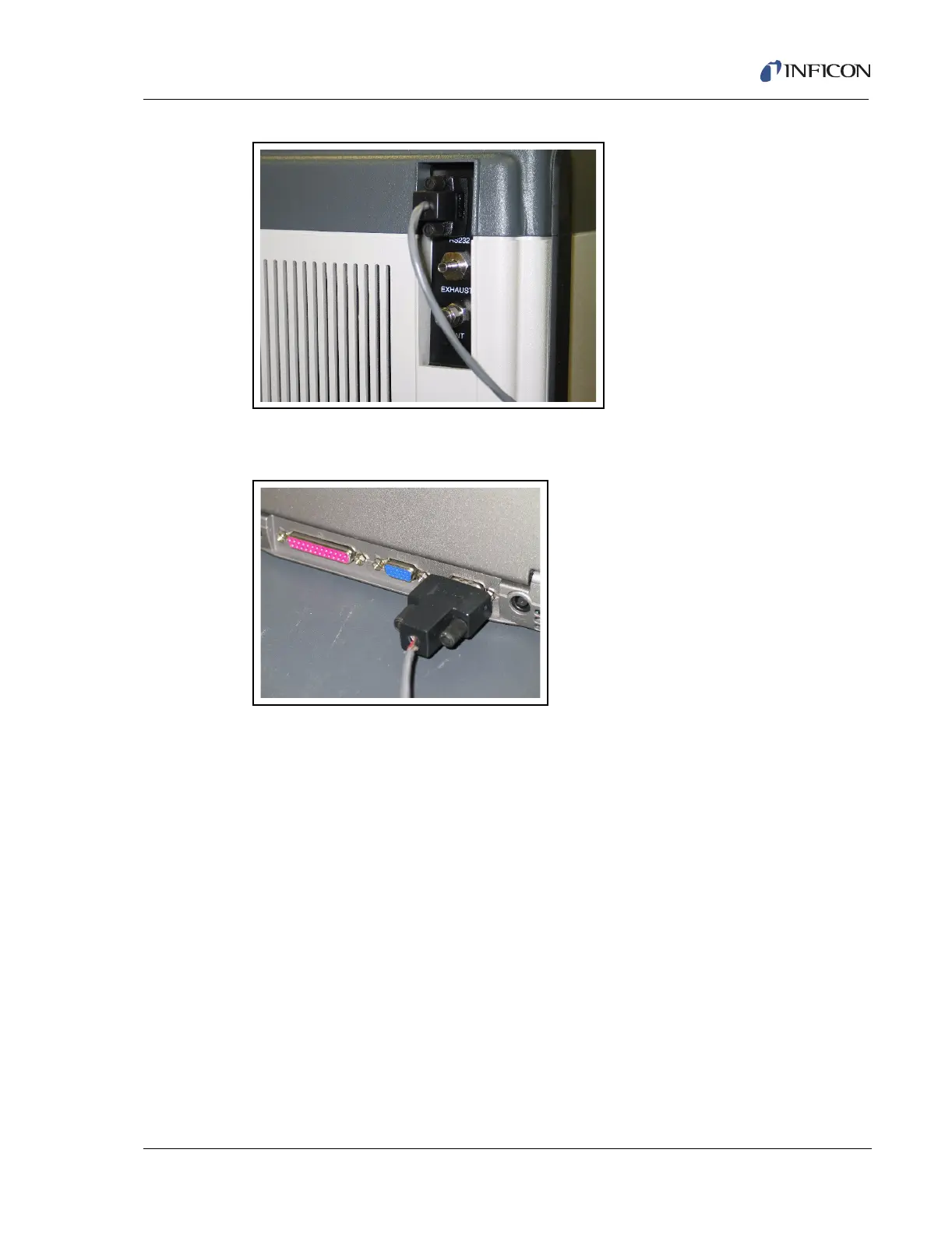
Figure 2-28 RS232 Communication Cable Attached to Back Right Side of Service Module
Now attach the RS232 cable to the laptop computer, as shown in Figure 2-29.
Figure 2-29 RS232 Communication Cable Attached to PC
Turn on the Power switch for the Service Module, located at the back right corner
of the Service Module (refer to Figure 2-26).
Open the Smart IQ program.













 To Next Page