156
6.4 Functions of the exposure screen
z
Highlight display of the tube/gauze
1
Select the [QUICK] tab.
2
Press the [Tube/Gauze] button.
HINT
•••••••••••••••••••••••••••••••••••••
• The highlight function for the tube/gauze is turned on
and o every time you press the [Tube/Gauze] button.
Tube/Gauze:
OFF
Tube/Gauze:
Level 2
•••••••••••••••••••••••••••••••••••••••••••••••••••••
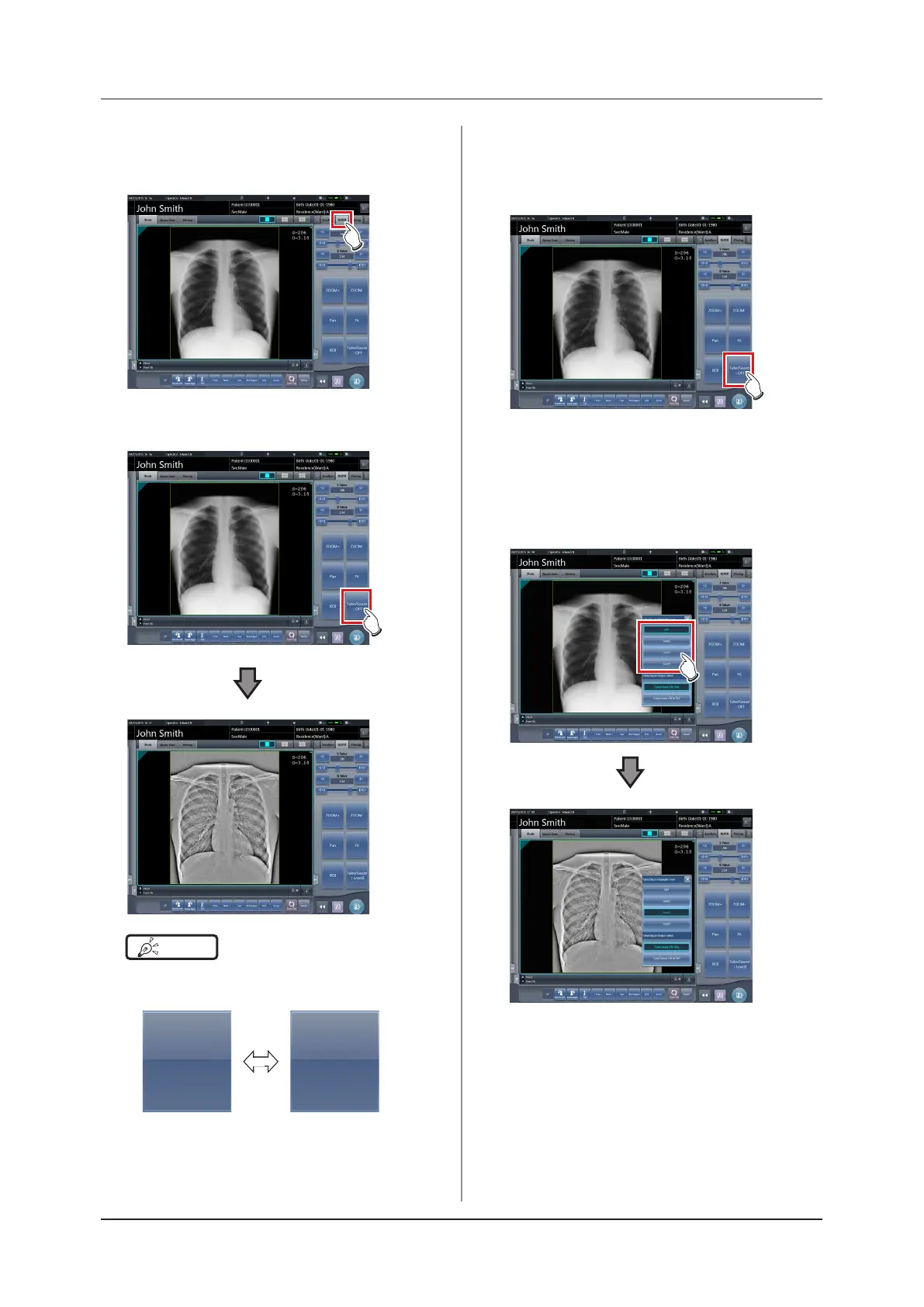
z
Changing the highlight level
1
Press the [Tube/Gauze] button for 1 sec-
ond or more.
• The highlight level change dialog box is dis-
played.
2
Press [OFF] or the button of the level to
be changed on the highlight level change
dialog box.
• The highlight level is changed.













 To Next Page