87
Chapter 5
5.2
Exposure procedure with DR Detector (Basic connection)
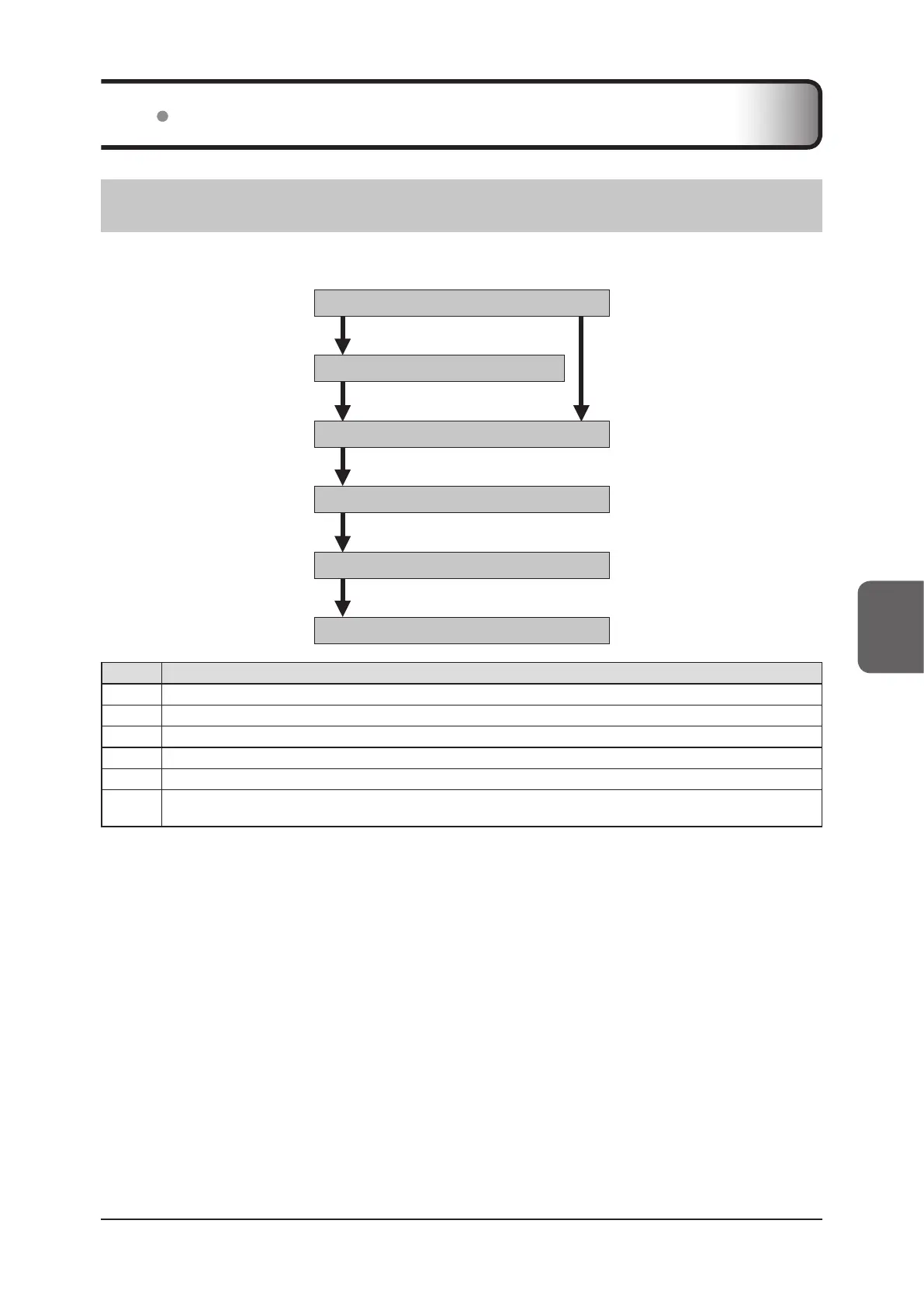
5.2.1 Exposure procedure ow
The following describes the basic ow of exposure procedure using the DR Detector. See each item for detailed pro-
cedures.
5.2.5 Exposure procedure ………………… (4)
5.2.4 Manual body part selection ………… (3)
5.2.3 Selection of examination …… (2)
5.2.2
New registration of patient information
… (1)
5.2.6
Image adjustment on the exposure screen
… (5)
5.2.7 Examination completion and output … (6)
Number Task
(1)
Perform a new patient registration in the patient registration screen.
(2) Select the examination target in the list screen.
(3) Set the exposure body part and exposure condition.
(4) Press the exposure switch.
(5) Adjust the exposed images after exposure. Change the S value/G value, move the ROI area, etc.
(6)
When all exposures are nished, the examination is completed. Image is simultaneously and automatically output upon
examination completion. (depending on the settings)













 To Next Page