308
7.14 Merging and separation of studies
Number Name Functions
(5)
Image Move
button
Moves the selected images.
:
Moves the images from the
image list on the right to the
image list on the left.
:
Moves the images from the
image list on the left to the
one on the right.
:
Swap images between the
left and right image lists.
(6) Close button
Cancels operation of moving
images, and returns to the
list screen.
(7) Save button
Saves the result of moving
images.
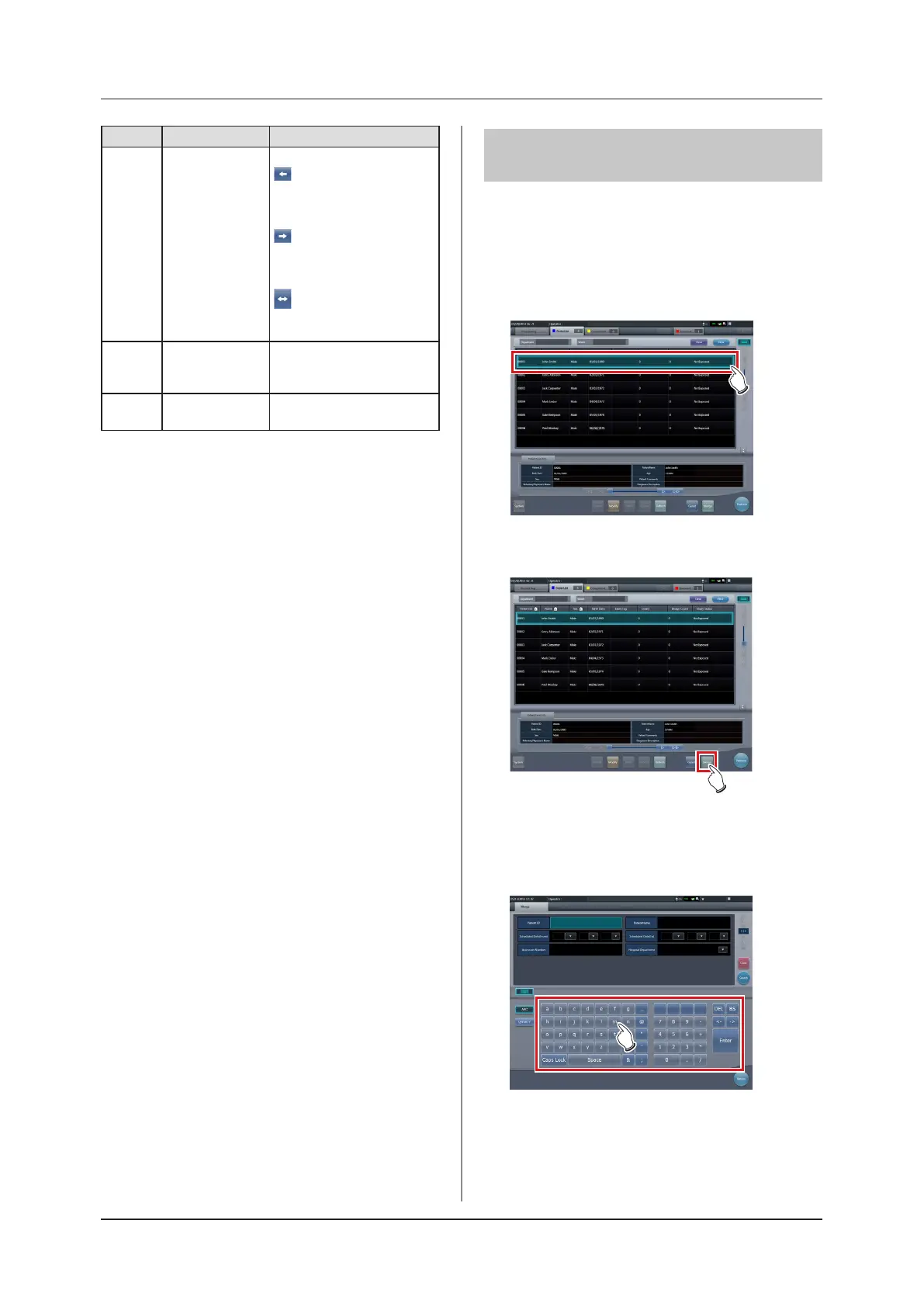
7.14.2 Merging of studies
The following describes the procedure for merging (re-
assigning) studies from the list screen.
1
Select a study with a "Suspended" or "Ex-
posed" status that you want to merge on
the list screen.
2
Press [Merge].
• The Study Search screen is displayed.
3
Enter the patient name, ID, and other
items of the destination study.













 To Next Page