57
Chapter 3
3.5 Exposure screen
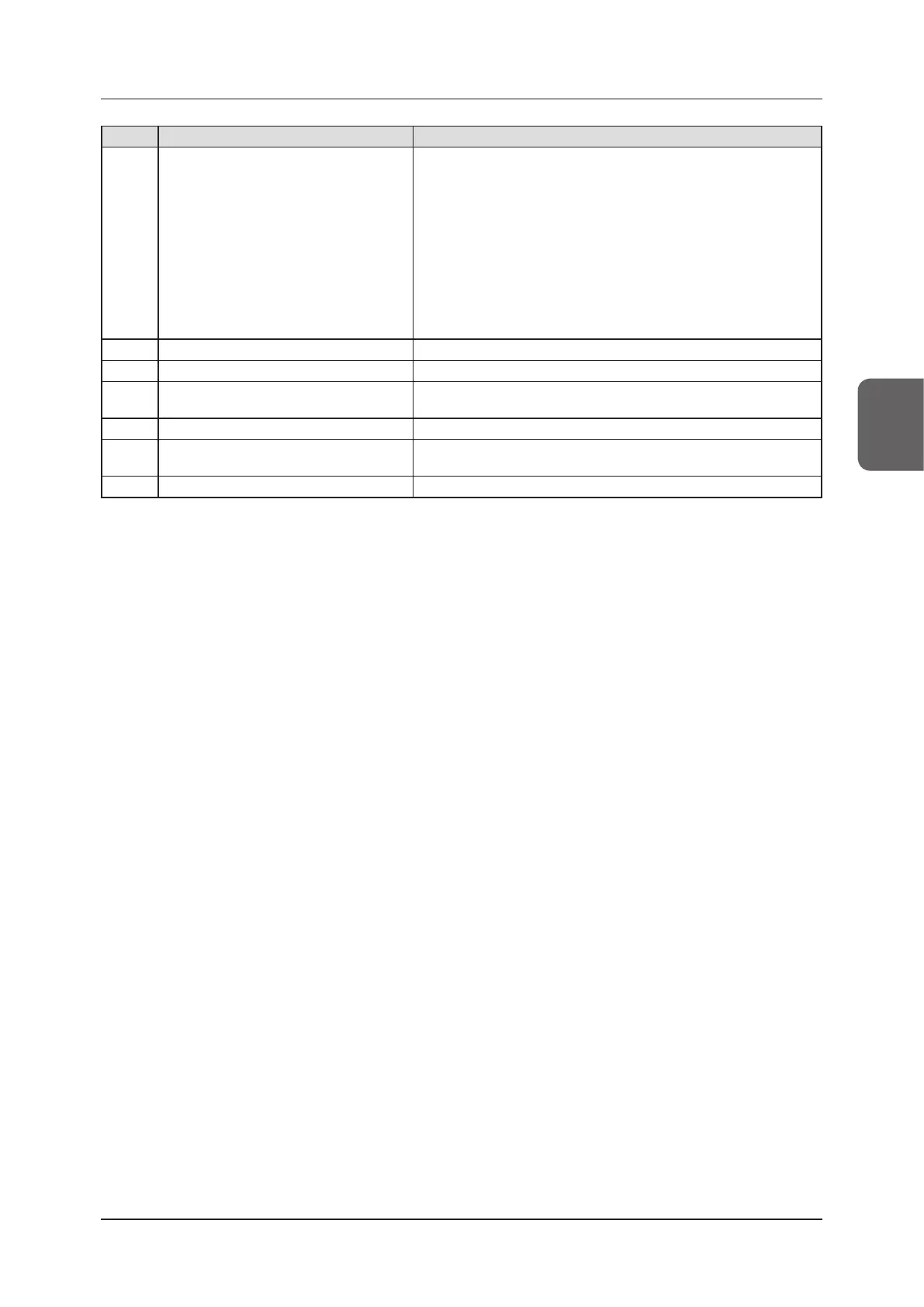
Number Name Functions
(5) Pan/S/G/Rotate&Flip buttons
They change screen display format.
[Pan]:
Switches to the pan mode. Press it again to cancel the pan mode. You
can move a desired image by dragging it while the pan mode is turned
on.
[S/G]:
Switches to the operation mode used to adjust the S/G value. Pressing
it again cancels the operation mode for adjustment. You can adjust the
S and G values by dragging the image while the operation mode for
adjustment is turned on.
[Rotate&Flip]:
Press this button to display the screen to rotate and ip an image.
(6) E process/F process/Hybrid/Tool buttons
Performs the process when pressed.
(7) Text button The viewer screen is displayed. Place the annotation.
(8) Cropping button
The viewer screen is displayed, so set the eective image area manu-
ally.
(9) Masking button The viewer screen is displayed, so set the masking area manually.
(10) Preview button
Displays a preview image in which the set output conditions are reect-
ed.
(11) Reset button Returns to the state when image was displayed.













 To Next Page