59
Chapter 3
3.5 Exposure screen
IMPORTANT
•••••••••••••••••••••••••••••••••••••••••••••••••••••••••••••••••••••••••••••••••••••••••••••••••••••
• In the case of CR cassettes, "Standard" (175μm) or "High" (87.5μm) can be selected. The resolution in the case of Exam.
Tag for mammograms is however 87.5μm for "Standard" and 43.75μm for "High".
• In the case of AeroDR 3 1417HD, "Standard" (200μm) or "High" (100μm) can be selected.
Conrm the operational environment of this device before setting to "High" (100μm) because its image size is 3 times larger
than those of AeroDR 1417HQ, AeroDR 1417S, AeroDR 1717HQ, AeroDR 1012HQ, AeroDR 2 1417HQ, or AeroDR 2
1417S.
• In the case of AeroDR 1417HQ, AeroDR 1417S, AeroDR 1717HQ, AeroDR 1012HQ, AeroDR 2 1417HQ, or AeroDR 2
1417S, the resolution is set to "Standard" (175μm). It is not possible to select the resolution.
• In some cases the maximum exposure time is xed by the X-ray device and is not displayed. For more details, contact Koni-
ca Minolta technical representatives.
• The maximum exposure time of the One Shot stitching exposure using the maximum exposure time button diers from that
of normal exposure.
•••••••••••••••••••••••••••••••••••••••••••••••••••••••••••••••••••••••••••••••••••••••••••••••••••••••••••••••••••••
HINT
•••••••••••••••••••••••••••••••••••••••••••••••••••••••••••••••••••••••••••••••••••••••••••••••••••••
• You can display Maximum Exposure Time button by setting it using the service tool. For more details, contact Konica Minolta
technical representatives.
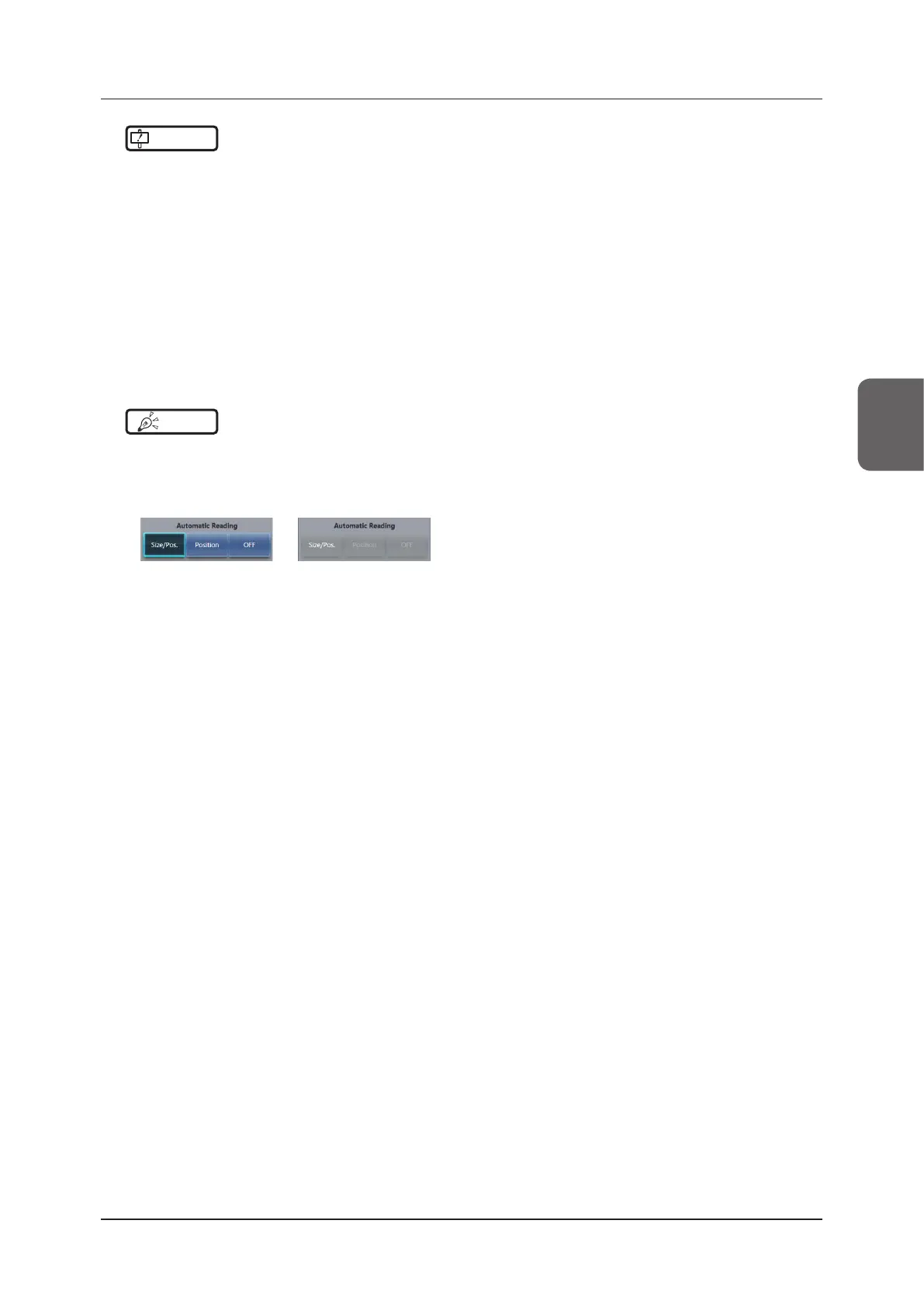
• After performing an exposure, the reading conditions set when the exposure was performed are displayed in white, bold
characters.
Before After
•••••••••••••••••••••••••••••••••••••••••••••••••••••••••••••••••••••••••••••••••••••••••••••••••••••••••••••••••••••













 To Next Page